
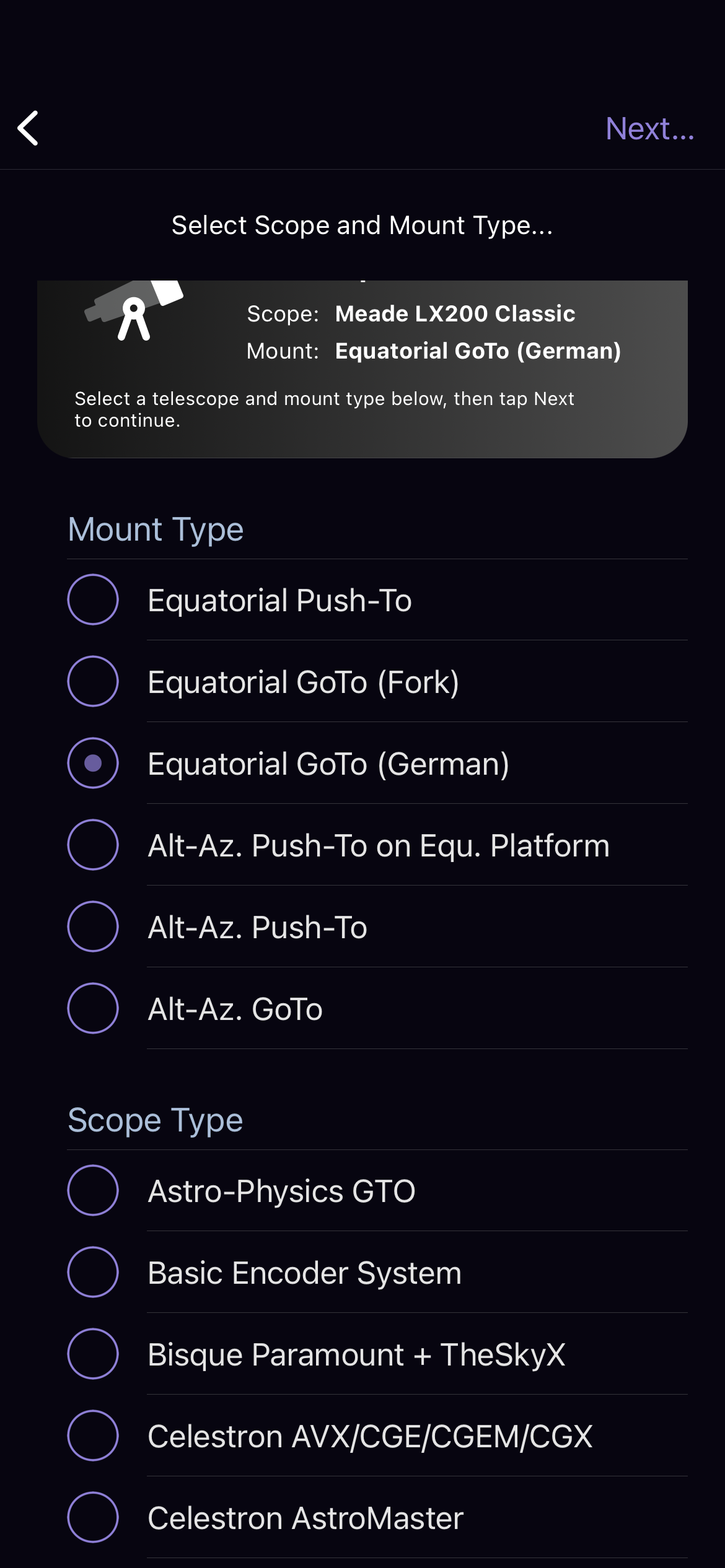
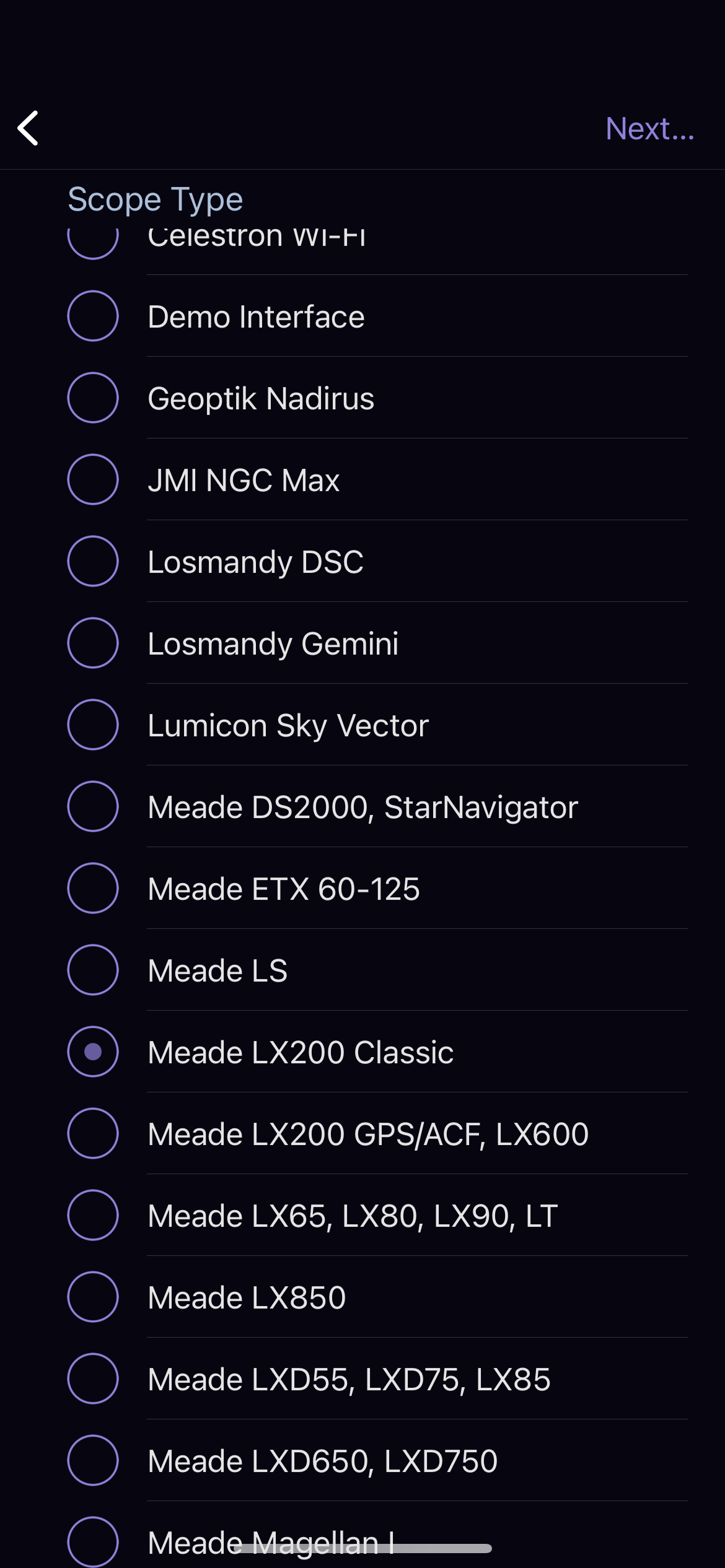
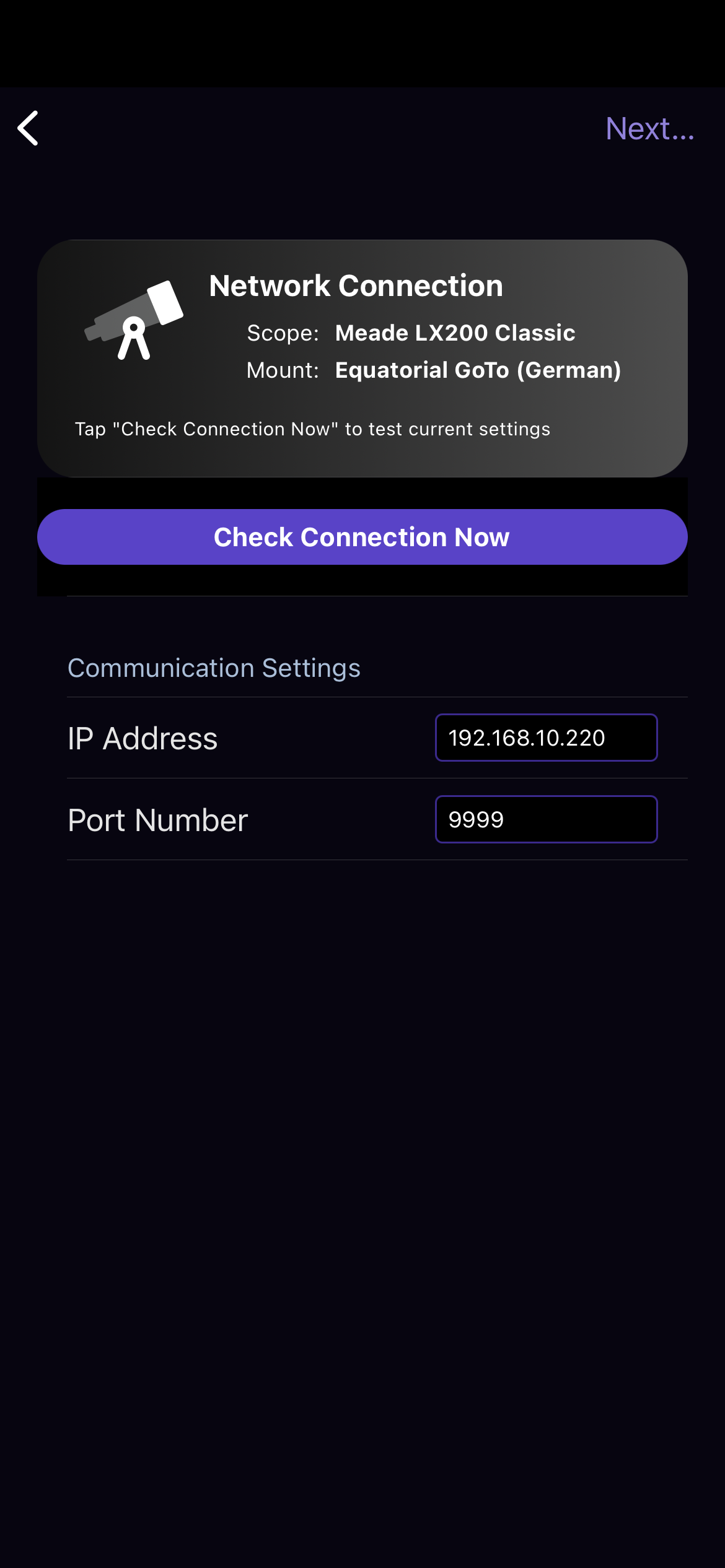
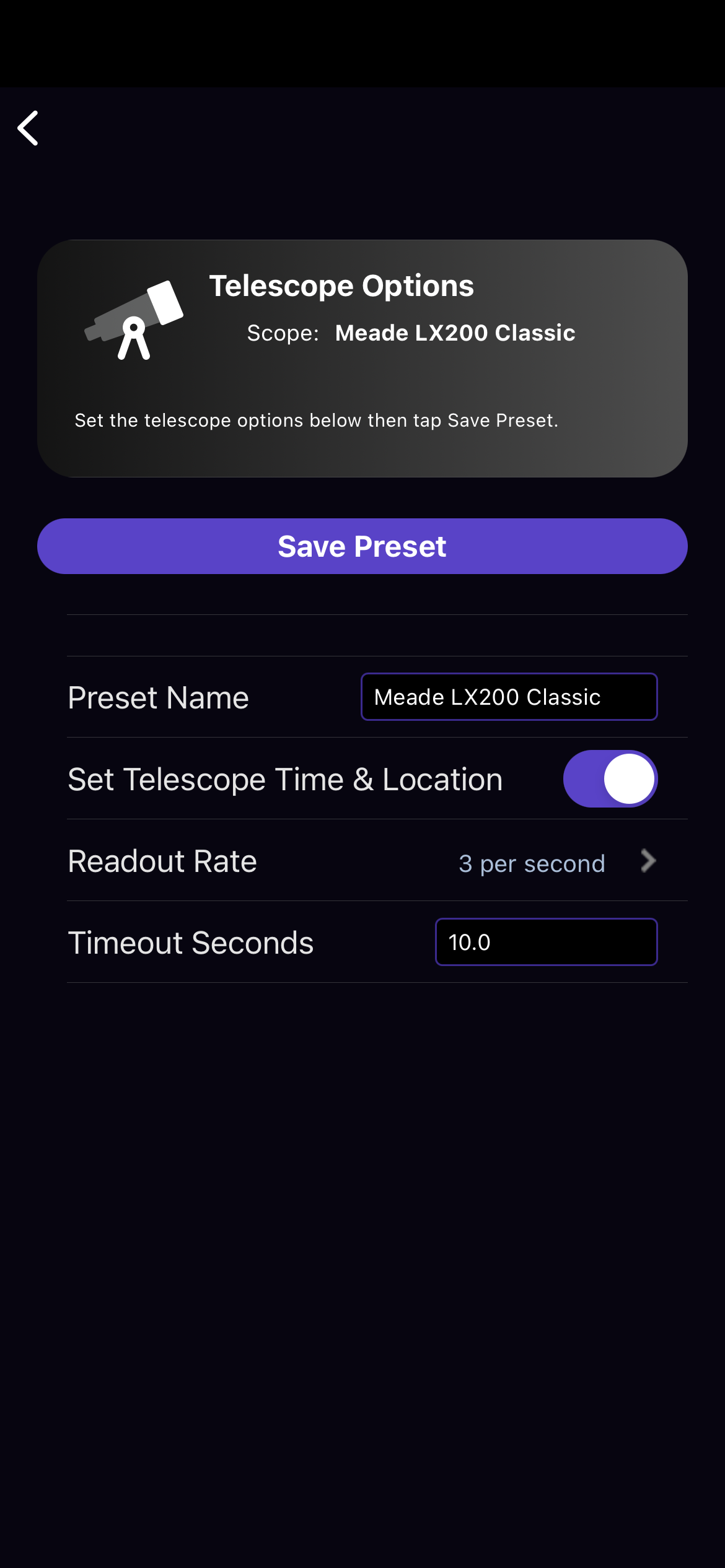
 My system is composed with: 1. skysafari pro 7.5.2 2. IOS 18.1.1 3. OnstepX controller 10,25 4. no hand controller, OnstepX is controlled by an app in android 5. no wifi connector, the board where OnstepX is installed is already providing WIFI and Bluetooth connectivity 6. I'm using my home WIFI network and Connectivity is very good 7. no serial cable are attached 8. Meade LX200 classic 9. screenshots are attached (I cannot connect to the scope now because I'm at work 10. Alignment is done through the android app using one star 11. I don't have screenshots of the errors with me the setup process I'm using is the following: a. start OnstepX and connect to the android app with wifi b. set the site coordinates and the time and date c. perform the alignment d. start skysafari e. connect to the telecope (normally it connects, and it shows the right coordinates) from this point the skysafari app starts to slow down and tends to freeze, Anyway, I choose a different object and perform a goto. The scope is moving in the right directions and sometimes reaches the right coordinated that are also shown in the display. Sometimes the app freezes, I loose the moving telescope cursor from the display, when the slew is finished sometimes the cursor reappear in the right place, sometines somewhere in the midlle of the slew path, sometimes an error of lost connection appears. If connection is lost and I try to reconnect it is always a fail. I have to go in the telescope presets, edit the configuration without changing anything and just press "verify connection", the connection is always verified. Then I go back to the map and I can reconnect the telescope, but normally the cursor is shown in the wrong place, always somewhere on the last slew path. During all these steps the app is slow and between commands I have to wait few seconds to wait that unfreezes. I would like to point out that If I use OnstepX with the android app, or connected through a raspberry with Astroberry or Astroarch (indi server and Kstar) everything is working fine.
0 comments
Please sign in to leave a comment.