3 comments
-
Keiron Smith Hi Chris,
Please attach the screenshot using the website using a desktop computer - or send the screenshot to me: ksmith at simcur.com
Please review all the SS7 Settings, these are the available options to configure the sky chart.
Alternatively, you may want to increase the star brightness (see Star Settings) since, as you discovered, the planet magnification is at its lowest level.
Thanks!
-
chris-simcur Hi Keiron,
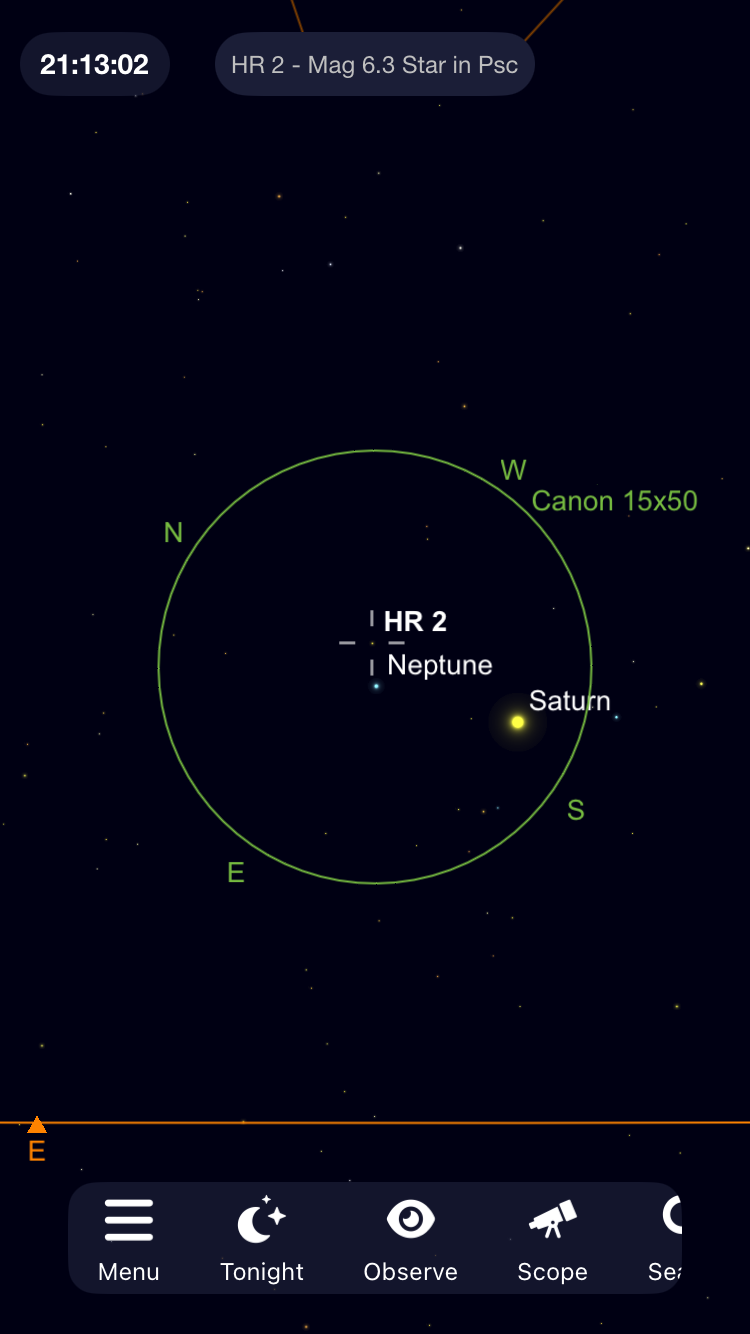
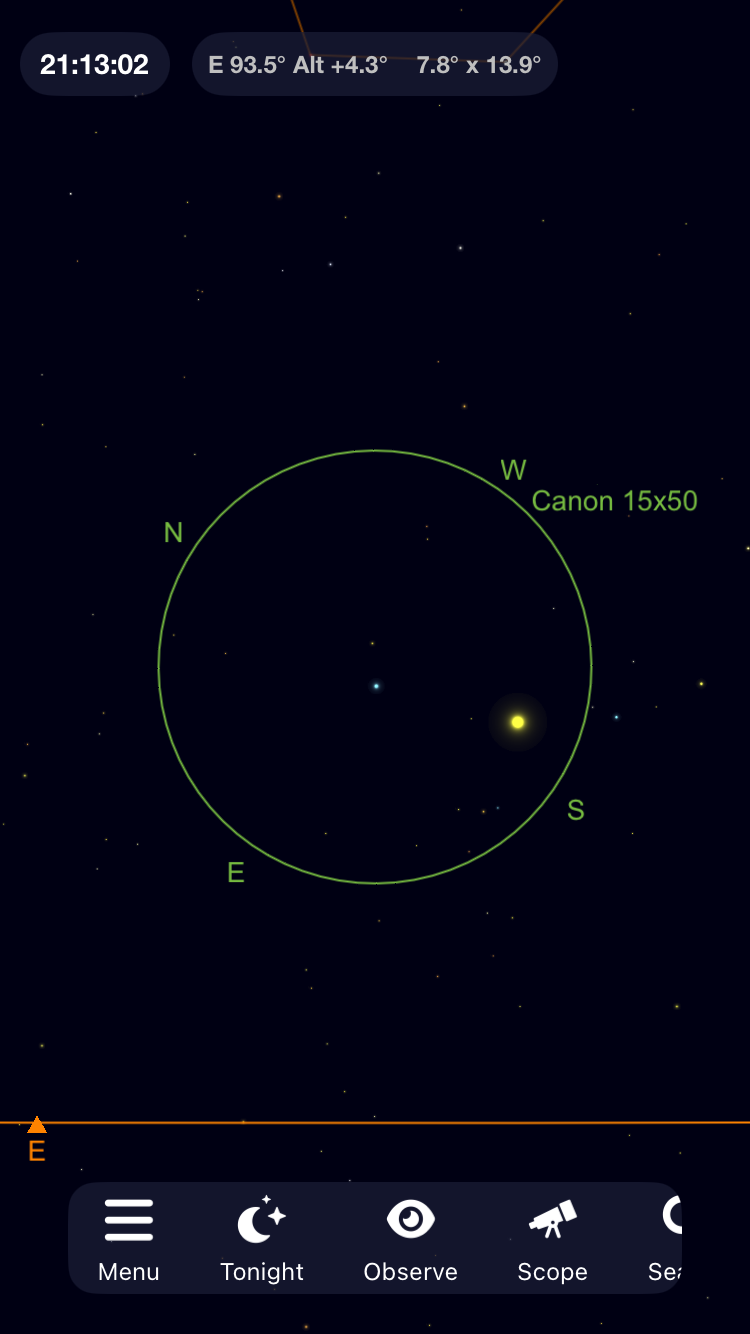
The two screenshots below are of the same scene, I just added labels to one of them. From Aug 24, 2025.
HR-2 (white star): mag 6.3 and perfectly represented (along with all other stars) for 15x binocular viewing with symbol size 64% and mag limit 9.0. Absolutely perfect!
Neptune (blue) is much dimmer in real life (at mag 7.8) but is represented as much brighter and larger than HR-2 in the app. This is with "Planet Magnification" of 1.0x (the lowest setting). As you might imagine the scene becomes silly with "Planet Magnification" larger than 1.0x. Would be better if I could slide the "Planet Magnification" lower to 0.5x.
I understand I could increase the "star symbol size" to get the planet to look correct relative to the stars. But that would make the stars totally unrealistic to model viewing through 15x binoculars. The stars are truly superb with the settings at 64% symbol size.
I made a sly adjustment to highlight my plight before taking the screenshots: I zoomed out a bit. When I'm actually using the app, I am zoomed in more to the FOV. The zooming in process enlarges the stars while the planets remain somewhat the same size, reducing the "problem".
Request: allow Planet Magnification slider to go lower than 1.0x -- ideally to 0.5x.


-
Keiron Smith I've moved this to the Feature Request forum. Developers review the posts here when planning and preparing SkySafari updates.
Thanks!