The chart changed to a Mercator like projection with a straight horizon. How to change it back to the default circular one?Thanks!
Date
Votes
8 comments
-

Bill Tschumy We don't have a mercator projection. Are you sure you don't just need to drag the chart down? If you then zoom out a bit then the horizon should be curved.
Were you playing wit the compass AR mode by any chance? In that we do change the projection and I suppose it is possible that it didn't get restored when you came out.
-

GT Fish Yes, I did use AR then the display changed and won’t go back to normal.
-
GT Fish I did try dragging the chart down and zoom in/out and checked every setting, the problem still persists.
-
Bill Tschumy Try going in and out of AR again and see if that fixes things.
-
GT Fish 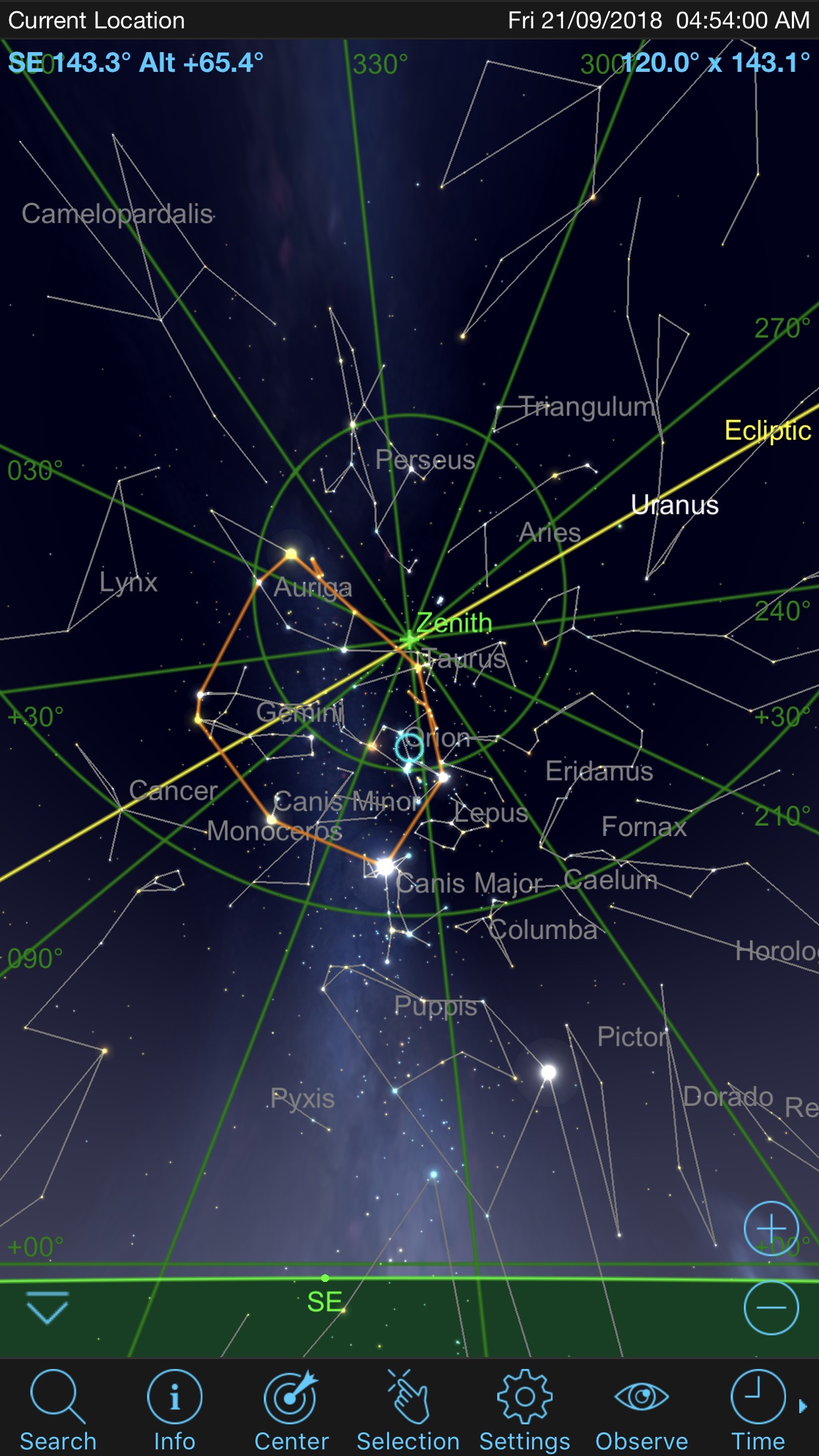
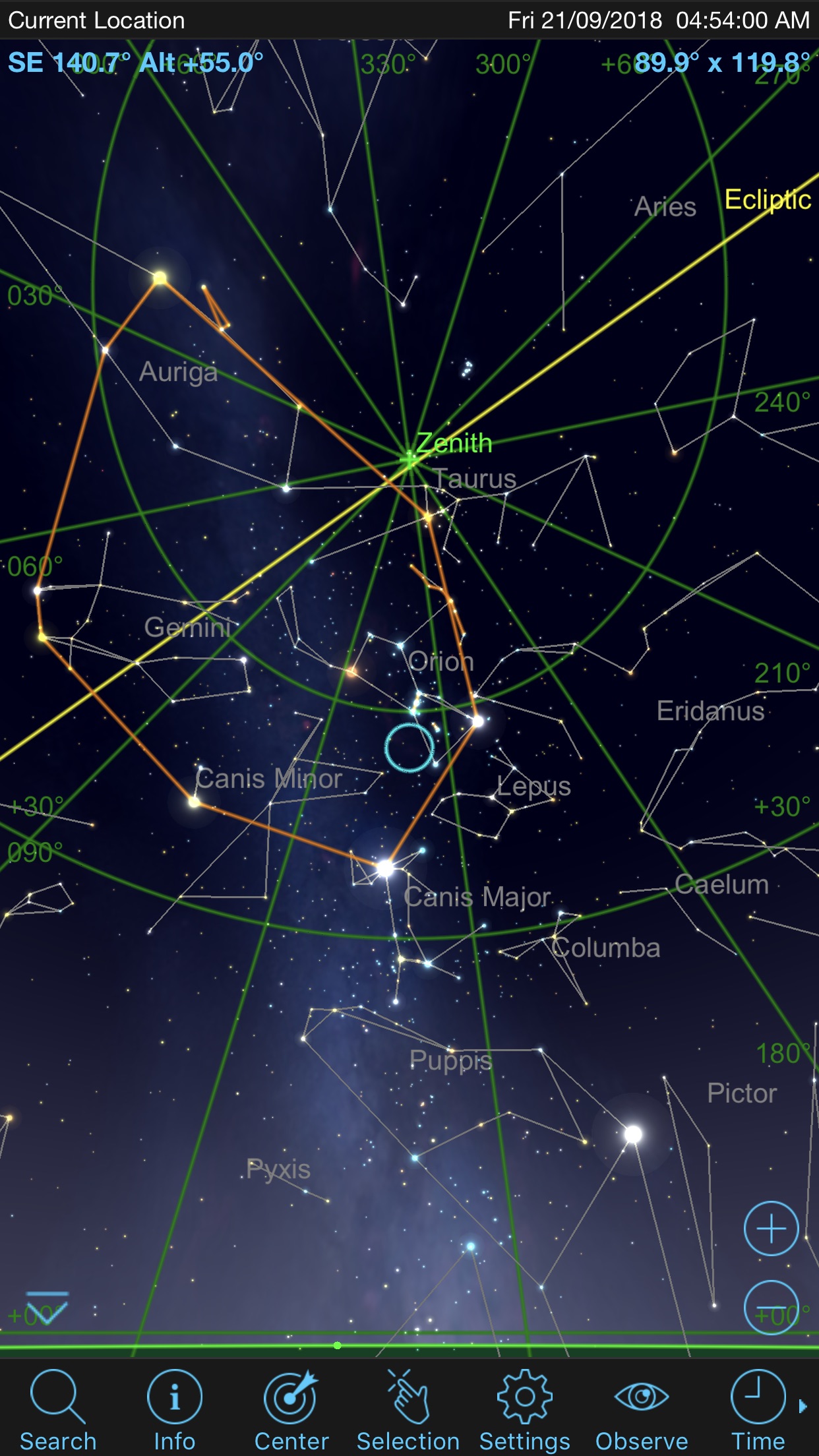
-
GT Fish Thank you for the suggestion! It seems to be back to normal now.
-
Bill Tschumy Great. We will study the code and see if we can figure out how you got in this situation. Is there any chance you put the app in the background while it was in AR mode? That might possibly be the culprit.
-
GT Fish I might well have, not 100% sure though. I was on my evening stroll and did some causal star gazing and checked with the app.
Please sign in to leave a comment.