How do I find out which Skysafari version I have? I paid for Plus, then later had to reset my phone and reinstall my apps. Now I just want to verify that I still have Plus, but don't know where to look. I have noticed that I don't have the Scope icon at the bottom, which I think is where I used to tell it what kind of scope I have. It still connects to the scope, but won't align properly.
Date
Votes
5 comments
-

Steven What device are you using. My iPhone shows the version type under the app icon. On my Mac click on the app name in the upper left corner then click on about. This should open a dialogue box with the version near the top of the box.
-

bfeinner Thanks for your reply. A little different on my Android, but I see that I have 6.2.0.38. I don't know if that tells if it's Plus or not, which is what I want to know. Do you know how to figure that out?
-

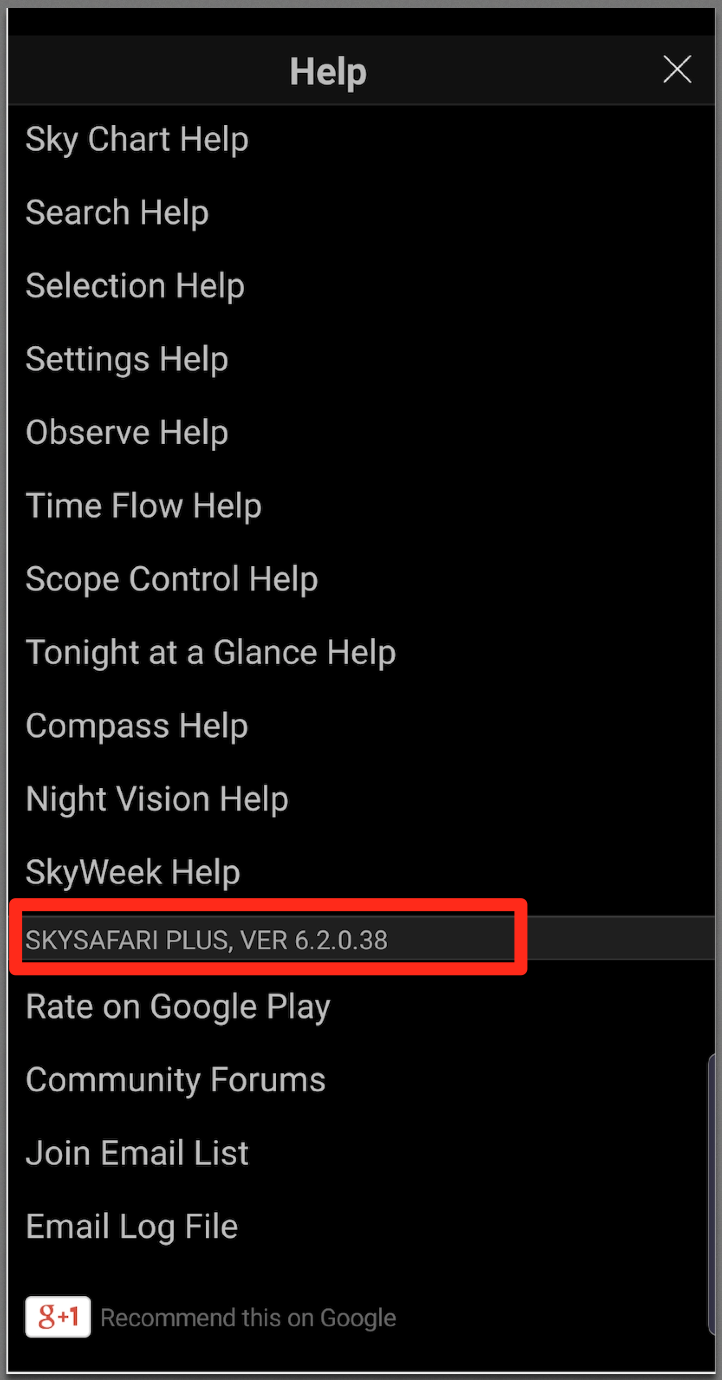
Keiron Smith Please look on the main menu > Help > scroll down.
-
bfeinner Keiron - I did this, and it gives the version number, but doesn't say if it's Plus. I think it is, because it connected to my scope via wifi and tried to align via Starsense. It wouldn't align properly, that's a problem I posted elsewhere. But I don't see the Scope icon as I did before I reinstalled, nor do I see any way to tell it what scope I'm using. Is there anywhere it's supposed to say it's the Plus version?
-
Keiron Smith If it does not say Plus or Pro then it is the basic free version.
Please reply to the telescope setup up issues in the other post you created, and to which I have replied.
Thanks!
Please sign in to leave a comment.