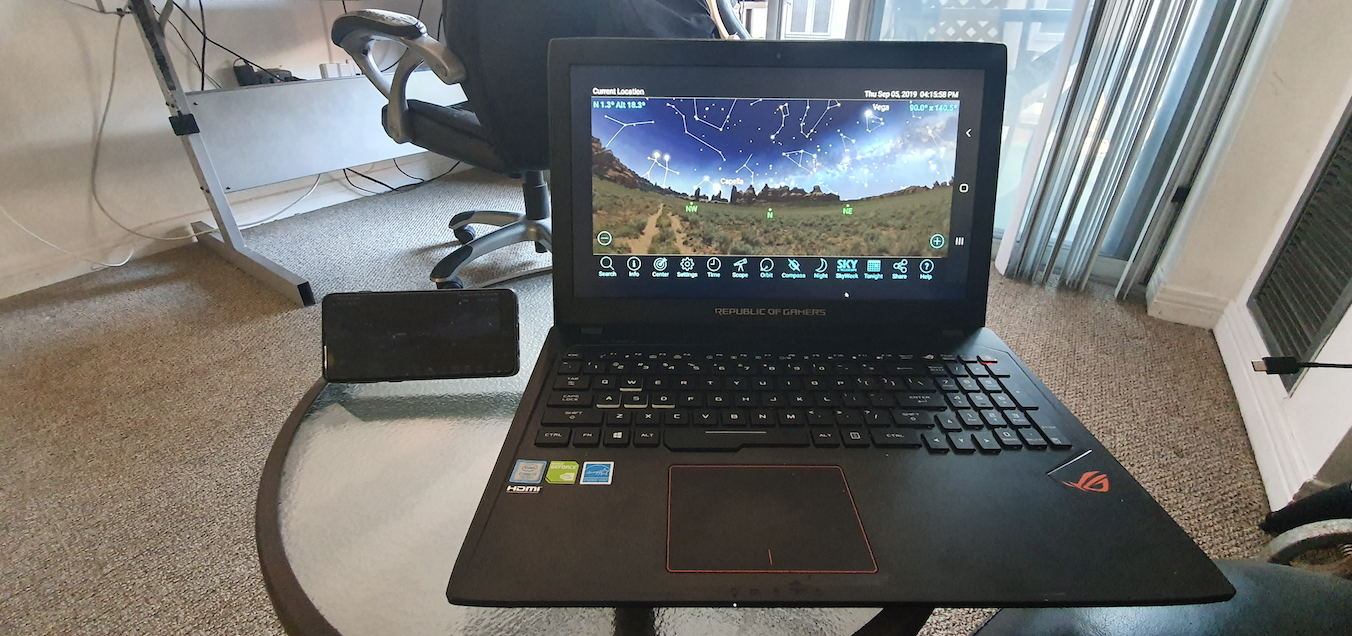
The Samsung Flow app is here:
https://play.google.com/store/apps/details?id=com.samsung.android.galaxycontinuity
Also install the Samsung Flow app on Windows 10 via the Microsoft Store.
Once setup is complete you can control, via Bluetooth or shared WiFi network, SkySafari via Samsung Flow on Windows 10.
Your telescope connection will have to come via the Samsung device. But, that might be an upshot here - SkySafari on Android is native compatible with almost every mount on the market.
I'm guessing this setup might interest some users who want a Windows based experienced. This would also allow for nearby remote telescope control.
I'd be curious to see how this setup performs using a Windows 10 touchscreen computer.