Hi, I've tried to upload a .png image to my iPad Pro so that I can add my home garden to SkySafari Pro. I've managed to create a RGBA image with 4 channels, and it sits on my iTunes file sharing app, on my iMac but doesn't appear on my iPad Pro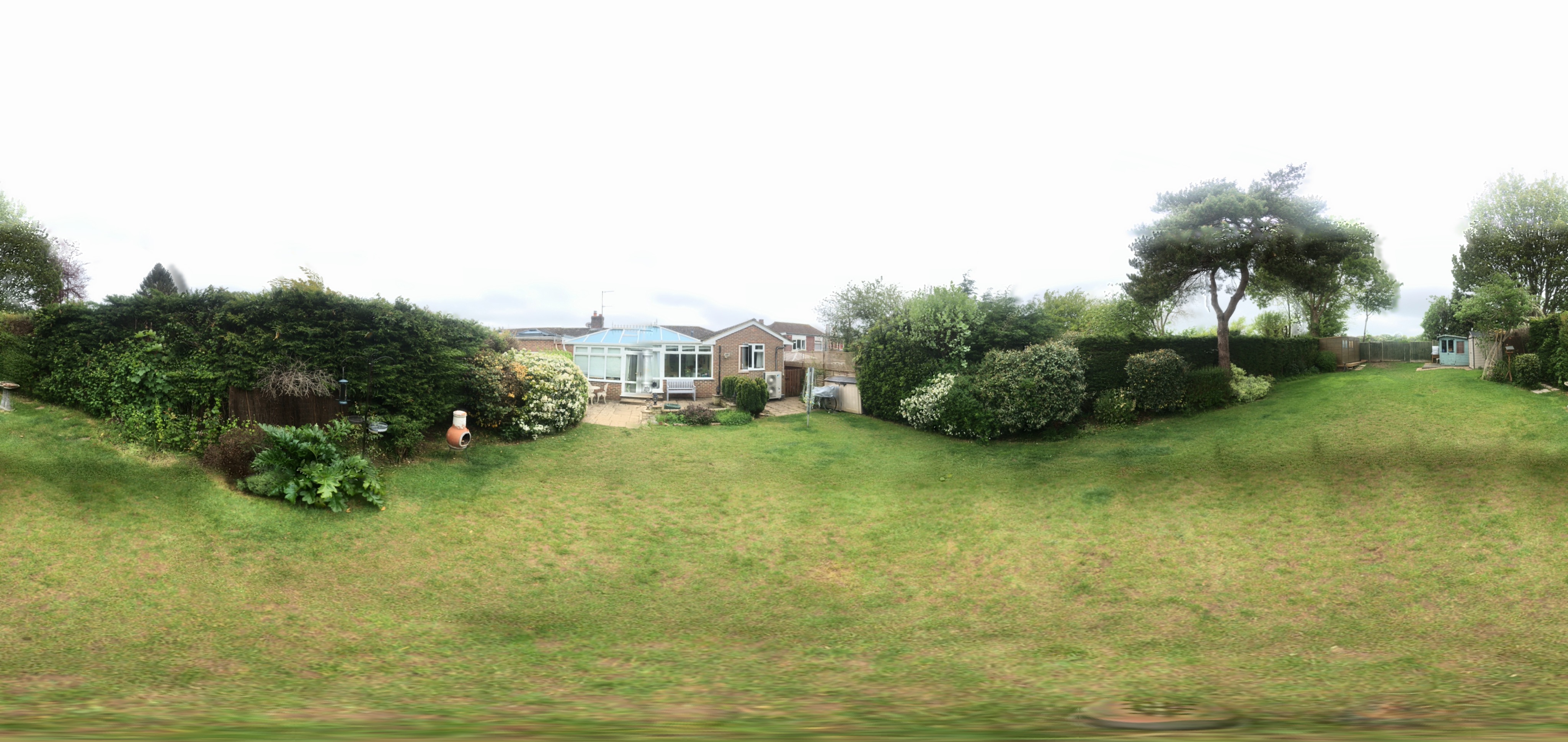 . Your instructions suggested that your team may be able to debug the image should it be needed, so in hope I've sent two images - The .jpg is the original panorama from my iPhone and the .png is the manipulated file which I tried to load to my iPad. Hoping you can help, Kind regards, Graham Devenish
Date
Votes
3 comments
-

Poison Hi Graham,
I would suggest you grab Observer Pro, measure your garden in about five minutes and put your personal background in SkySafari without any hassle.
This method isn't photorealistic however, I use it and it works well.
https://apps.apple.com/us/app/observer-pro/id462392803
All the best,
Oliver
-

Steenkh I always use an iPad for my daily computer needs, so it took a while before I could load this picture on my laptop, which I do not take with me everywhere. Now I havebloaded the picture, and I can see this problem with the picture: it is 4096x1939 pixels, and it should be 2048x1024 pixels. You need to resize the picture. I could not see any signs of transparency (another potential trouble area), but most of the sky is white at #FDFDFD, so you could make this colour transparent.
I wanted to attach the resized picture here, but it is too big for the forum, so you will have to do it yourself.
-

Graham Devenish Thanks both for your comment and suggestions - I solved it by converting the image to 8bit and it worked !
Please sign in to leave a comment.