From previous posts and responses for setting Field of View for a telescope or camera, the response was to go to Settings-Display- Field of view. I don't seem to have a Display setting in my SkySafari Plus?
Date
Votes
6 comments
-

Chris Try Observe > Equipment to add your scopes and eyepieces, then Observe > Scope Display to set up the FOVs.
-

carl bandura I did that, then selected the telescope and eyepiece I want to the ON position, clicked DONE, but the FOV did not change?
-
Chris Can you attach a couple screen shots?
-
carl bandura screen shots attached. I must be missing a step to view scope view?
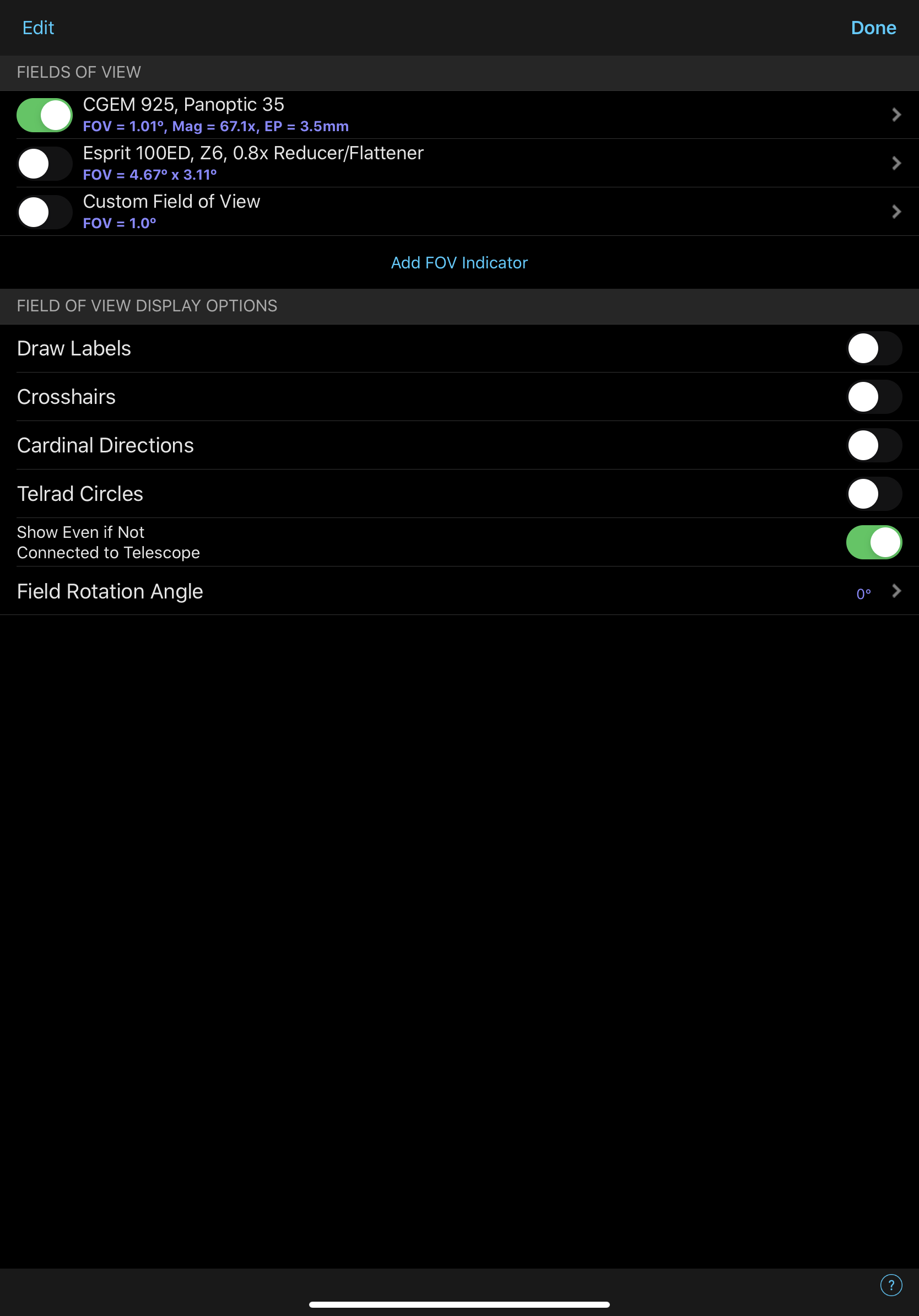

-
Chris So on that second screen shot, if you zoom way in, do you not see your FOV circle?
-
carl bandura Yes I see it now, Didn't know I had to zoom in. Great!
Thank You!
Please sign in to leave a comment.