New post
0

How To Download SkySafari 5 Pro And Extra Data To Android 11?

Dear Support,

I've just change phone with Android 11 and I'm trying to re-install SkySafari 5 Pro. Open SkySafary there is this message:

"Download Needed. SkySafari Pro needs to download 1702Mb of Additional data files...."

If I use "Download Now" there is "Download Failure, Try of go to manually download from Simulation Curriculum website.

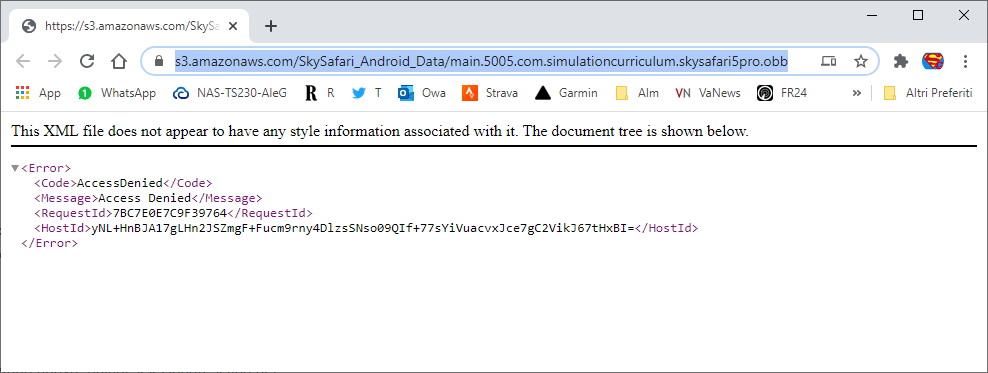
On your web site on page https://support.simulationcurriculum.com/hc/en-us/articles/115004749607-Data-Download-for-SkySafari-for-Android there is URL https://s3.amazonaws.com/SkySafari_Android_Data/main.5005.com.simulationcurriculum.skysafari5pro.obb  that doesn't work:

<Error>
<Code>AccessDenied</Code>
<Message>Access Denied</Message>
<RequestId>FB0E85283E5F91F2</RequestId>
<HostId>oNNjASUs4xFIgthWlXSsSlROXX7dYVjG0ZlUm/w/msS2ueFs/z5OQm1ECy2WyO+Z3ilkixTRdLc=</HostId>
</Error>
 
Could you help me please?

Alessandro

7 comments

  • 0
    Avatar
    Keiron Smith

    Alessandro,

    Are you downloading to the default path, onto your Android device storage?

    You can not download to an external SD card.

    Thanks!

  • 0
    Avatar
    Alessandro Gambaro

    Hi Keiron,

    I try to download from my Pc (Win 10) and also frommy Phone that not have an external SD Card.

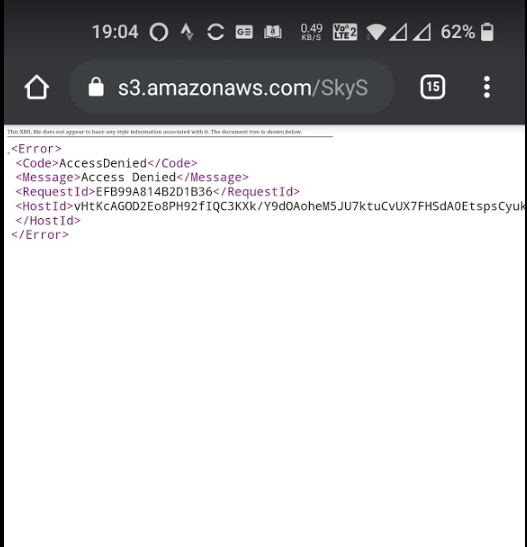
    Could you please if URL works, if server is online, if there is block, etc?

    Thanks,

    Alessandro


    PC:


    OnePlus 8T:

  • 0
    Avatar
    Chris

    I don't think pc download would be supported. On your phone, have you tried uninstalling and reinstalling SkySafari 5 from the Google play store?

  • 0
    Avatar
    Alessandro Gambaro

    Hi Chris,

    When I activated the new Phone (OnePlus 8T) I used "One Plus Switch" App that executes backup and trasfert by a direct connection by wifi between old phone and the new one

    So I found all apps migrated on new phone. All apps now works fine except SS5.I find only new version 6 on Google Play but it appears into "My app and games" section of Google Play. 

    I could execute uninstall? I need a manually backup of my setting and Observation list from my old phone?

    Thanks

    Alessandro

  • 0
    Avatar
    Alessandro Gambaro

    Hi to ALL,

    issue solved.

    uninstalled, reinstalled from "My app and games" section of Google Play, manually move from old to new phone Observation list and History files.

    Now SS5 Pro works.

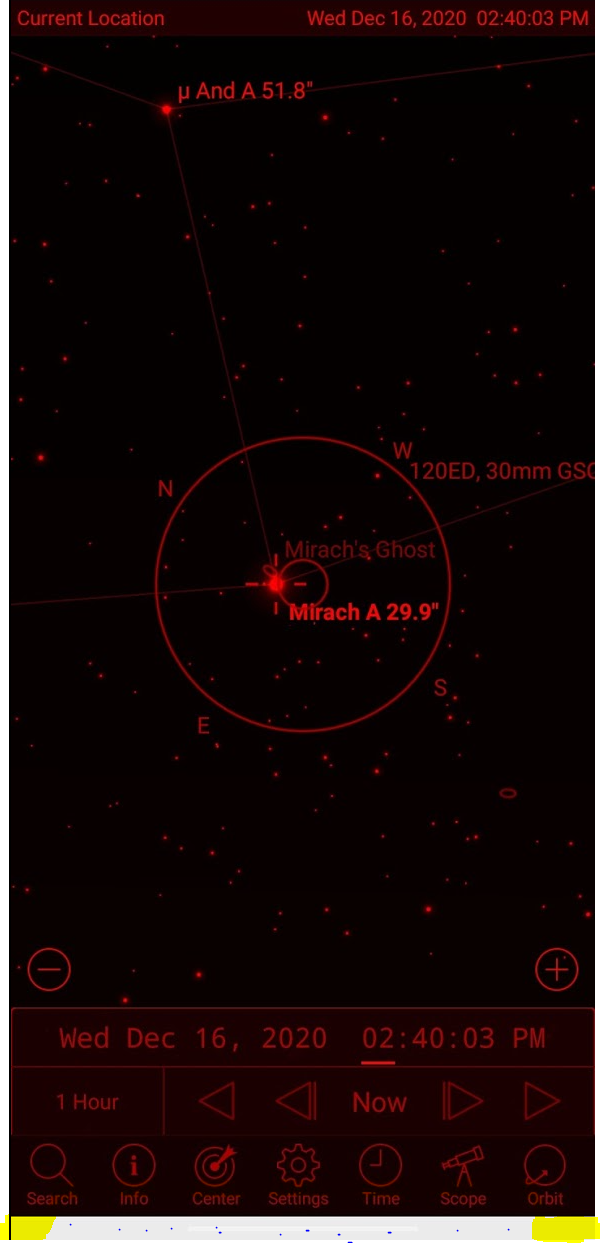
    Only issue is dazzling white line at the bottom that is visibile also into Night View (display 1080 × 2400)

    Thanks,

    Alessandro


  • 0
    Avatar
    Keiron Smith

    This white line is on the OnePlus 8T?

  • 0
    Avatar
    Alessandro Gambaro

    Yew, it is on the OnePlus 8T and it appears at the bottom only when I have opened SS5 Pro

Please sign in to leave a comment.