SkySafari 8 Pro for Android info display bug?

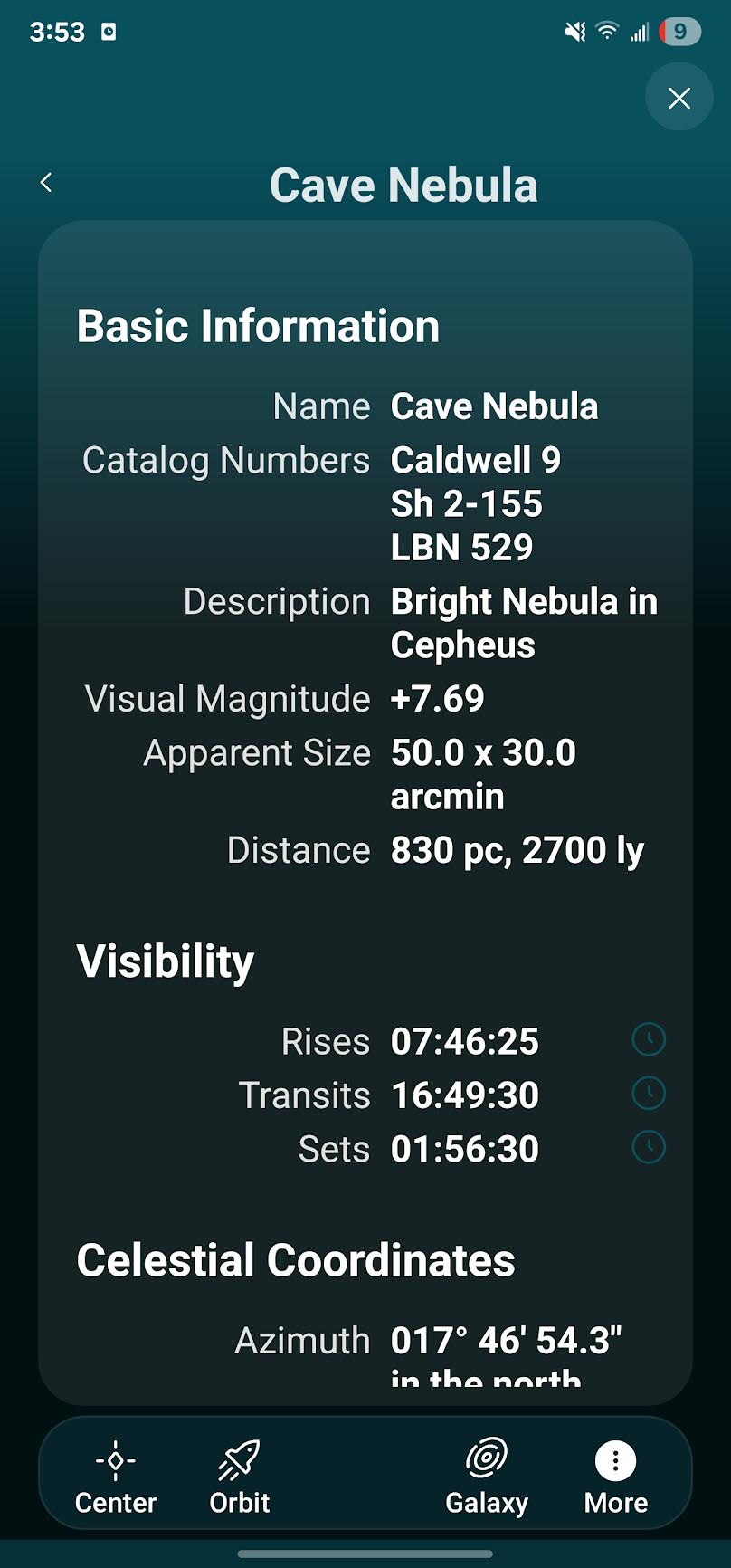
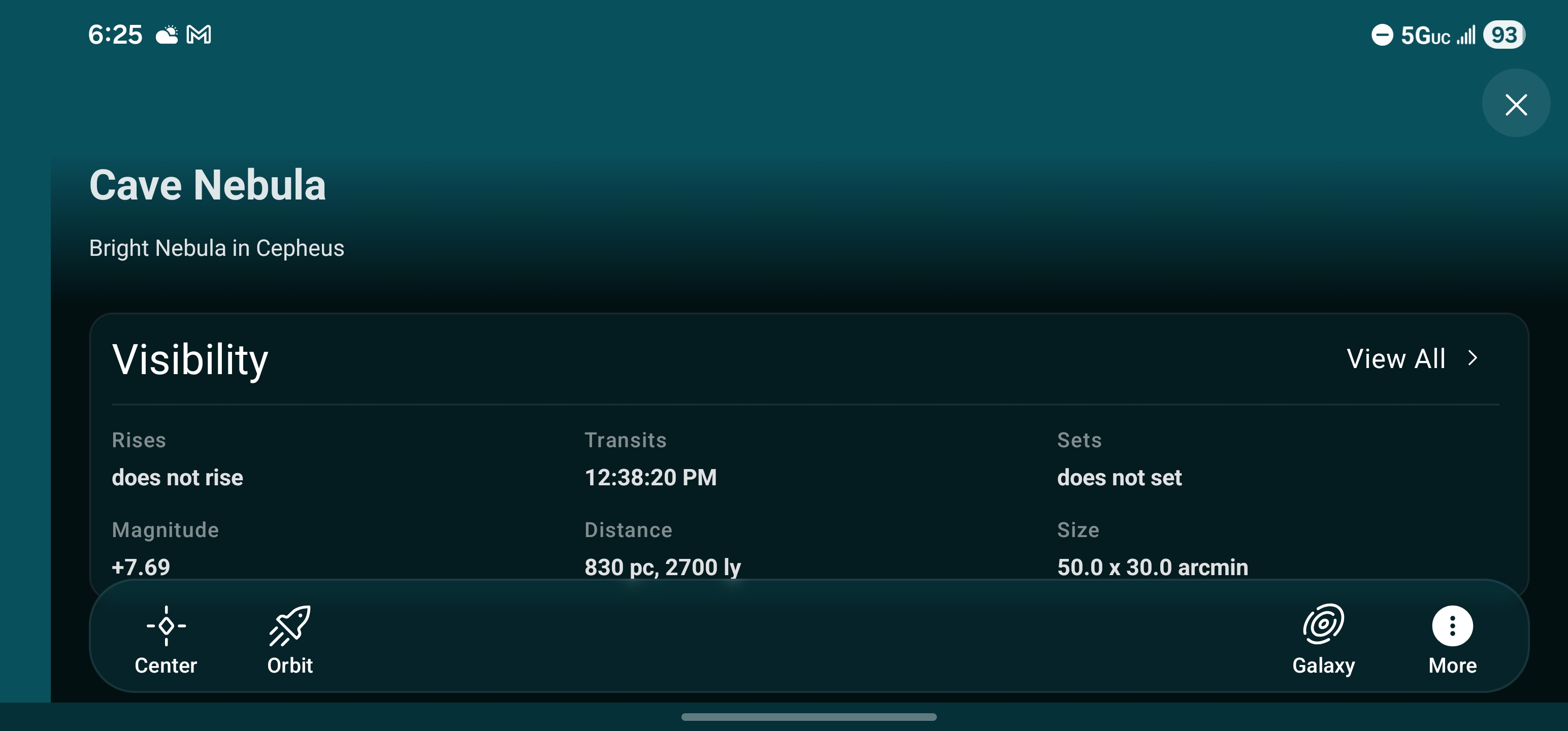
I've just upgraded from SkySafari 7 Pro to SkySafari 8 Pro. I use these apps on my phone (Samsung S23+). The layout for selected object informational display has changed between the two versions. In version 7, I am able to see/scroll to all sections of the object information display in both portrait or landscape mode.
Version 8 seems to be optimized for use on a tablet because the Basic Information contents informational frame is truncated and cannot be read in portrait mode. While the Detailed Description contents cannot be viewed/scrolled in landscape mode.
Can anyone else confirm this behavior?
Link to my Cloudy Nights post is here:
https://www.cloudynights.com/forums/topic/995273-skysafari-8-for-android/