Hi,
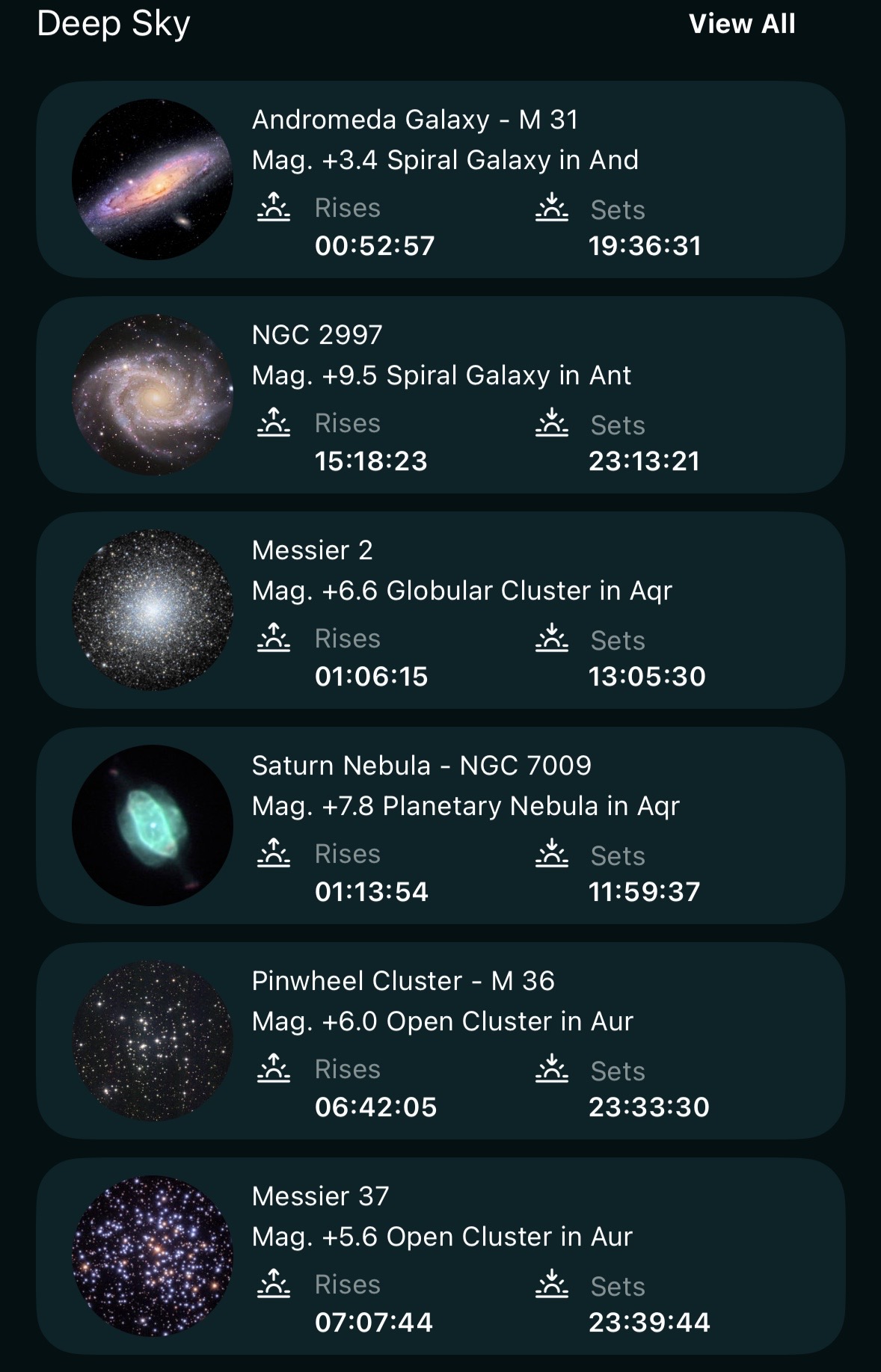
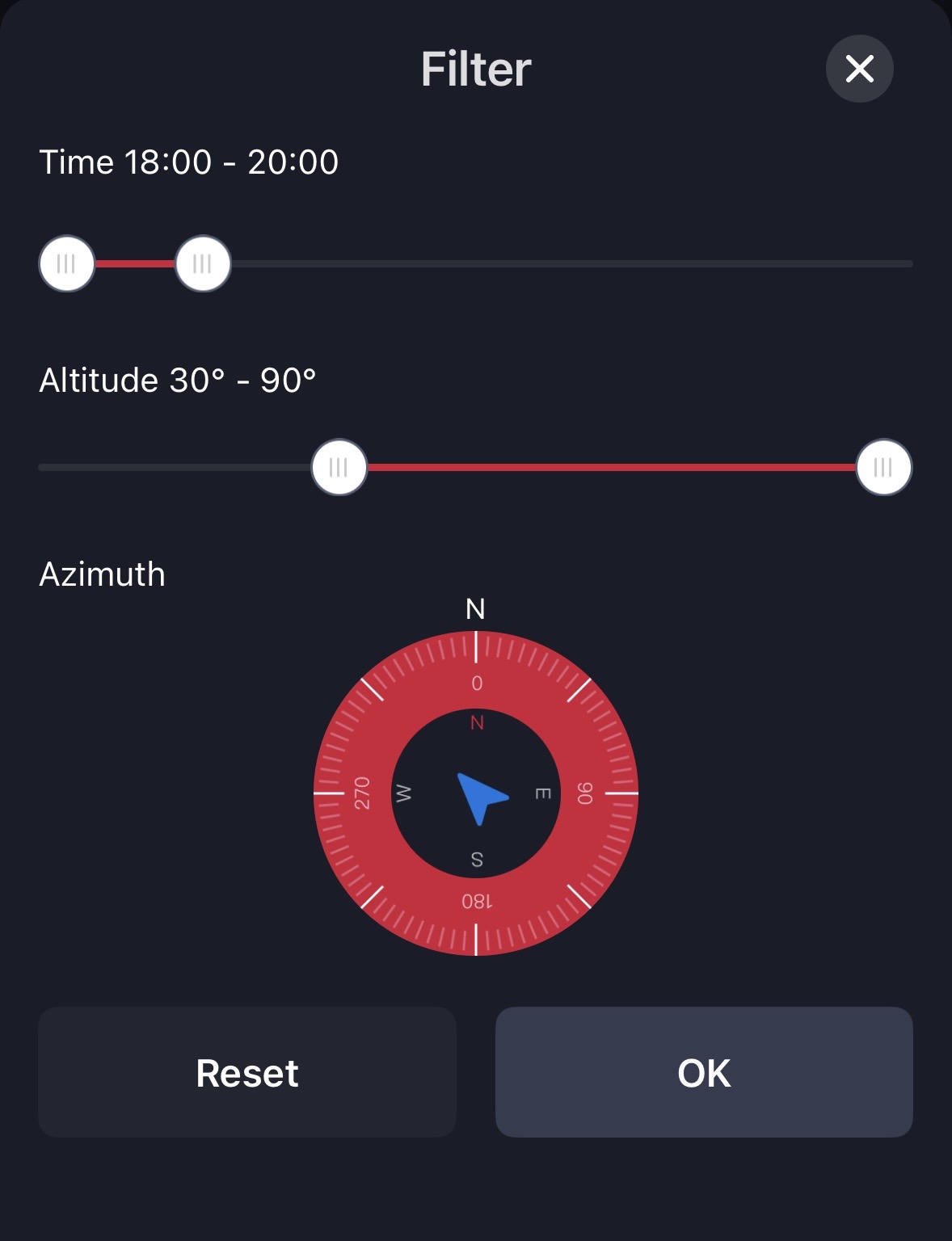
When viewing the list of "Tonights Best" the app shows me a list that includes many items that are not going to be visible during the evening hours I am able to observe, making it difficult to figure out which objects should actually be on my list. Is there a way to filter the objects to those that are visible at certain times so that I don't have doomscroll to find what I actually can see when I'm out? An example of this feature is in my SeeStar app, that allows me to filter by time, altitude, and azimuth, allowing me to sort out items that are blocked at my viewing location. Does Sky Safari have a similar feature that I have yet to find?
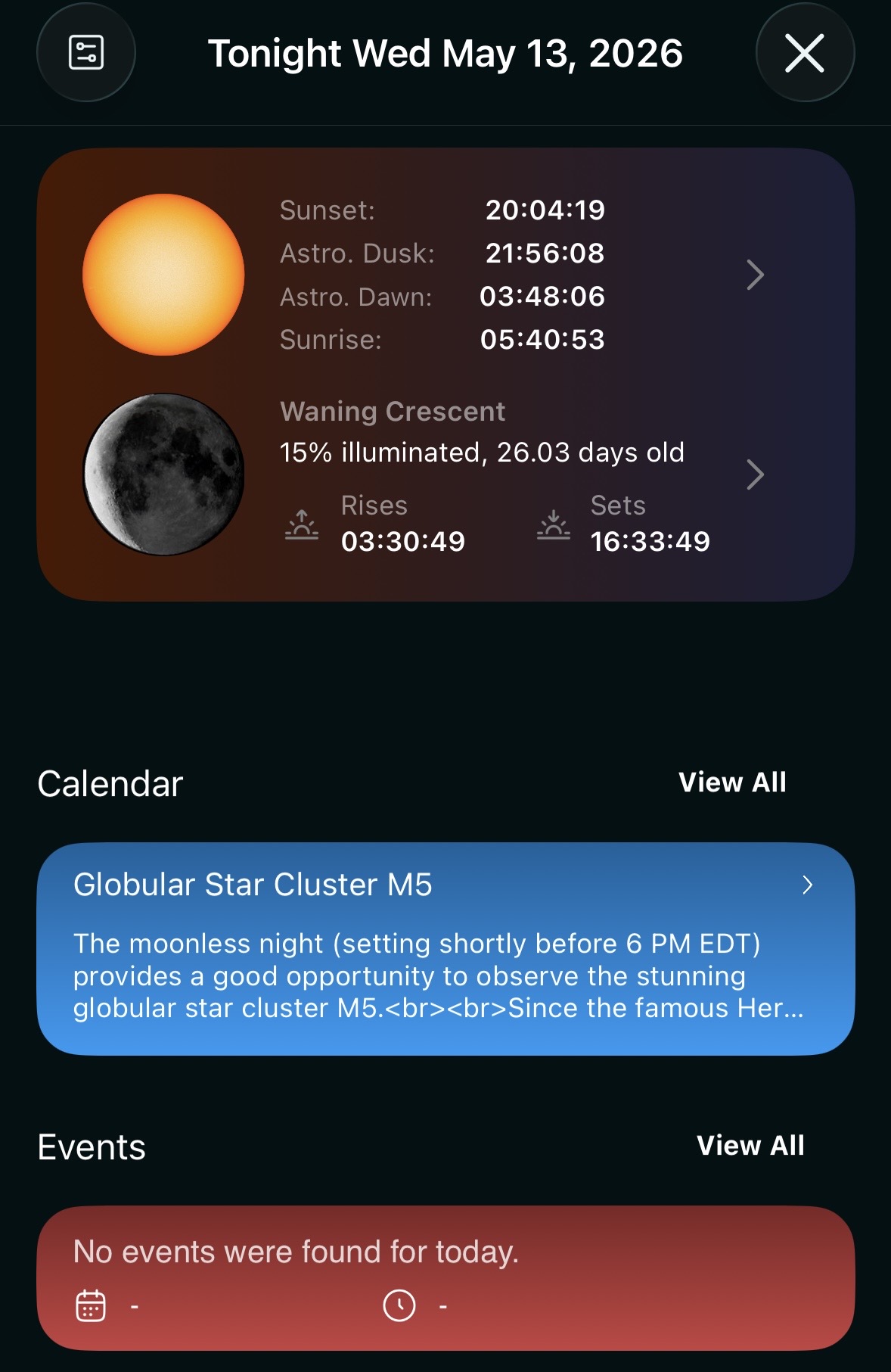
Also, there is a visual bug in the calendar section where the html seems to be showing in the description. When I click on the highlighted item, it centers it in the view rather than opening the description.
Pics attached.
Thanks!