- SkySafari pro 8.0.3 (1205)
- macOS sequoia 15.7.3
- iOS 18.7.8
This problem suddenly appeared on sky Safari Pro versions 6, 7, and 8 running under macOS, and SkySafari versions 6 and 7 running under iOS. Only version 8 running under iOS appears to not have this problem.
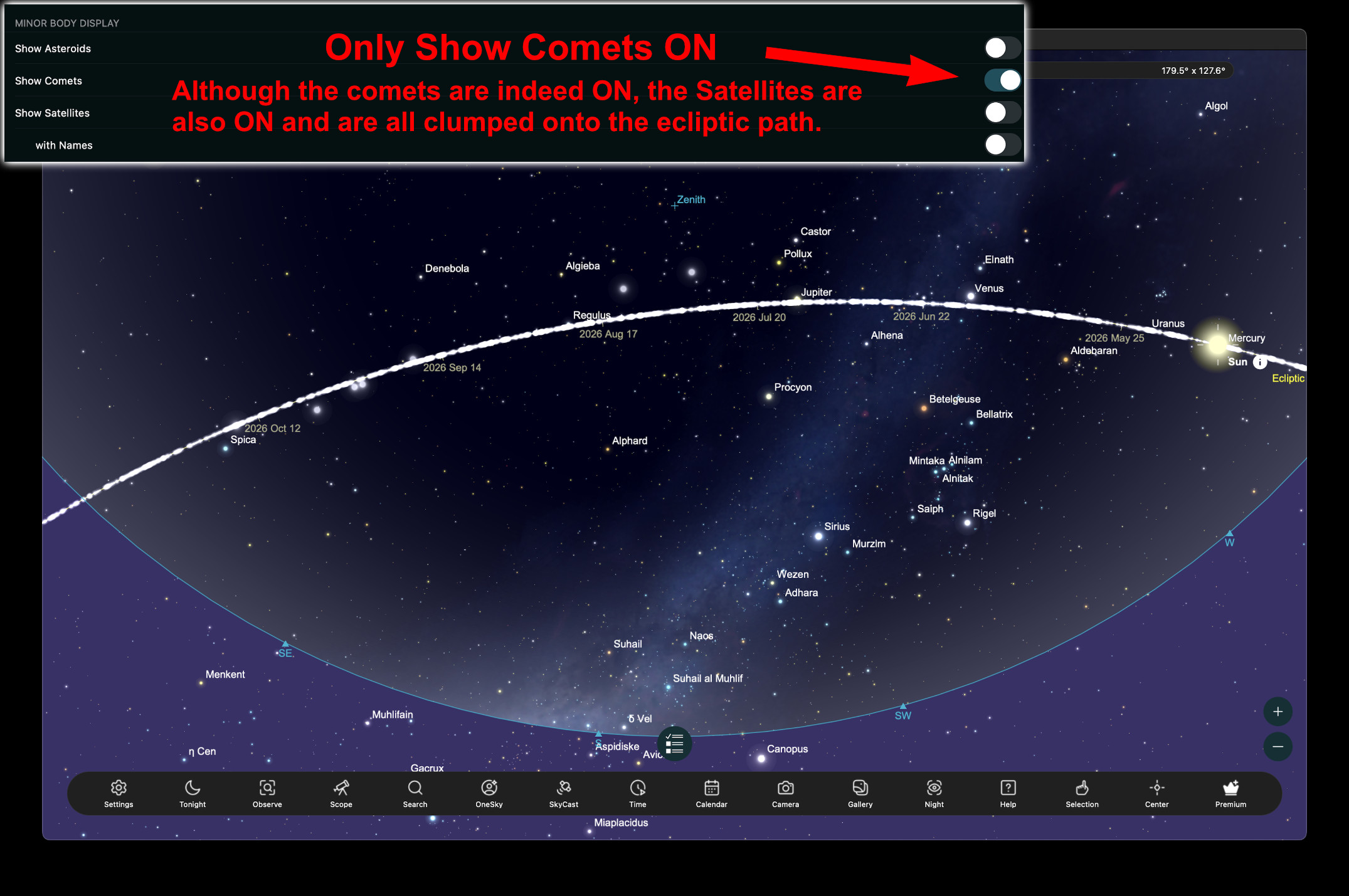
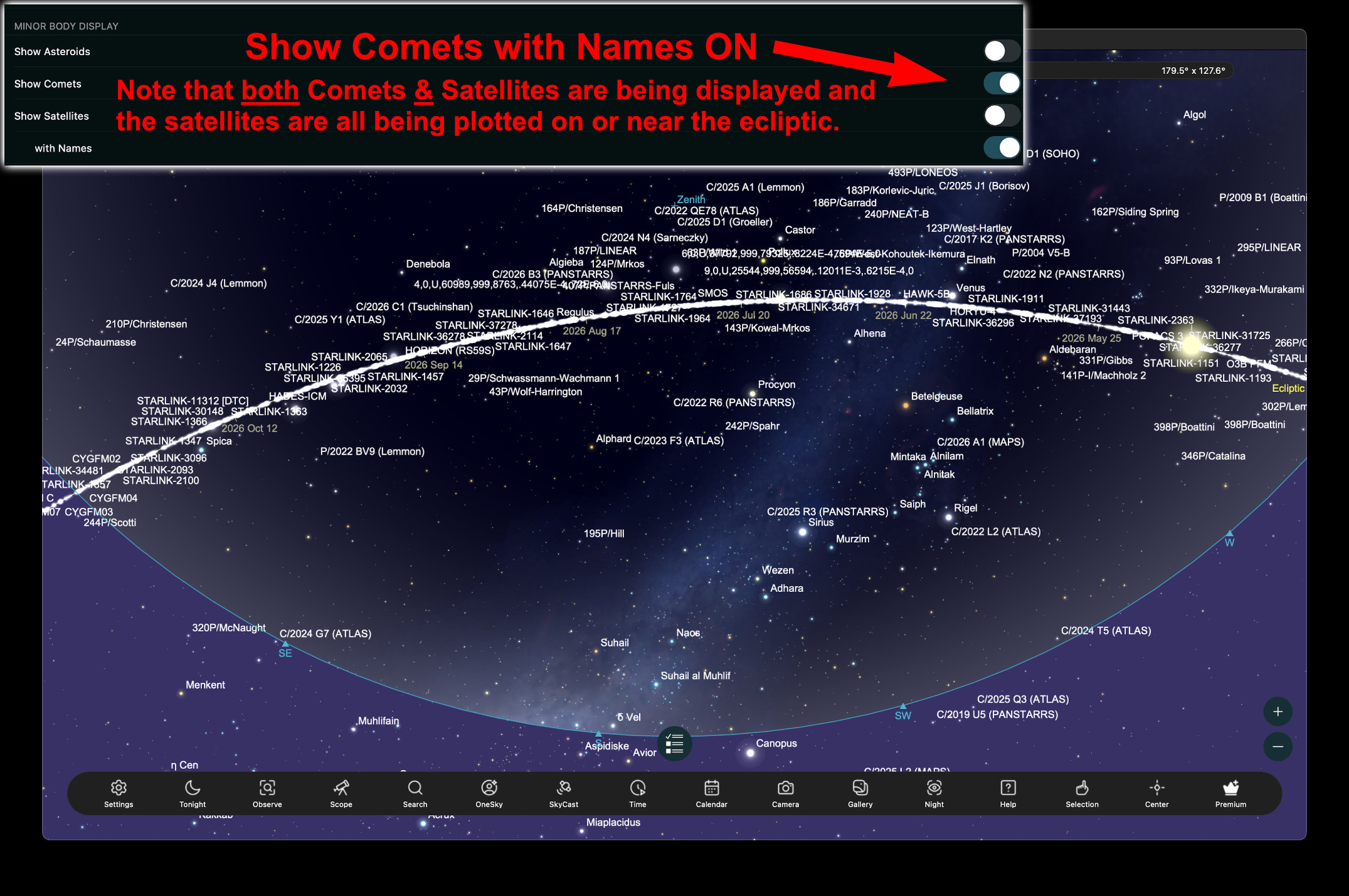
Satellites are not being plotted correctly on the sky chart. Also, the satellites do not appear when the “Show Satellites" option is on. Instead, they appear when the “Show Comets” option is selected. Comets cannot be displayed without the Satellites also showing.
However, the satellites are all being incorrectly, plotted on the sky chart, and are all being placed on the path of the ecliptic.
As I mentioned, this problem suddenly appeared on all of my previously installed copies of SkySafari on both my MacBook and iPhone. (Except for version eight on my iPhone.) This would seem to indicate that the issue is not with my installations of SkySafari or operating systems, or my computer or iPhone.
I would suspect that something has changed in the Minor Body Orbit Data that is downloaded to all the versions of SkySafari, and somehow only the latest version running on iOS is immune to the problem. (And yes, I have refreshed that data on all of my installations.)
I don't have an android operating system, so I don't know if that version is working properly or not.
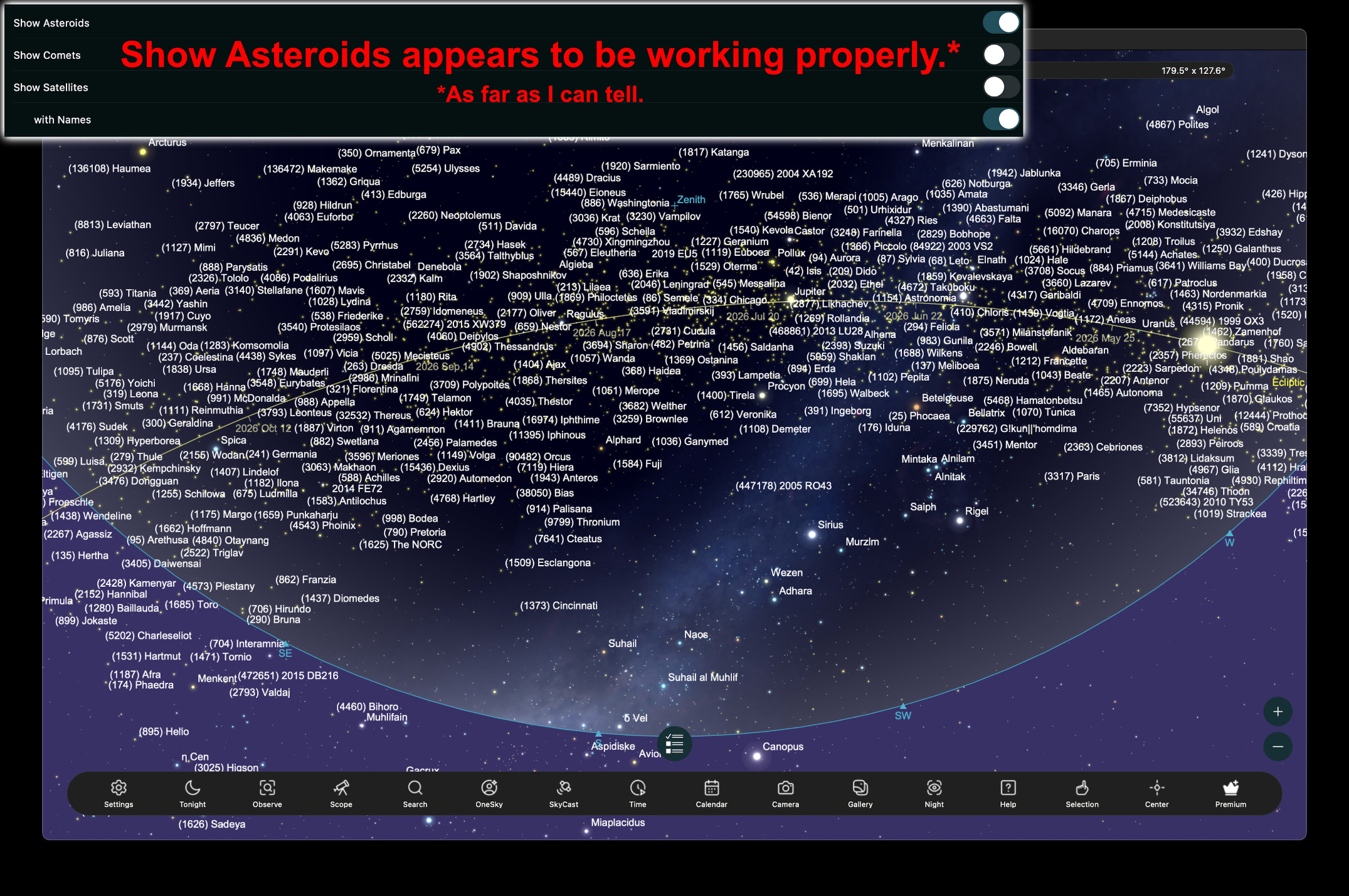
The display of asteroids appears to be working properly.
I hope that this problem can be fixed.
Thanks.
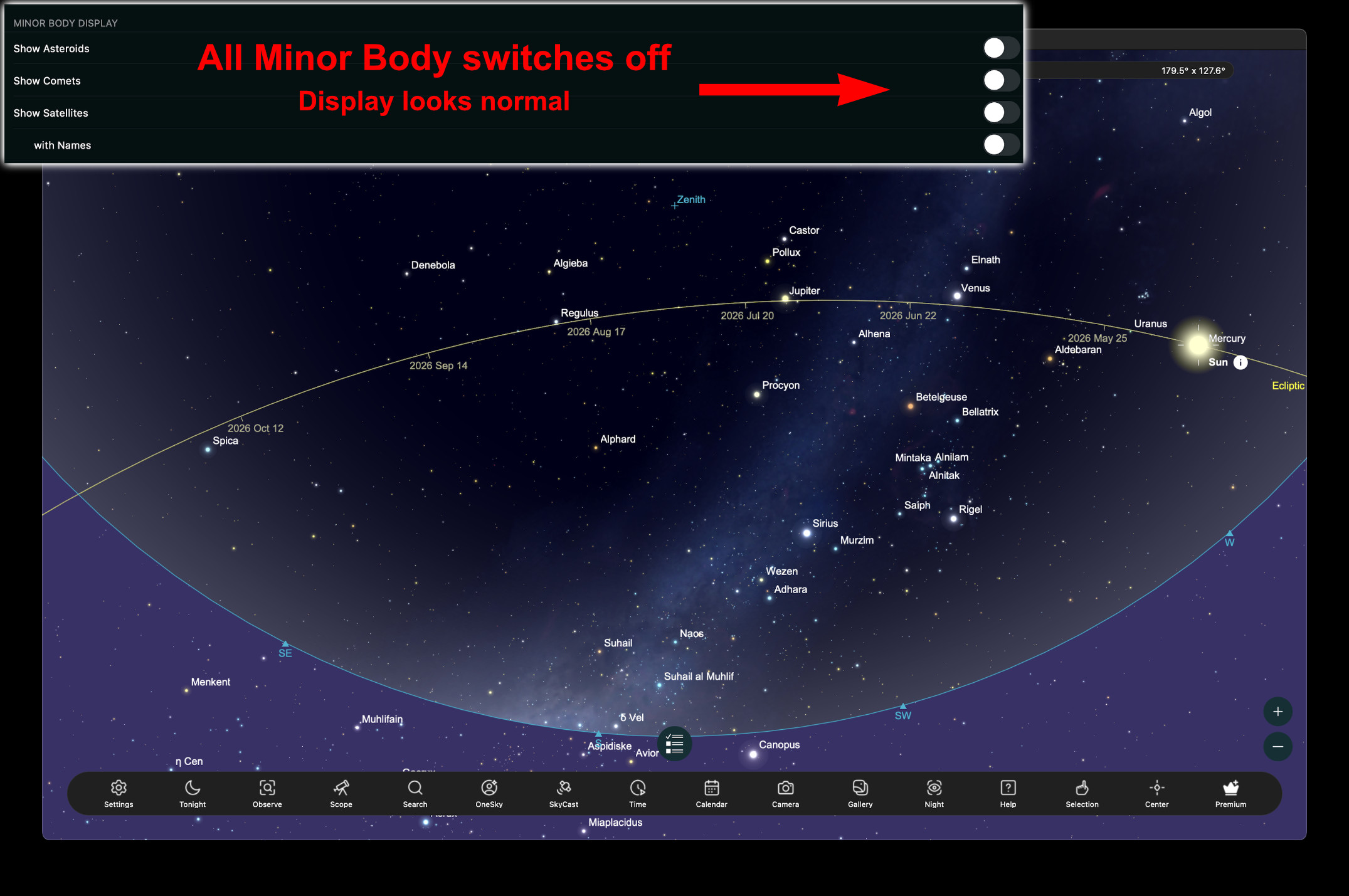
Attached are several images that I hope will help clarify the issue.