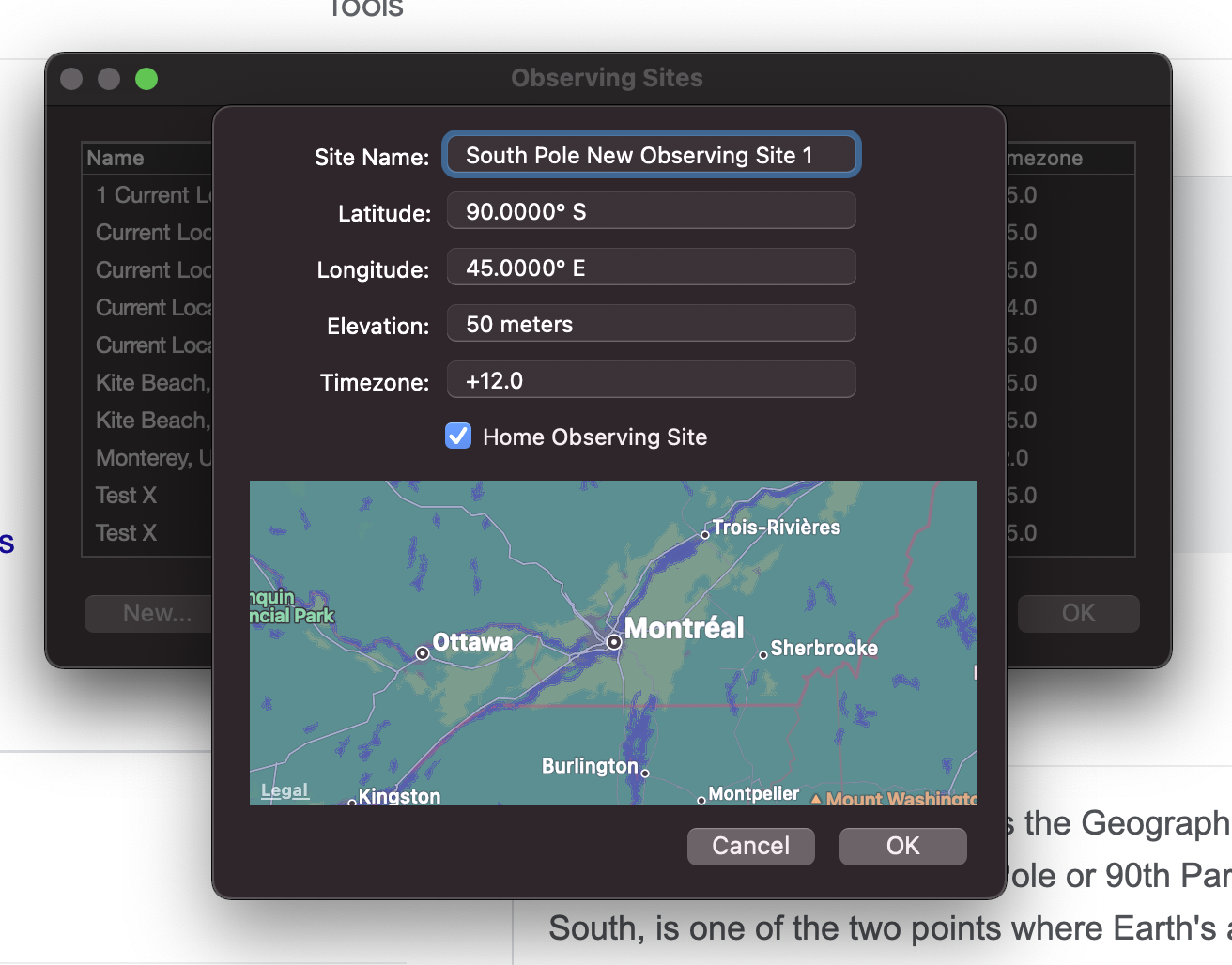
0 How To Create A New Home Location Using Latitude And Longitude In SN8? (Answer: Read On!) Keiron Smith April 17, 2022 19:16 Answered Follow Observe > Sites Choose "New" Enter the Lat/Long (as attached) Add +12.0 for the time zone. Choose a new name for your location, something like "South Pole New Observing Site 1" Check "Home Observing Site" Choose OK Tap the SN8 HOME button Facebook Twitter LinkedIn