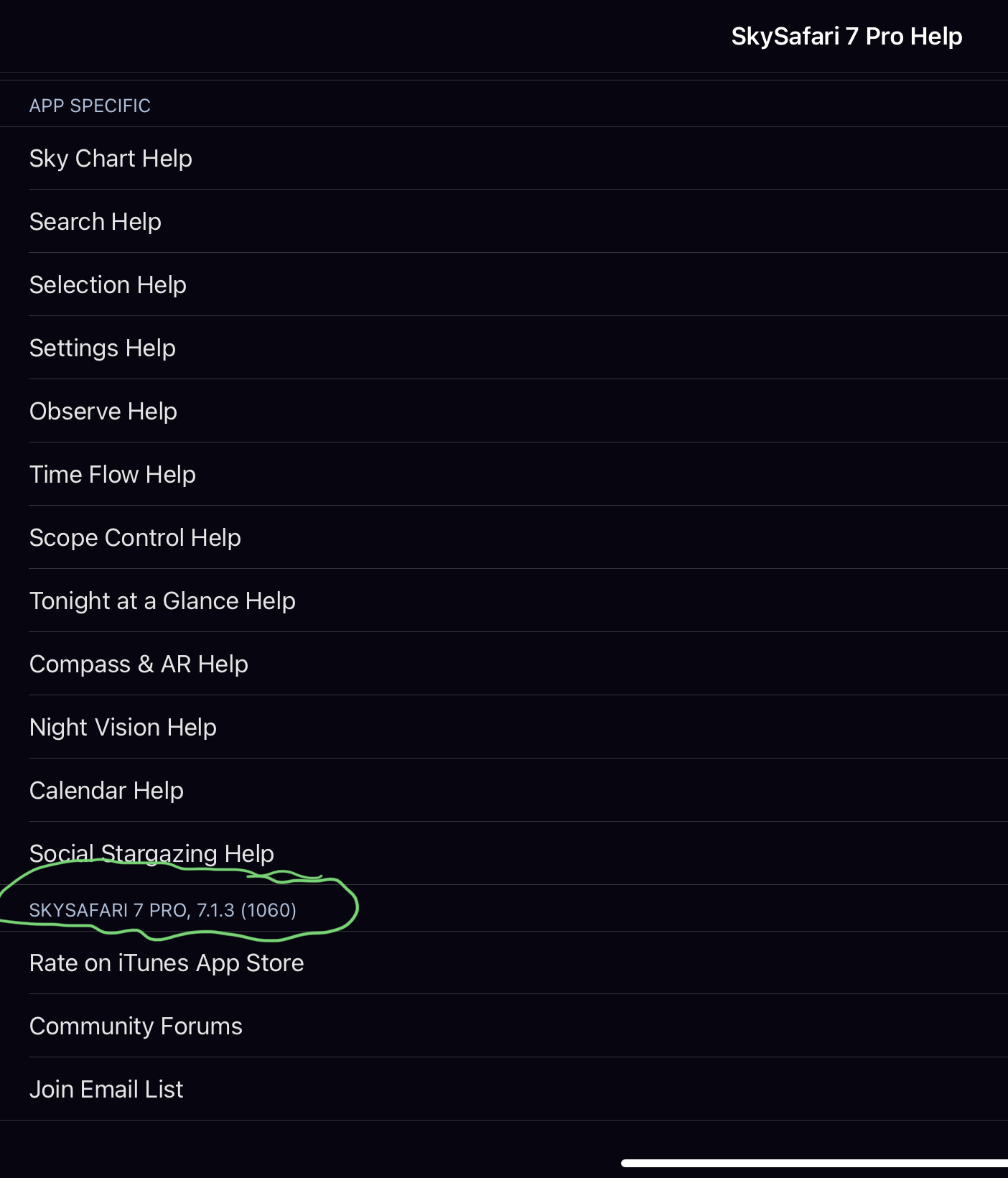
If you find yourself in orbit mode and you are using “Inverse Monochrome Chart” (which is actually quite useful for those of folks who learned on paper) read on.
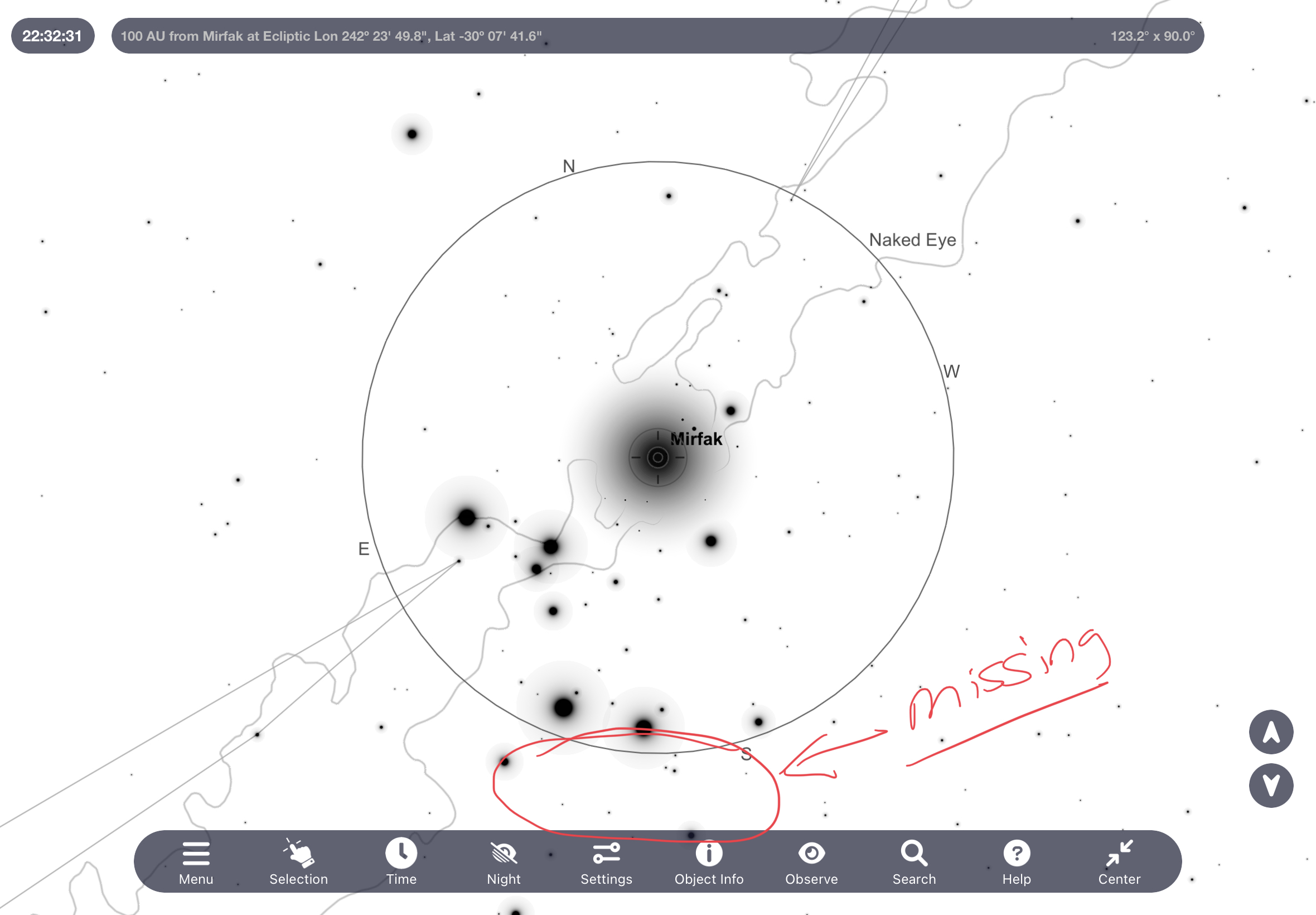
There is a bug where the earth icon will not display in this mode.
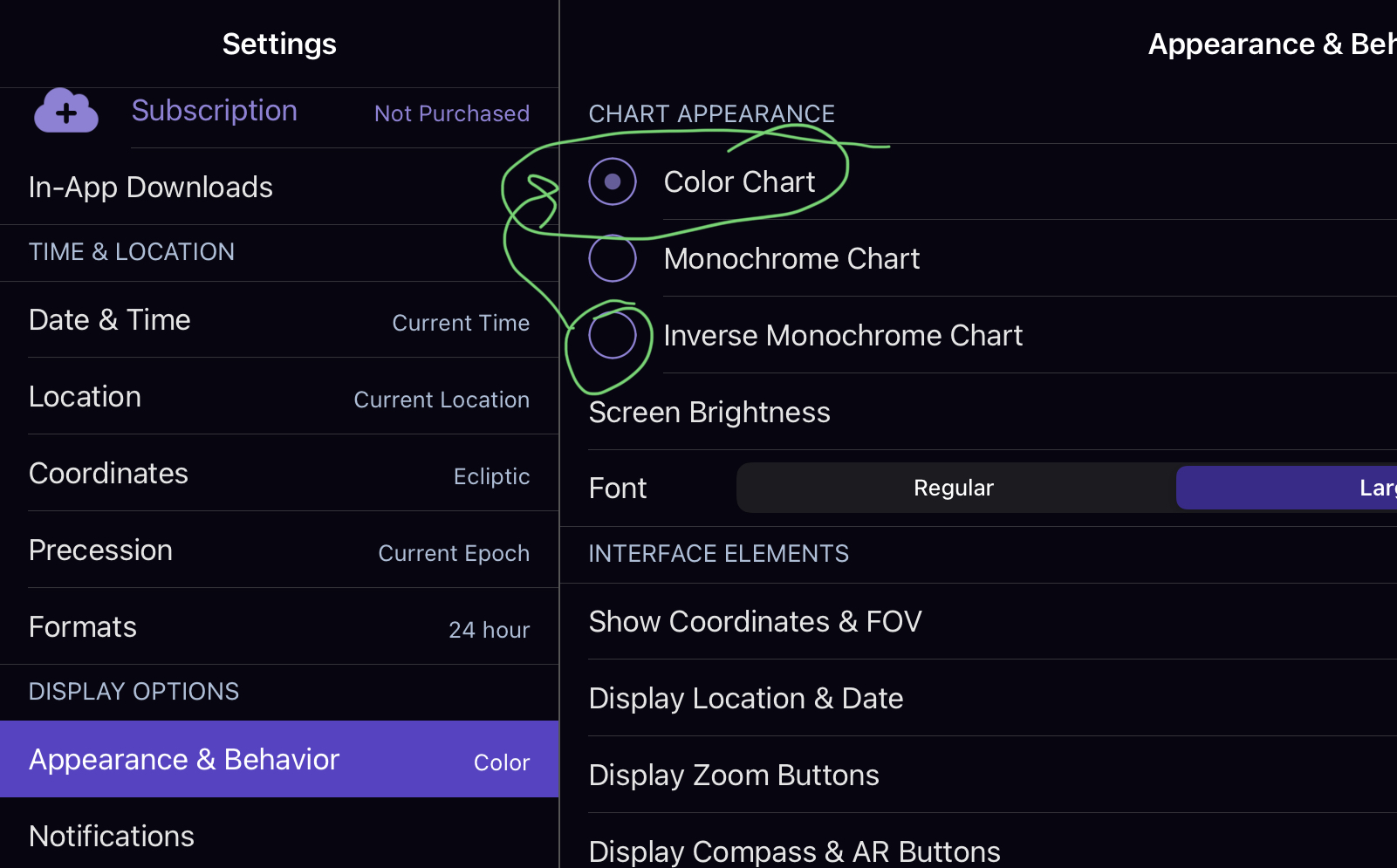
The workaround is to go into Settings | Appearance & Behavior and switch back to the color chart mode.
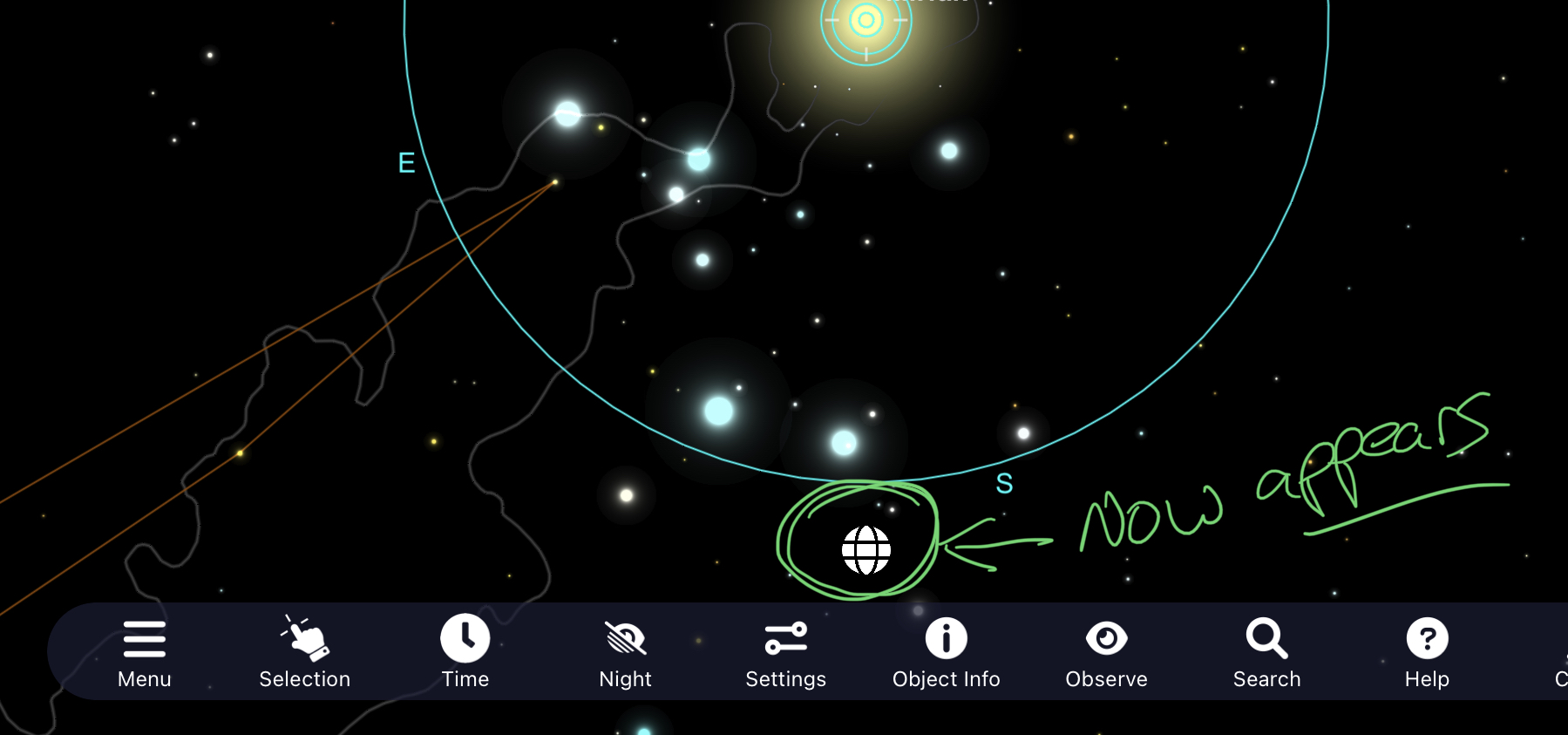
This will now display the earth icon so you can exit the orbit mode (which isn’t very useful).
It doesn’t look like the developers review these posts (at least not mine) so I suspect this will be an issue for some time. Hope this helps others.