
Updated to new IOS version and SK Safari will not run, comes up with a message that teh developers need to update the app.
Date
Votes
6 comments
-

Keiron Smith Terry,
Please delete and reinstall the app.
Thanks!
-
Keiron Smith If that does not resolve the issue, please tell me:
- What app and version are you running? Look in Help > scroll to the bottom.
- What iOS version?
- What device?
Thanks!
-

Robin Sweeten The iOS 14.5 update also caused Sky Safari 5 Plus v. 5.4.1.0 to produce an error at launch stating the developer needs to update this app to run on this OS. (On iPhone X). Yet, it is still running on my iPad Air 3, which also has iOS 14.5 installed. This problem needs to be addressed.
-

Larry Stedman I got the same message about the developer needing to upgrade the app. You can ignore it!
Keiron's advice worked like a charm for me for both Sky Safari 4+ and 5 Plus. Here's what I did.
1. I backed up the settings for each app via iTunes. That's critical so that you can restore them later. (If you have iCloud set up for SS 5, this manual process may not be needed. But make sure that your latest settings are in iCloud.)
You connect to your Mac -- I did this via a USB cable. Launch iTunes (if you're using an older Ma OS). Click on the iPad symbol to show your device. Select File Sharing. Select the Sky Safari app you're backing up. On the right side will be a pane with your saved settings. iTunes will often be at the bottom of that scrolling pane, so you may not see them. Scroll up and, Voila!, there they are. Simply drag-and-drop to your desktop (or wherever you want to save them).
2. I then deleted and reinstalled each app. To delete, hold down app on your iPad (or iPhone) until things start jiggling -- or you get the pop-up menu with Delete App as an option. It will warn you that it's about to delete the app and all its data. That's OK as you backed up in Step #1.
3. Reinstall by going to the App Store on your i-device, click on your avatar, click on Purchased, click on "Not on this iPad" (or iPhone if that's you're using), type in Sky Safari in the search box, it will come up in the found list, and click on it to reinstall.
4. In iTunes, drag-and-drop the backed-up settings back into Sky Safari.
Of course, if you have set up iCloud, you should be able do things that way instead of via iTunes.
Fantastic!
This works with other apps, too, that gave you the pesky "Develop needs to update" message. However, backing up and restoring settings, saved notes or databases, etc. can be involved.
Thanks for the help, Keiron!
(You can ignore the support request I submitted this morning before discovering your tip.)
-
Keiron Smith Thank you, Larry, for providing this detailed solution!
-
Keiron Smith New, easier solution, as discussed in Cloudy Nights here:
https://www.cloudynights.com/topic/769022-ss5-on-ios-145/#entry11124758
### Solution ###
Hi mark8888,
Does your device have iCloud Drive enabled? If yes, then check in its iOS iCloud settings that SS5Pro app has been enabled for cloud storage. If this was not enabled then there is no data backup available for a reinstall of SS5Pro to have all its data restored from the cloud. However, SS5Pro does default to local storage of its data on your iOS device which leads to the following workaround:
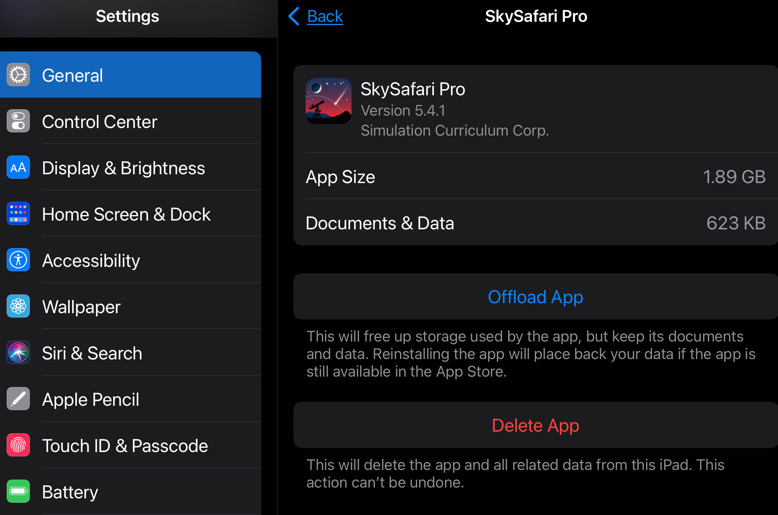
Go to your iOS devices Settings>General>iPad Storage>SkySafariPro>
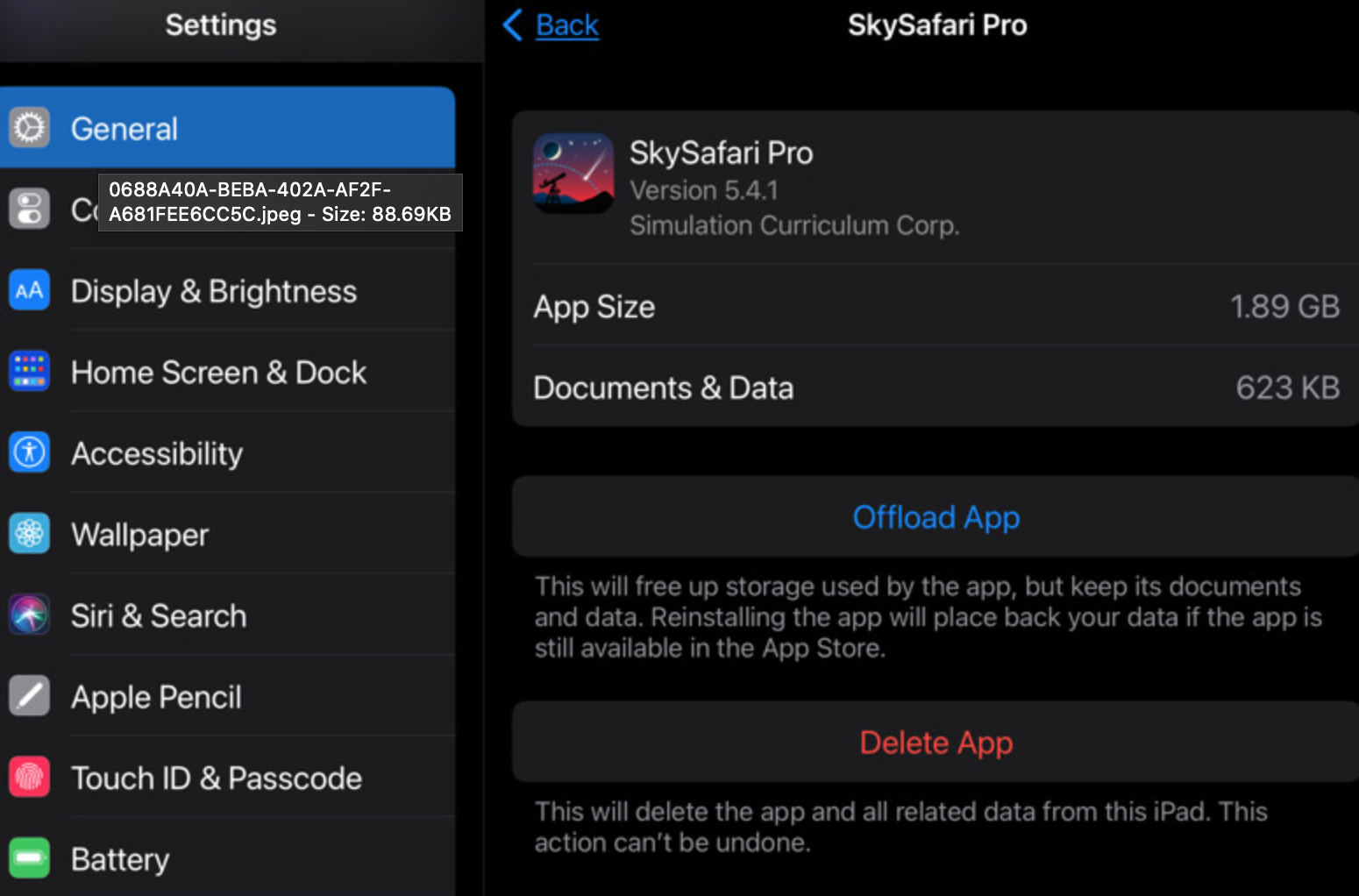
This will keep all your data to put back when you reinstall. There is a SkySafari icon left where your app was on your screen with a little download cloud at its bottom left corner. Tap this icon to reinstall.
The app is almost 2GB so it takes a bit to load.
Note: I tried this with my SkySafari5Pro as a test and it worked. Was not experiencing the warning from the app as you are. All Data was in place afterwards.
Garry
Please sign in to leave a comment.