
Starrynight8 will just remain in the Pre-installation process without proceeding to installation. Installation progress bar shows that it is almost complete but it does not finish the installation process.
Date
Votes
4 comments
-

Keiron Smith Christina,
Please provide the following:
- SN version number.
- Screenshot of installation (with desktop background for reference).
Thanks!
-

Harold Cade I have the same problem. it installs all the prerequisites but when it goes to finish with the "Configuring Windows" screen, it shows the wait cursor forever and the progress bar never starts. Where do you find the serial number? It installs/runs fine on my Windoze 10 box.
-
Harold Cade I have solved the problem. It installed .net and another set of libraries, and it should have re-booted between installing those and configuring it for Windoze. It works now.
-

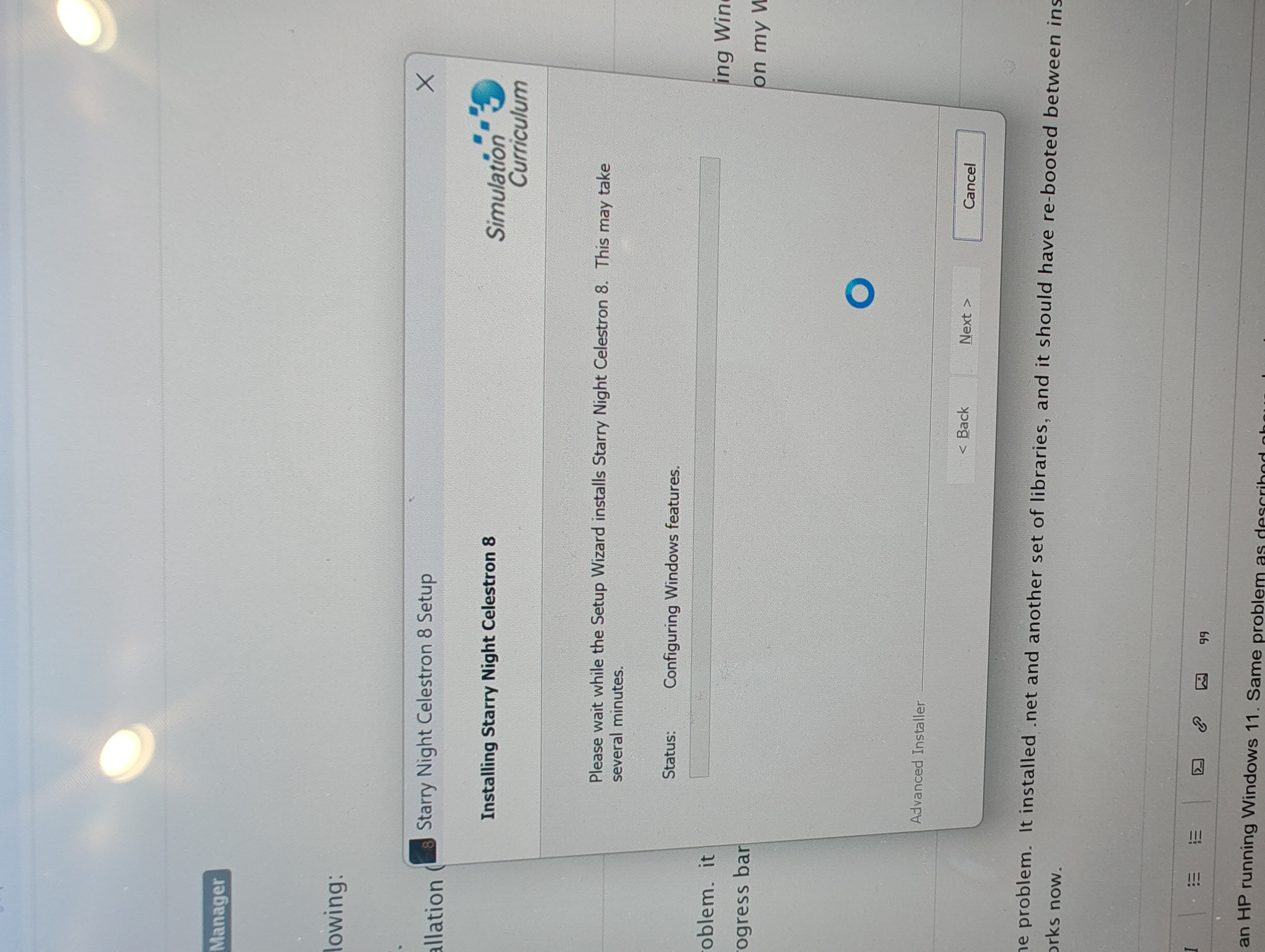
Bob Giometti I also have an HP running Windows 11. Same problem as described above. I re-booted and no luck. Here's a screenshot, spinning circle with no progress.
Please sign in to leave a comment.