Hello
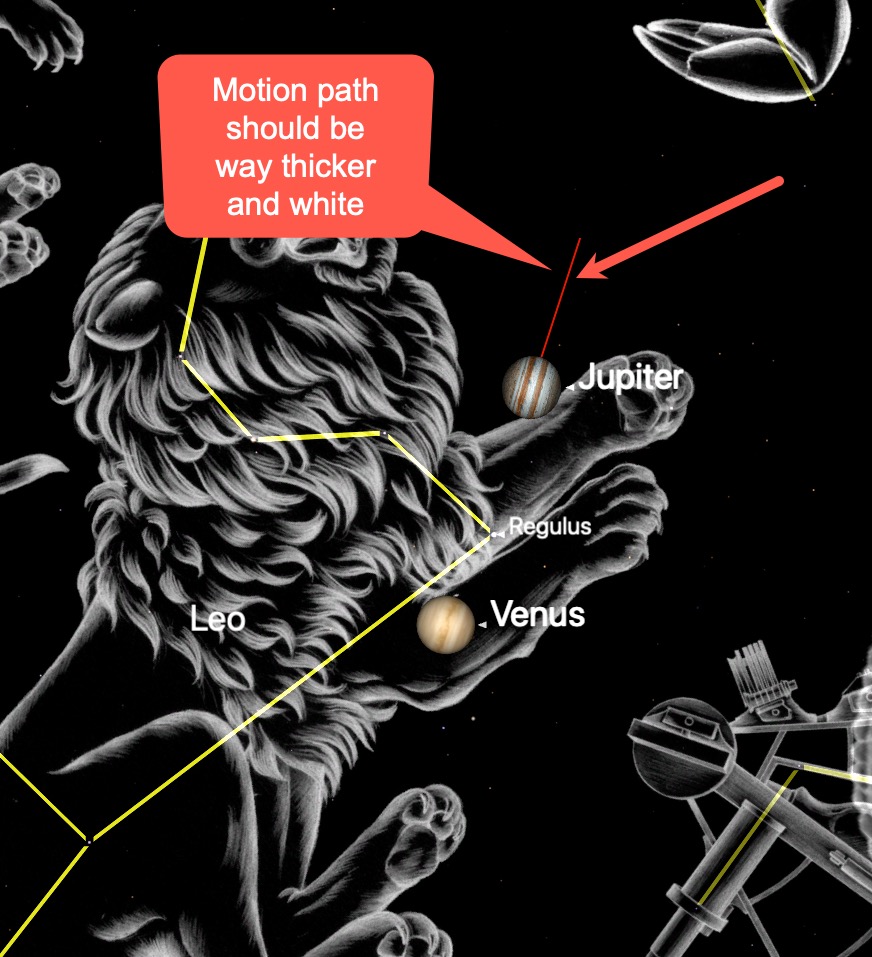
In Starry Night 8, how do I make the motion path of a planet thicker?
And can its color be changed?
Thank you very much!
Kind regards
Wolfgang
Hello
In Starry Night 8, how do I make the motion path of a planet thicker?
And can its color be changed?
Thank you very much!
Kind regards
Wolfgang


Hi Wolfgang,
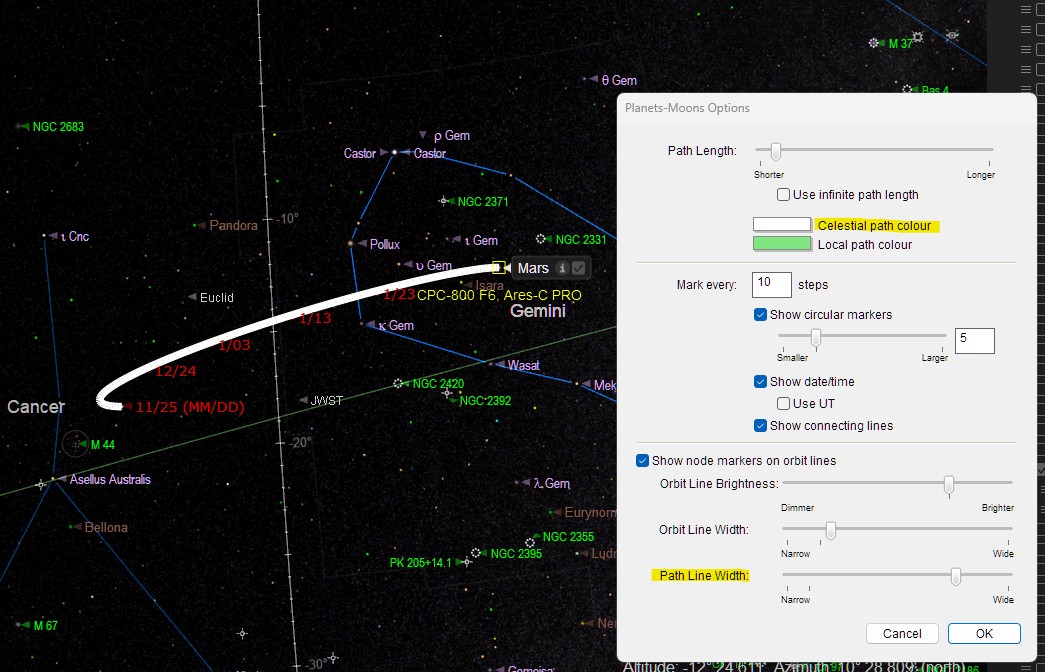
I believe "Options->Orbit / Path Options..." might be what you're looking for. Then you can change the colour and width of the Celestial / Local path. There is a more detailed explanation on p79 of the SN8 User's Guide.
The example below is the Celestial path for Mars with the colour set to white and the line width set wider than default.
I'm not sure how you can change the label text colour? It would be interesting to know if it is possible.
Have fun.
Pete
Hi Pete
Thank you very much for your quick reply!
My "Planets and Moons" options dialog looks different:
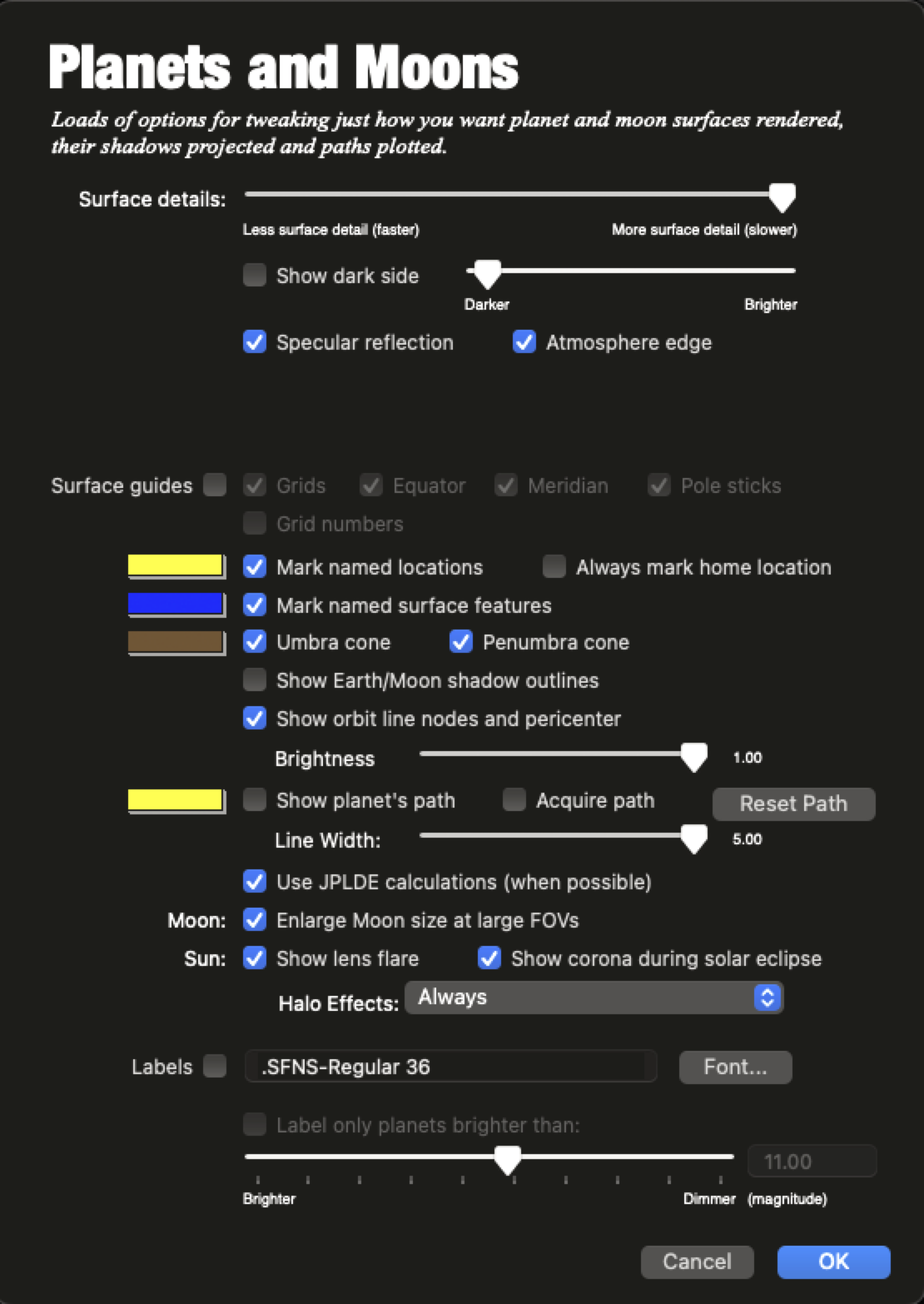
And even if I check "Show planet's path" there, nothing changes in the display.
Kind regards
Wolfgang von Ungern-Sternberg
Hi Wolfgang,
It's the menu item, Options->Orbit / Path Options... you need. I have no idea why the Orbit / Path Options dialog is labelled Planet-Moon Options! I guess, a minor labelling bug, or just my system :-)
Have fun.
Pete
He Pete
Where is that option?
It's not in my options menu.
There's also nothing for "orbit options" or "path options" in the help menu.
Is it maybe only in a higher or newer version of Starry Night?
But it says there is no upgrade available.
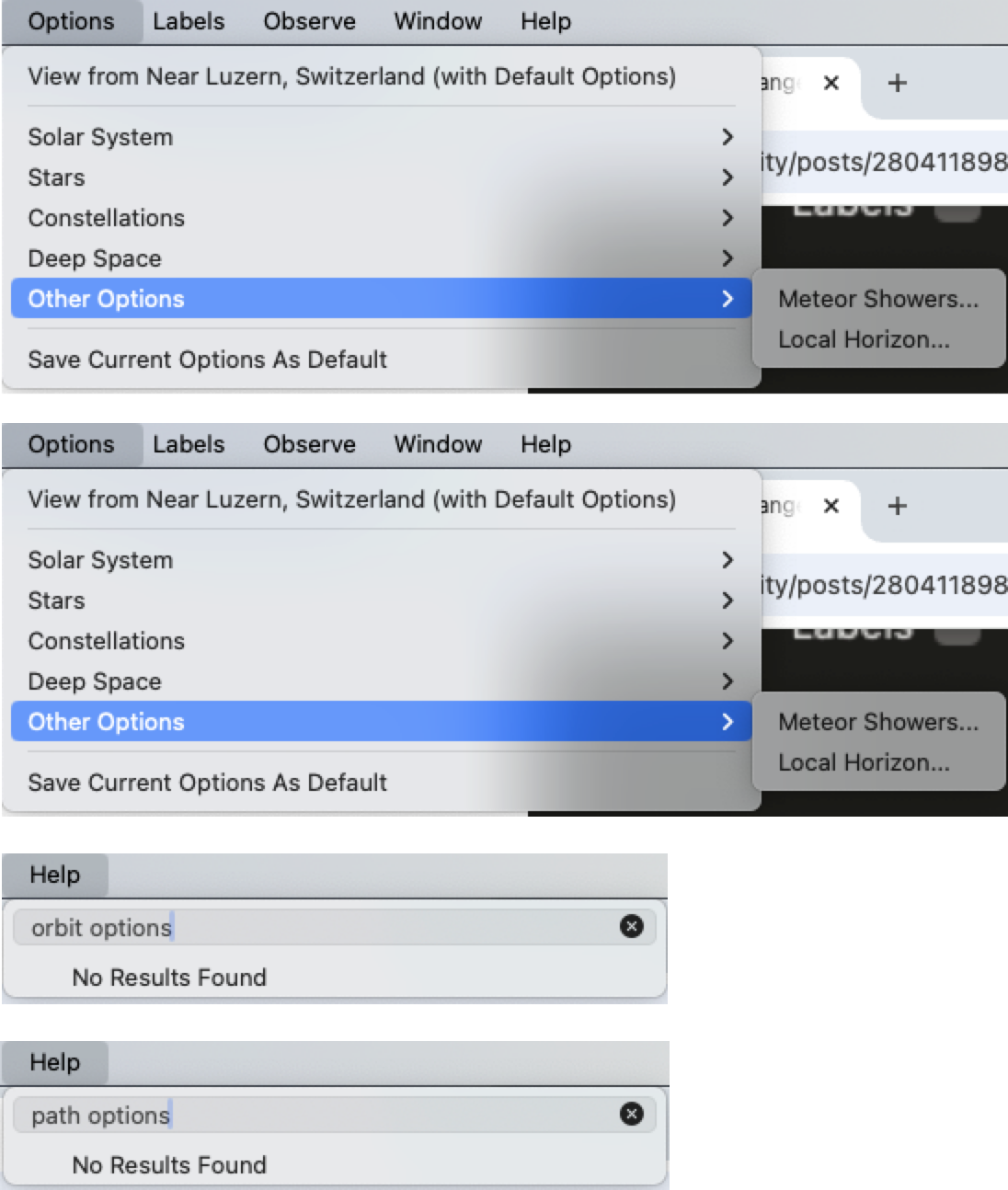
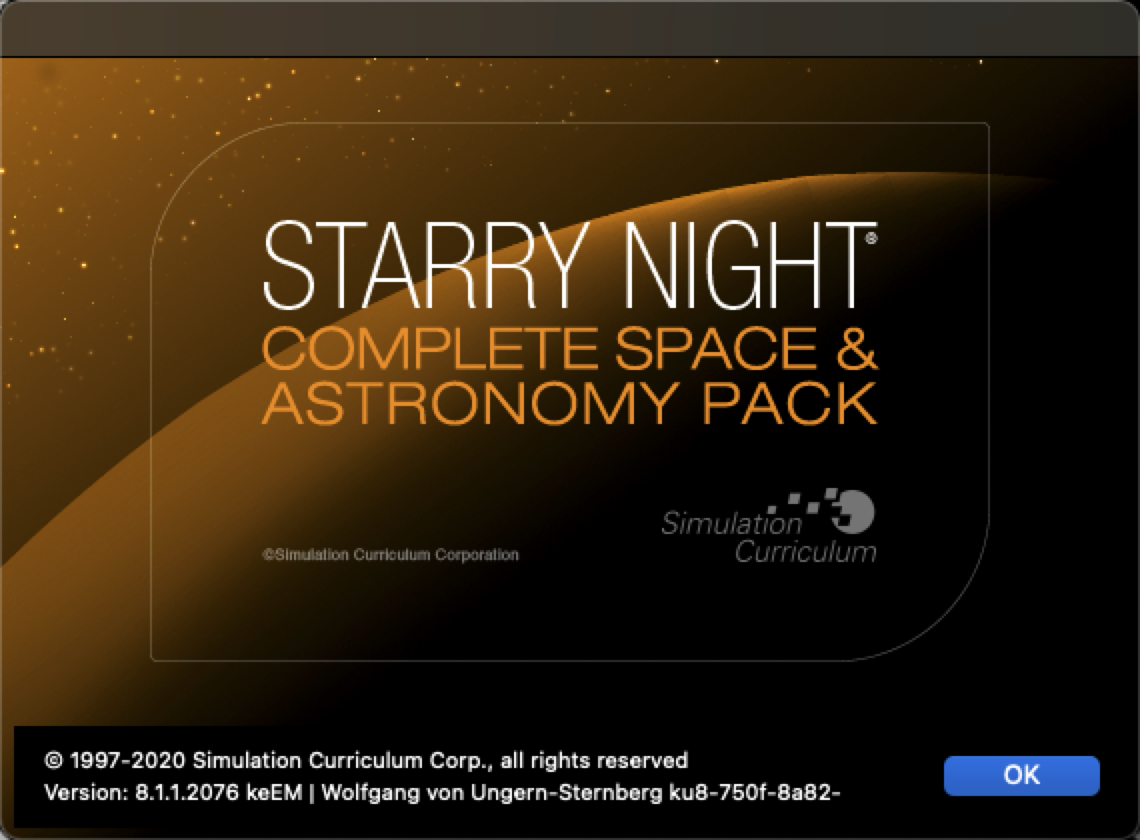
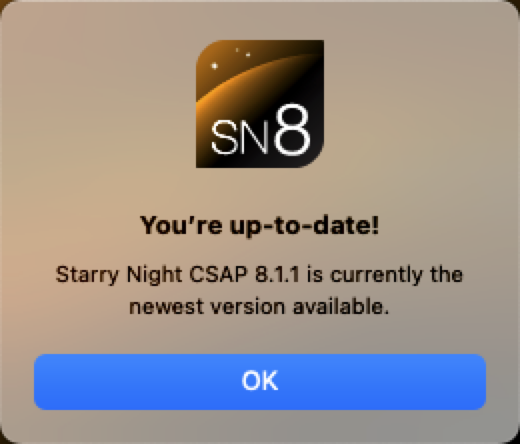
It's also not here:
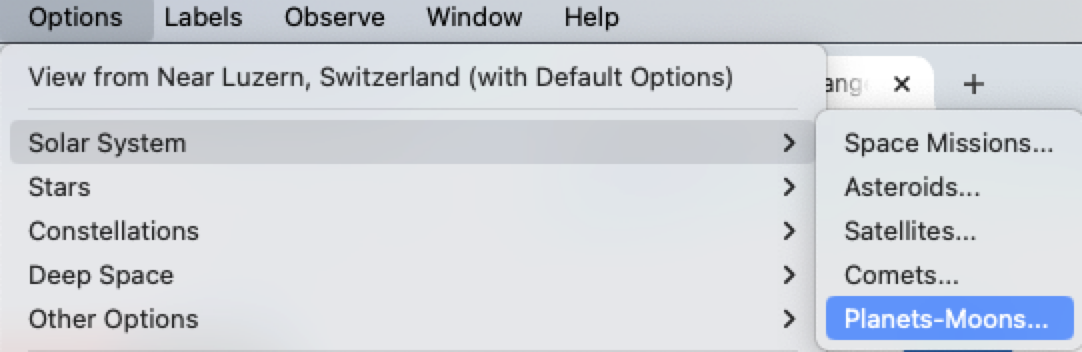
Hi Wolfgang,
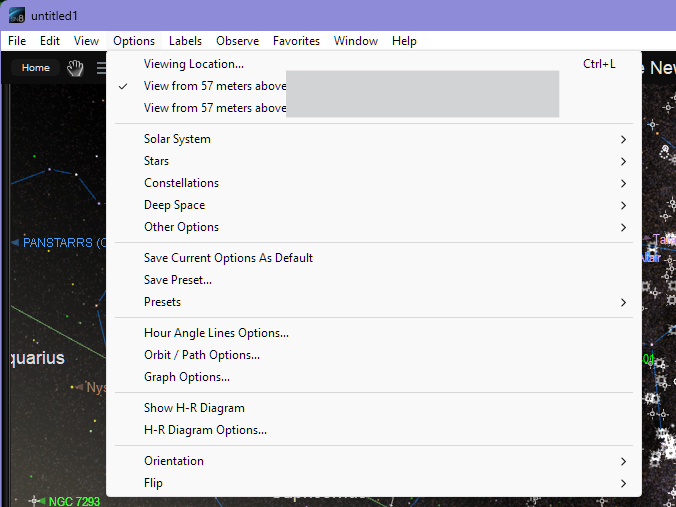
I'm using Starry Night Pro 8 (Starry Night Pro 8 – Simulation Curriculum Corp.). The image below shows what I see under the Options menu.
Maybe, the Orbit / Path Options is hiding away somewhere else in your version, or alas is missing. Hopefully, a user with your version of the product can point you in the right direction.
If the UI is missing. I wonder if the path colour and width can be changed in a configuration file.
I hope you find a solution.
Pete

For a full-featured experience Starry Night Pro or Pro Plus is the way to go.
https://www.starrynight.com/starry-night-8-comparison-chart.html
I'm not sure how you can change the label text colour? It would be interesting to know if it is possible.
Look in the Settings > General > Use plain Labels (perhaps only available in Pro and Pro Plus).
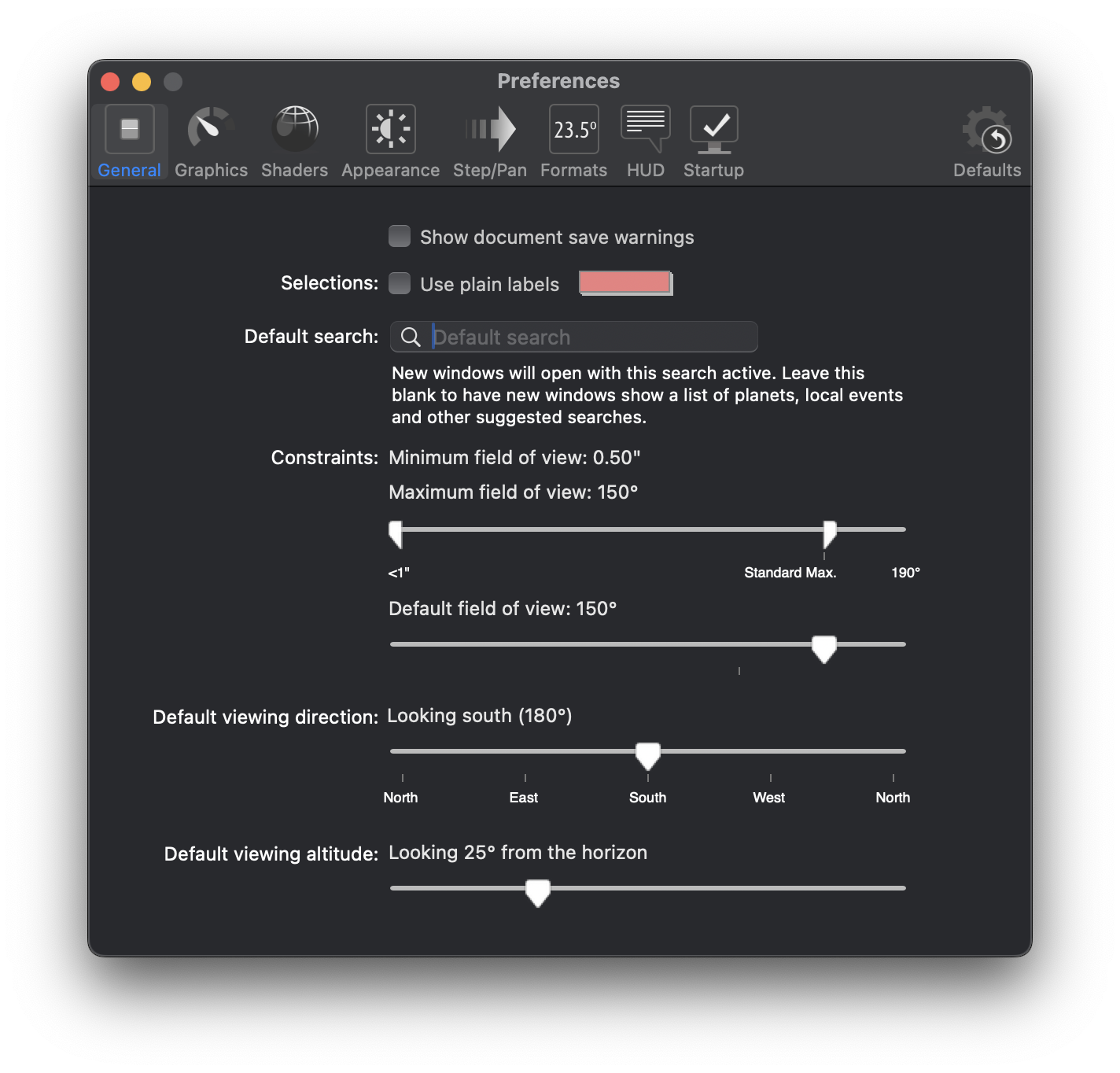
Thanks for your help, Pete!
Hi Keiron,
Thank you, I wondered where the label colour configuration was hiding 😊
Pete
Ok, thanks, Pete and Keiron.
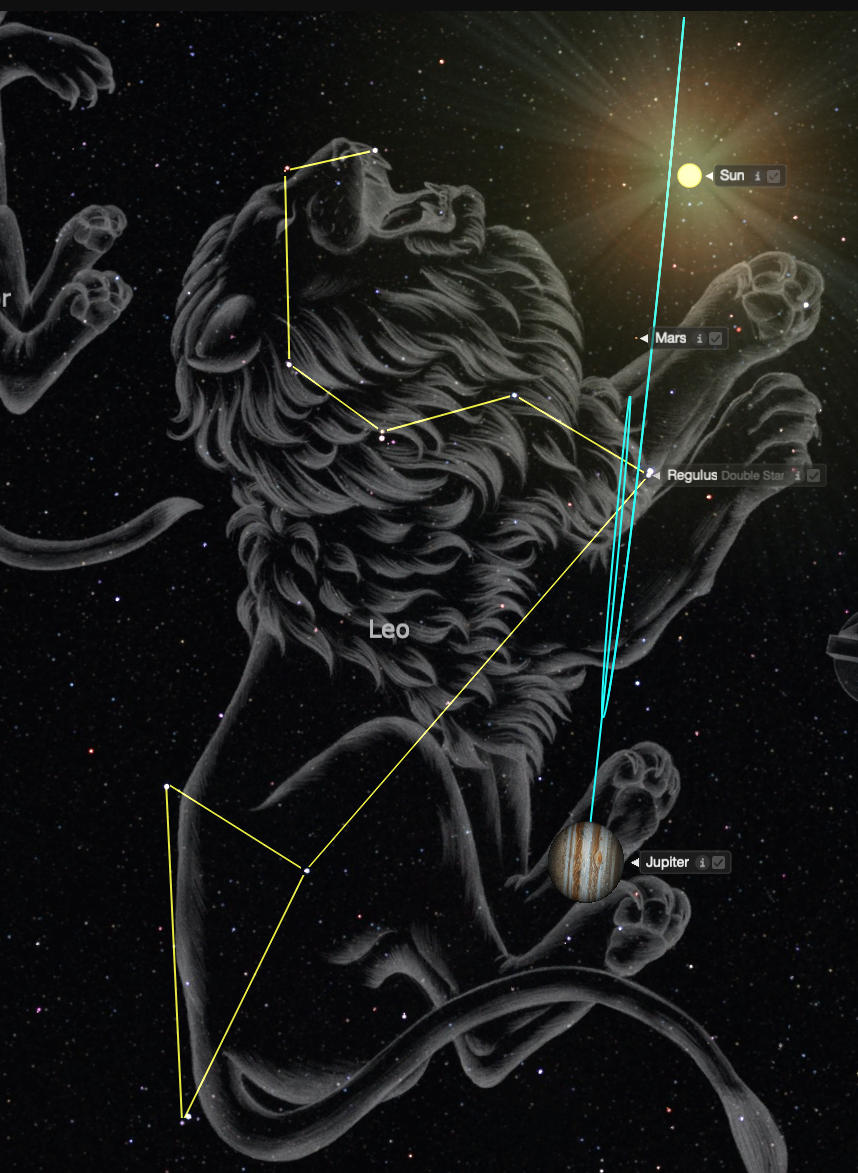
Got Pro Plus now and can change the color of the path.
But is there an option to make the path thicker?
A friend of mine managed to have a thicker path with Stellarium, the free software ...
Thank you very much!
Kind regards
Wolfgang von Ungern-Sternberg
Hi Wolfgang
Yay! Starry Night Pro Plus. Wow! I only have the Pro version, but at least now the "Options->Orbit / Path Options..." is available to you. 😊
The colour and the width are set on the same dialog. If you go back to my original answer, there is a screenshot of the dialog with the "Path line width" highlighted.
Have fun.
Pete