I want to show a view of the virgo cluster that shows all galaxies between mag 6 and mag 14 when I am zoomed out far enough out to show leo, virgo and coma Berenices labels. But the galaxies start fading out and not show. How or where do I turn the object fading feature off.
Date
Votes
4 comments
-

Keiron Smith Hi David,
Please see here: https://support.simulationcurriculum.com/hc/en-us/articles/231534167-Video-Starry-Night-V6-Limiting-Magnitudes
I think when you can replicate the results there you will better understand how to use limiting magnitudes to define your target range.
Please let me know if that helps.
If further help is still required please attach images/video or dropbox SNF files that show where you can get to, and where the problem is encountered exactly.
Thanks!
-

David Terrazas That only effects stars, I am trying to show all galaxy objects in and around the Virgo Cluster. I do not see a setting to turn limiting by magnitude in the deep sky options...
So is there no way to turn this off? -
David Terrazas Here are 2 images from SNP one 62 x 38
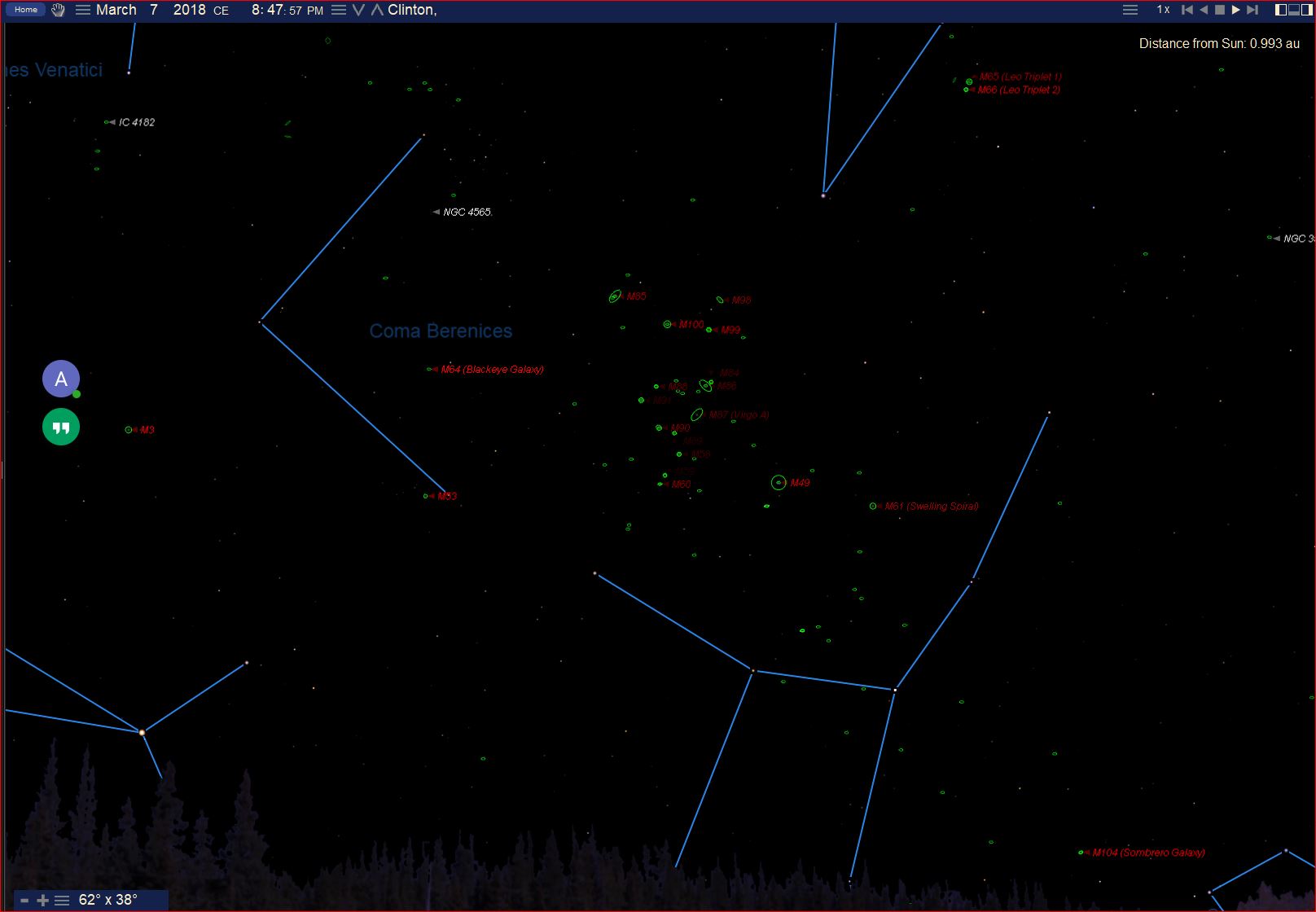
This one is 17 x 10. I want to show the same amount of galaxies at 17 x 10 but zoomed out to 62 x 38.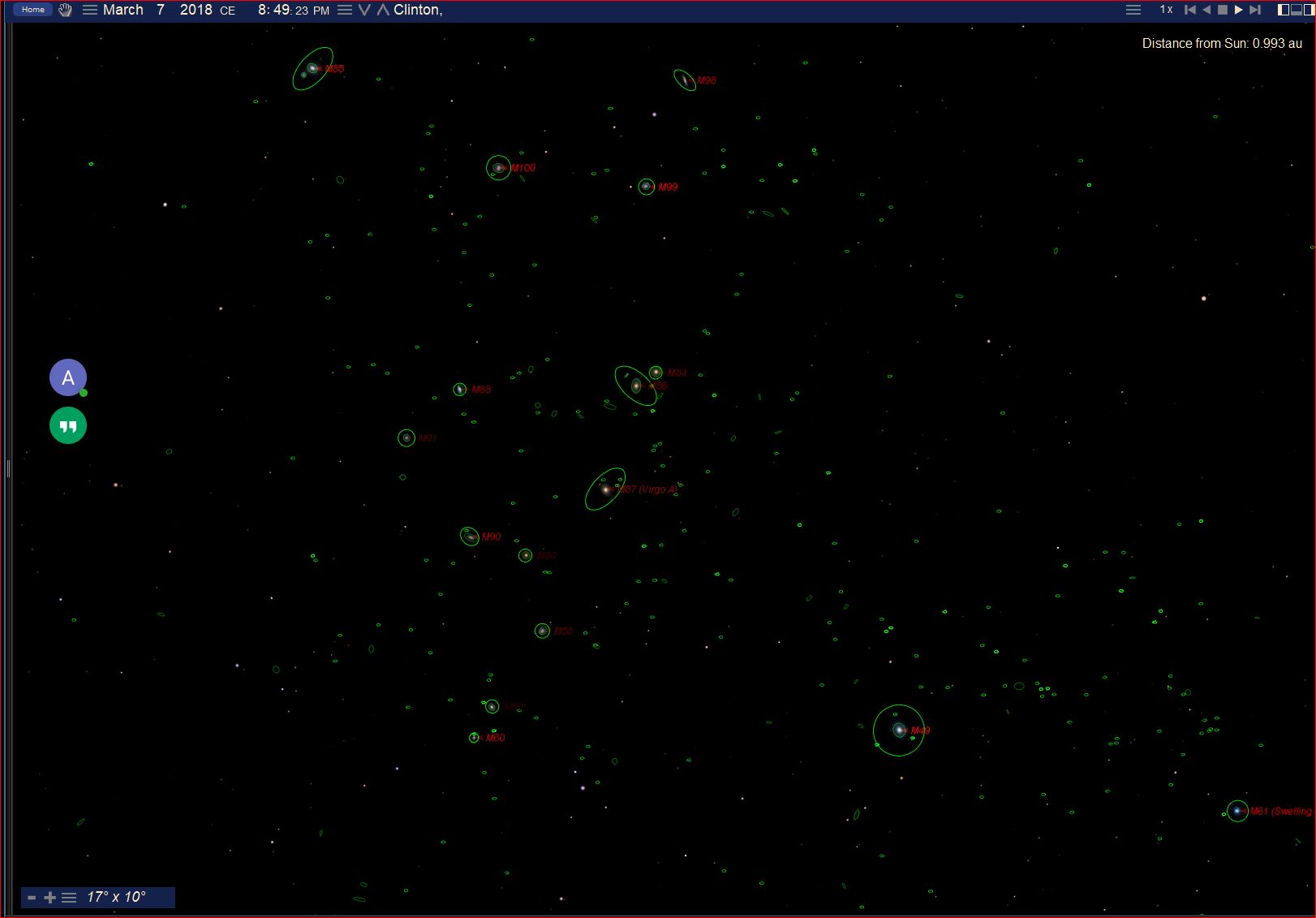
-
Keiron Smith Hi David,
I will need to see two SNF files. One for each FOV. You can attach them to the ticket.
Thanks!
Please sign in to leave a comment.