New post
0

SkySafari 5 Pro | Why Is 95 Herculis Found In The Wrong Constellation? (Answer: You Must Be Orbiting Another Object At That Time)

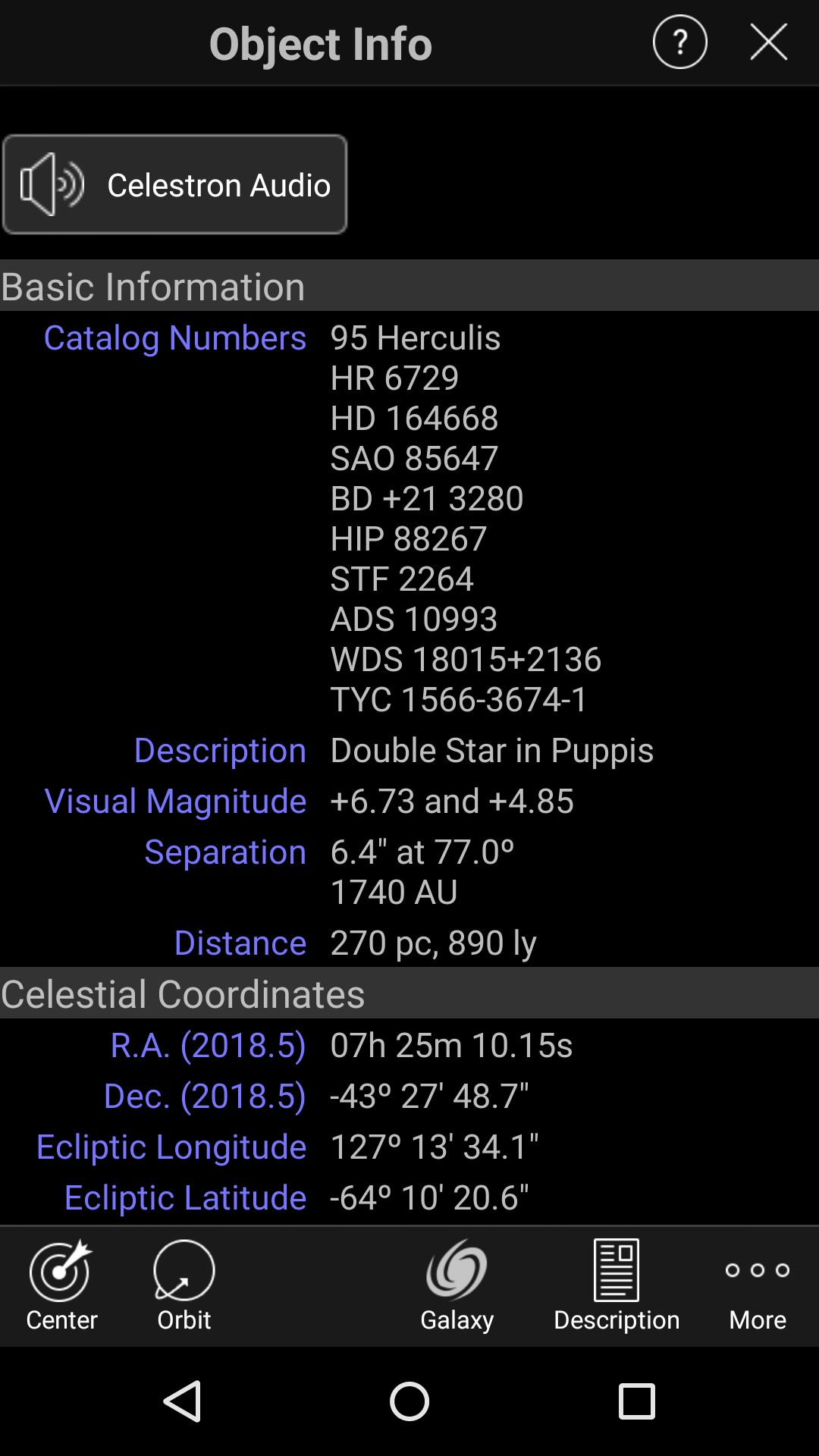
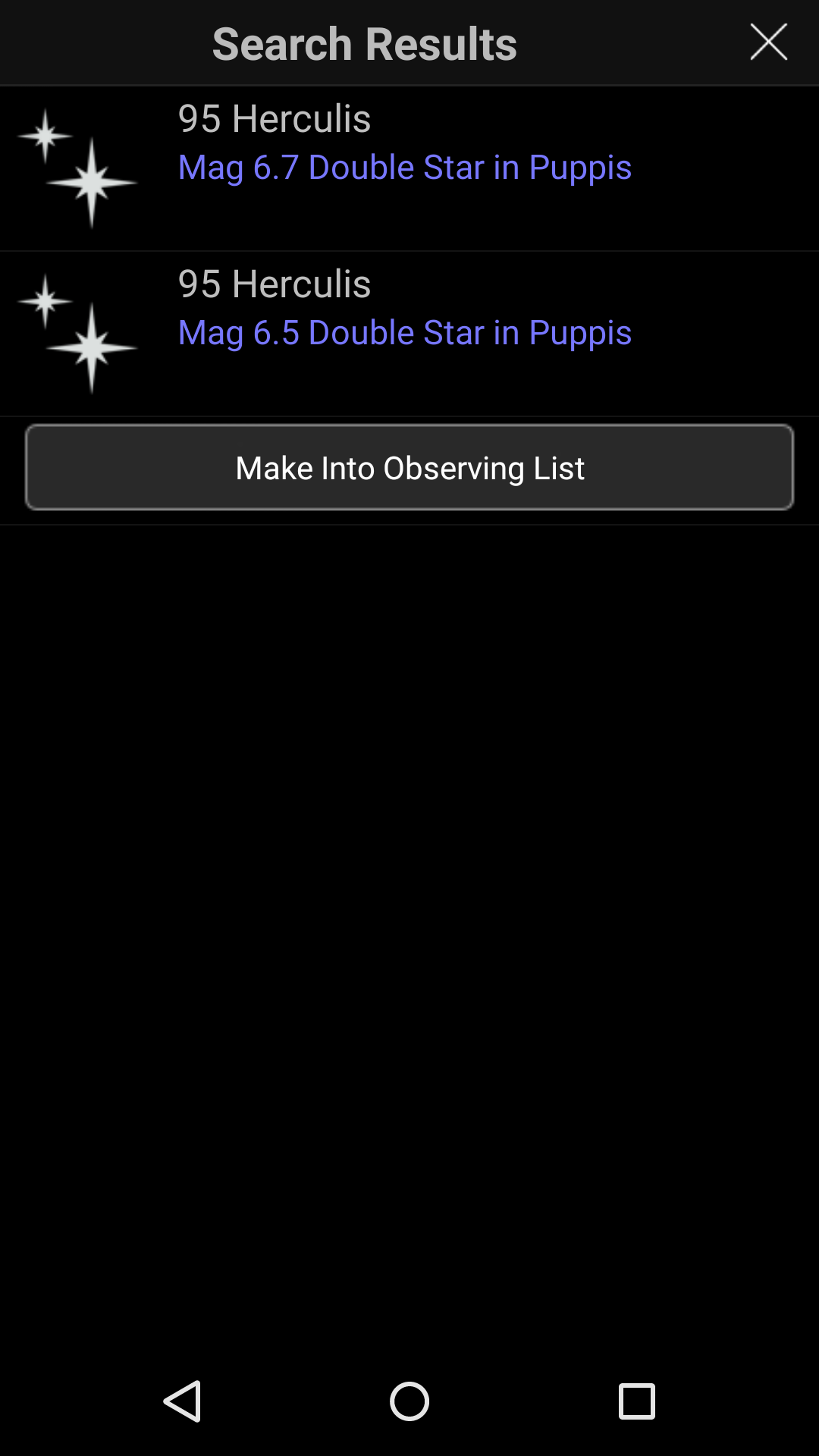
I had a single look-up error on my phone for 95 Herculis. As shown in the screenshots, SS5 pro thought it was in Puppis, but also showed the correct Hipparcos no. 88267 and description. The coordinates and location were off. The phone is a 2nd gen Moto X running Android 5.1. Clearing cached data and restarting the phone didn't correct the error. SS5 Pro on my Nexus 7 (2nd gen) handled this search correctly.


4 comments

  • 0
    Avatar
    Bill Tschumy

    Almost certainly you were in Orbit around some other object when you looked this up.  I just checked 95 Her in my SS5 and it is definitely correctly shown in Hercules.

    SkySafari always shows the object Info from the point of view of wherever you are located.  If you are orbiting some other star, then the data is relative to that star.

  • 0
    Avatar
    Bob Geoghegan

    Thanks Bill. I figured it had to be something like that.

    For my taste, it's too easy to accidentally activate the orbit and compass features that dramatically alter the SkySafari experience when I'm trying to use it as a database and star chart. Then it's frustrating to figure what caused the big change. The smaller screen of a phone doesn't help. Maybe version 6 cold have a way to remove or re-order the toolbar icons or have confirmation prompt (that can be turned off) for some features.

  • 0
    Avatar
    Bill Tschumy

    It is unlikely we will have a confirmation prompt but I am trying to have a UI for recording the buttons (which iOS has had for a while).

  • 0
    Avatar
    Bob Geoghegan

    Thanks, that sounds like a relatively simple solution. I know it's difficult to figure out what will be both versatile and intuitive when it comes to the UI. Plus you have a user base that may be operating at diminished late-night efficiency ;-)  One last suggestion would be a page in Settings to selectively restore each major UI option to its default.  

Please sign in to leave a comment.