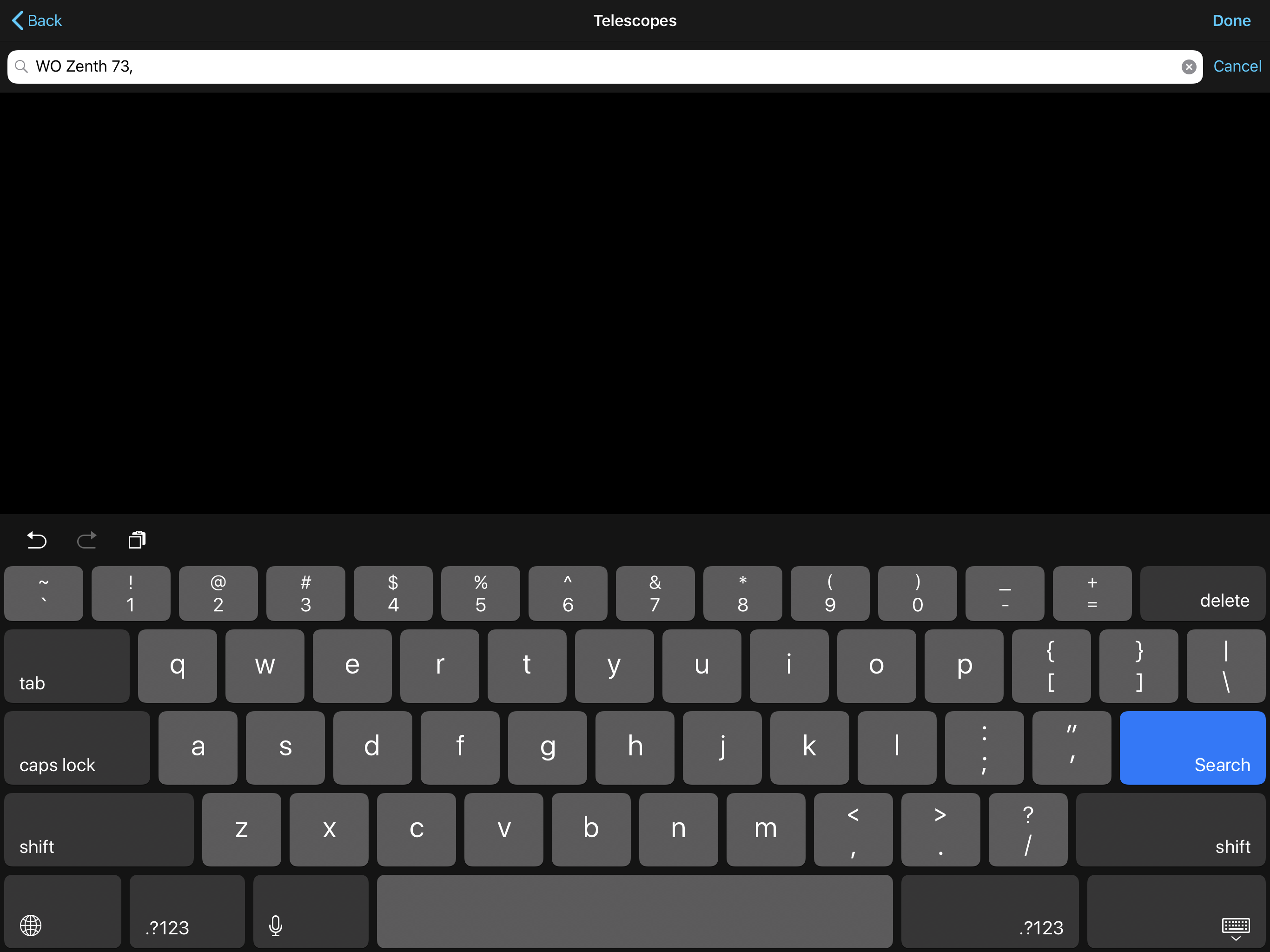
Trying to add WO (William Optics) Zenith 73 F/5.9, 430mm. After entering information, no option to save. Pressing DONE crashes system.
Date
Votes
4 comments
-

Bill Tschumy I'm a bit confused about what you did. We don't have the "WO Zenith 72" scope in our database (at least I don't find it). It look like you were searching for it and pressed Done when nothing was found. This doesn't crash for me, but it sounds like it does for you. You will have to add this scope as a "Custom" scope since it is not in the database.
-

efredian Thanks for the quick reply. I was in the Observe/Eqiipment area and I don’t see a way to add a custom scope, there. Under the Setup/Telescope field I have already set that to Skywatcher Synscan, German equatorial mount (the WO was a package including the scope and WO’s version of the Skywatcher EQ-35 mount).
-
Bill Tschumy Note that the scope type you choose from Settings > Telescope Setup has nothing to do with your equipment. We have a preset list there of scopes that we know how to talk to.
The Equipment is only used for showing FOV indicators on screen and for documenting you observations.
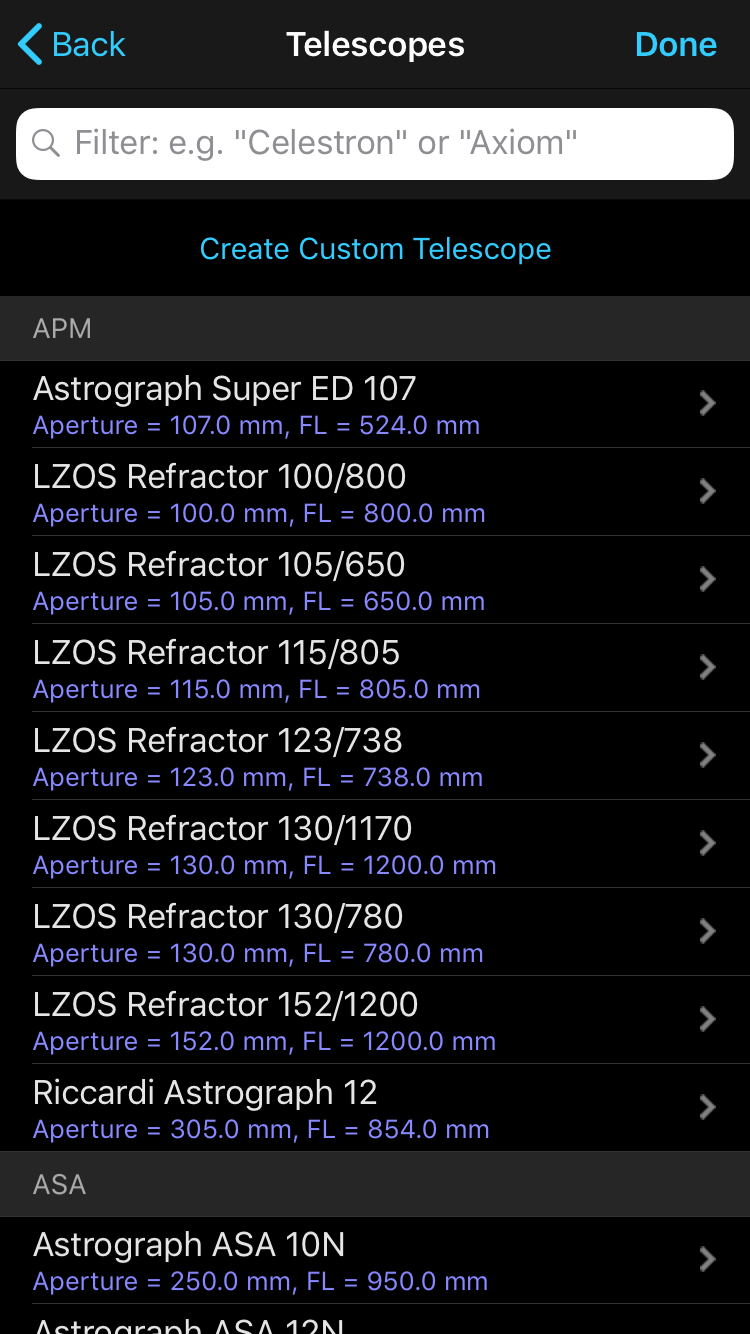
When you Add a Telescope to your equipment, you should see a screen like in the attachment. Tap "Create Custom Scope".
-
efredian Thanks, Bill. Found It! Have now added my new scope.
Please sign in to leave a comment.