New post
0

[UX Issues] Observations, Logging & LiveSky Feedback

I wanted to give several suggestions regarding LiveSky/Observations in SS6.  I'm not sure if one or more of these might be bugs or on a list of things to be enhanced, but a few seem obvious, others maybe not.

In-App Observations
1) Need to be able to see if an object is on a current observing list.  I can't imagine I'm the only one who used to click on an object > info > show observations to see if this was on any of the lists I'm currently working on, but as it is now, I'm not sure if there's a way (I can't find it) to check for this.

2) We should be able to add a location directly to an observation without using a session.  I'll probably use sessions, but I don't think it should be required to do so to log an observation's location. Which leads me to...

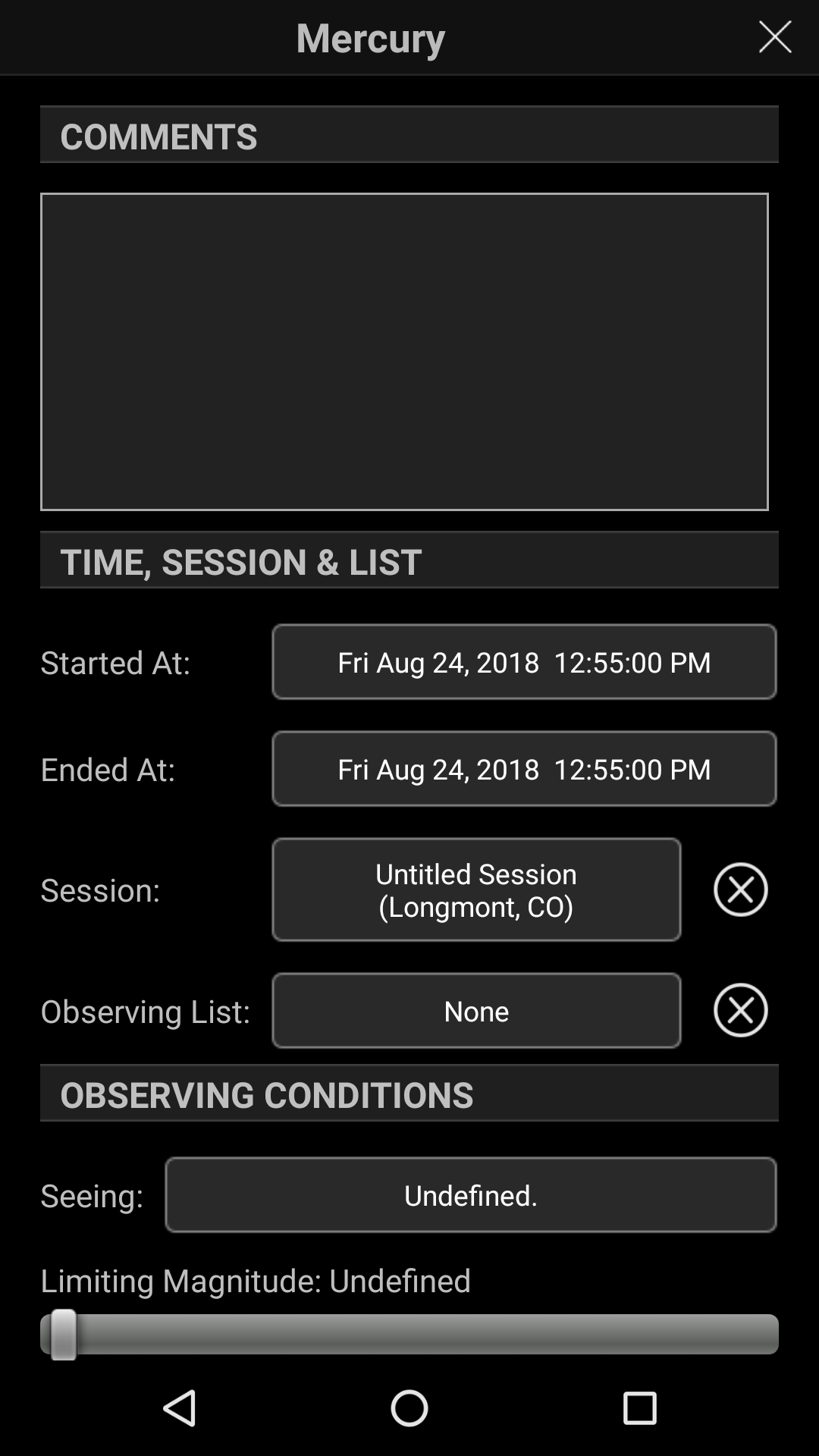
3) When viewing an observation I've made in the past, how can I see where I made the observation from?  Do I really have to click Session (assuming I made one) and then find the Session name that I had selected in my ever growing list of sessions just to see where I was?  I'm envisioning having dozens and dozens of sessions to scroll through and look for, so this seems wrong to me.

4) I feel like we should be able to delete a session even if objects are tied to it; I would then expect those observations to have their Session automatically changed to None, as they are if you don't choose a session to begin with.  

5) This applies to LiveSky Online too, but it would be nice to have a 'trash can' for deleted observations, lists, locations, equipment, sessions, etc. for a temporary time, maybe longer or forever for premium members.

6) I'm not sure why this changed, but previously, if you selected an object that was in a list that's being displayed currently, the sub-menu for the list would give you the option to edit within that current list.  I used this literally every single session for every observation.  

7) In this same sub-menu, it would be great to have, instead of select next object, select 'best' object, which would be the object at the highest altitude in the current list, observed if showing all or unobserved if hiding observed.


LiveSky Online
1) It would be REALLY nice to have the option to select and delete multiple observations or observation lists at once.

2) It would also be nice to be able to remove a list and all associated observations instead of just leaving the orphaned observations.  If I ever needed to clear out a list that had hundreds of objects, doing so one by one, or even as a separate action, would be annoying and time consuming.

3) When on the Observing Lists or Observations tabs, it would be nice if we could click on column headers to sort by that column and click again to reverse sort.

4) When looking at an observing list that has unobserved objects listed, it would be nice to be able to click on those and go straight into the create an observation page.  Also, it would be nice to be able to create an observation without having to open up the LiveSky Web.

I don't mean this post to be critical at all, there's lots of praise to be given, as I think SS6 is a huge leap forward to becoming my only source for observing.  LiveSky is SOOO much better than anything you guys could have done with the old backup options and just works SO much more seamlessly.  Anyone who doesn't think so isn't using it.  I appreciate your time reading and responding to the above comments.

15 comments

  • 0
    Avatar
    Chris

    Bill--
    I was hoping you could address these today and let me know if any of these are bugs or if they're all expected behavior?  Thanks!

  • 0
    Avatar
    Bill Tschumy

    I don't really work on the LiveSky website, but I will make sure the appropriate person responds.


  • 0
    Avatar
    Chris

    Okay thanks!  The ones I'm most concerned about are related to the SS application itself, specifically 1-3 and 6 in the first list, which all removed previous functionality that was very useful, perhaps by accident.

  • 0
    Avatar
    Bill Tschumy

    1. You are the first to request this.  Right now I can't think of an easy way for you to see this.  Where would you like to see this displayed?  Possibly it could get shown in the Object Info. We could also add another command "Show Lists Containing Object" to the Selection menu.

    2. The structure of Sessions and Locations is sort of forced on us by using the Open Astronomy Log format.  I don't think you can have an observation without a Session.

    3. If you name the Session with the location in the title, then you should be pretty apparent where the observation was made.  I suppose we could also display the session's location directly in the observation.  In general, it is not a good idea to have a bunch of "Untitled Sessions in your list.

    6. The workflow has changed a bit but I think it still does what you want (although I'm probably misunderstanding your request).  If you are displaying the list, tapping the object brings up a window allowing  you to either Create Observation or Edit Observation (depending on where it is already marked observed).

    Also if you have highlighted a list, then the Create Observation from the Selection menu will make an observation with the current list already specified in the observation.

  • 0
    Avatar
    Dave Whipps

    Chris,

    Thanks so much for the feedback.

    As for 2) I completely agree that it should work this way, and in fact, per the OAL spec (which we've used as our guide) an Observation can have a "Site" (location) on its own, or through a Session. This is something we can add fairly easily, and will do so.

    For 4) If I'm not mistaken, you should be able to delete a Session with observations already, having the Observations session set to None. Which client are you seeing that (not) happen on? iOS? I'll give it a look, but we've already implemented the logic in LiveSky.

    I think that everything you have there is a feature suggestion, rather than a bug, and we take them all seriously. LiveSky, being new and a web app is something that we're constantly improving, and suggestions like these are really important.

    - Dave


  • 0
    Avatar
    Chris

    1.  Here's the problem this creates for me, and presumably others who really use SS to extensively log objects.  Let's say I'm working on the Herschel 400, and Herschel II programs concurrently, and tonight I'm focusing on Herschel II - Summer objects (I have 4 lists per program to divide by season).  Maybe I even have another list for a third program I'm occasionally working on.  Whenever I find an object on my list, very often there's another object very nearby that I want to check and see if it's in any of my other programs.  If it is, I'm logging it now, since I'm here, otherwise I'm probably skipping it.  Is there a better way to do this that I'm not thinking of?  SS 5 and earlier gave the functionality to see incomplete observations for each object, but that seems to no longer be the case.

    2/3.  I guess that's the way to do it, just name the sessions with location and date.  I don't think SS currently forces you to have a session for an observation.  I also like the idea of listing the session site name within the observation itself, as I would probably not put the locations in the session names otherwise.  

    6.  I guess the difference is that in previous versions, an observation was 'created' when an observation list was created, then when you actually observed the object, you just edited the blank observation.  Now, I think, items on an observation list don't have an observation to edit, you have to create a new one and then link it to the list so the list knows it was observed.  In that case, I can just click Selection > Create New Observation as opposed to Edit in the old Observation List submenu.

  • 0
    Avatar
    Chris

    Hey Dave

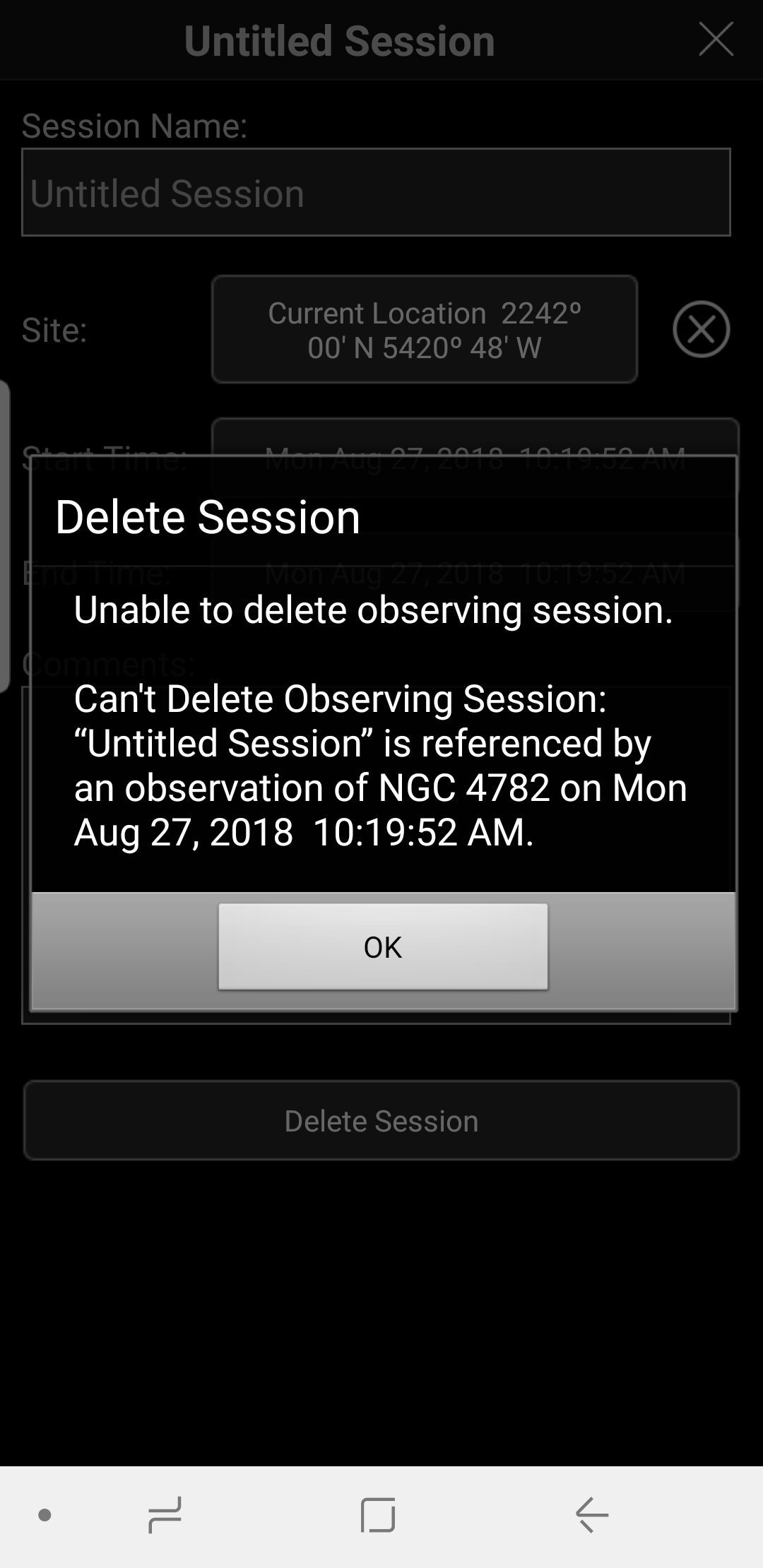
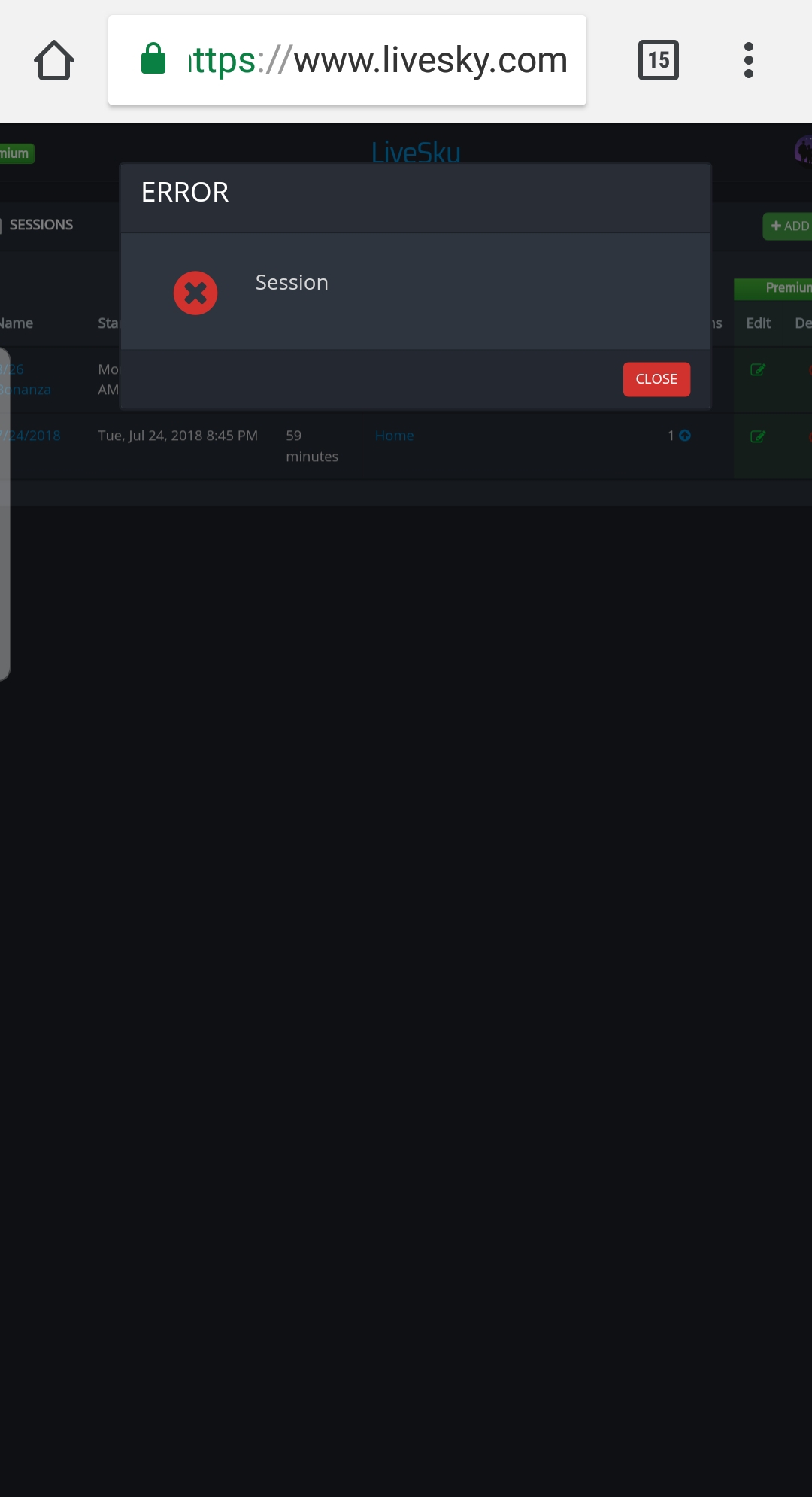
    Here's a screen shot in the new version of SS on Android released this morning when trying to delete a session that has an observation tied to it. Galaxy S8 with Android 8. Also attached a screen shot within LiveSky trying to do the same thing.


  • 0
    Avatar
    Dave Whipps

    Chris,

    My mistake (I was thinking of Observing Lists, not Observing Sessions.) For the moment, Observations require an Observing Session, and so it's not possible to delete the session without deleting the Observation. I'll have a look at whether the OAL spec allows for this, and I'll fix the error message on LiveSky.com.

    I'm going to ask Bill to answer your question about how you might optimize your logging. It might be something easy that we can add.

    - Dave


  • 0
    Avatar
    Bill Tschumy

    Chris:

    1. No one else has brought up this problem in iOS which has been out for over 8 months.  Not saying it is not a real problem for you but just not something that has been brought to our attention.  I can try to add something that solves your problem directly, but here is another workaround:

    Select the object and choose "Create New Observation".  This will create an observation for the selected object.  Then tap the Observing List button in the new observation.  This will display a list of all observing lists that contain the object.  If you see a list you want to make an observation for, choose it.  Otherwise, just hit the back button and delete the observation using the button at the bottom of the observation screen.  Maybe not the most elegant way to get what you want, but it works.


    Also, I did just notice that you can delete the session on an observation.  I thought this was a requirement, but I guess not.  

    How is this for displaying the site name on the observation?  I just put in in parentheses after the session name.  The only think I don't like about this is if people do want to name there sessions based on the site, then the site name will appear twice.

  • 0
    Avatar
    Chris

    Hey Bill

    Thanks for looking into this for me.  I'm finding that when I select Observing List on an object that I know is in multiple lists, I'm seeing ALL of my observing lists, not just the ones that that object is listed within.  Is this a bug?

    Also, when I click Create New Observation, I'm not given the option to delete that observation at the bottom until I've left the observation and came back to it.  This certainly seems like a bug to me.  

    If the software behaved like you suggested, with both of these things changed to what you said, I think this workaround would work.  Another option would be to list all observation list entries on the Selection > Show Observations screen.

    On the other point, I guess that's what I'll do, manually type in the names of the locations on the session title, simply so I can know when looking at past observations where I was.  This does seem counter-intuitive since that data is already captured within the session where it's tied to another, more informative field (Sites) but it does technically work. 

  • 0
    Avatar
    Bill Tschumy

    I'll respond later today or tomorrow.  I just *have* to finish the "in-app purchases" stuff and can't get too distracted.

  • 0
    Avatar
    Chris

    Sounds good, I'm also very interested in getting the in-app purchases, especially the UCAC 5 star catalog upgrade!

  • 0
    Avatar
    Bill Tschumy

    Chris,

    OK, I have all the in-app purchases working (including UCAC5).  I will have a beta out later today with the new features.

    Your first comment was indeed a bug.  Apparently I never implemented the filter so the Observing List picker you get from the Observation view shows only lists containing your object.  I have fixed that.

    I also changed the Observation view so the "Delete Observation" button is present in newly created observations.  

    I have been playing with this to see if the selected object is in one of your lists.  I think it works reasonably well.  Eventually we may want to have an explicit command for this.  Try it and see.

    Please do try giving the session an informative name.  Sometimes the site name is just Current Location if you don't explicitly name it, so I don't think you can just rely on the site name to know where you are.  

  • 0
    Avatar
    Chris

    Thanks BIll!  I'll be downloading the UCAC5 tonight then when I'm sure to be on Wi-Fi!  It sounds like Pro gets you to 15th mag on stars w/out upgrade and down to 16.5 with, and 18th mag DSOs without and 21st mag with.  I definitely see the value in the stars for visual observers like myself, but I'm guessing the additional DSOs down to 21st mag would be geared mostly towards imagers.  

    Thanks for fixing those two bugs.  I've always named every site that I've logged observations from and used those specific names as my location and hadn't really thought of just logging objects to 'current location'.  I'll test all of this out tonight.

  • 0
    Avatar
    Bill Tschumy

    Yes, you have it correct on what the PGC and UCAC5 extension catalogs get you.  You are correct that mainly imagers will be interested in the PGC extension.

    I really appreciate all your testing and feedback.

Please sign in to leave a comment.