SkySafari 6 Pro for Mac: Contents of 'Telescope' menu greyed out. OK in SF 5 Pro Mac OS 10.14.
Comms via SkyFi - Same installatio0n with SF 5 Pro is perfect.
SkySafari 6 Pro for Mac: Contents of 'Telescope' menu greyed out. OK in SF 5 Pro Mac OS 10.14.
Comms via SkyFi - Same installatio0n with SF 5 Pro is perfect.

Hi Colin,
Please attach a screenshot of what you see. Please also attach a screenshot of everything listed under Connection Type.
Thanks!

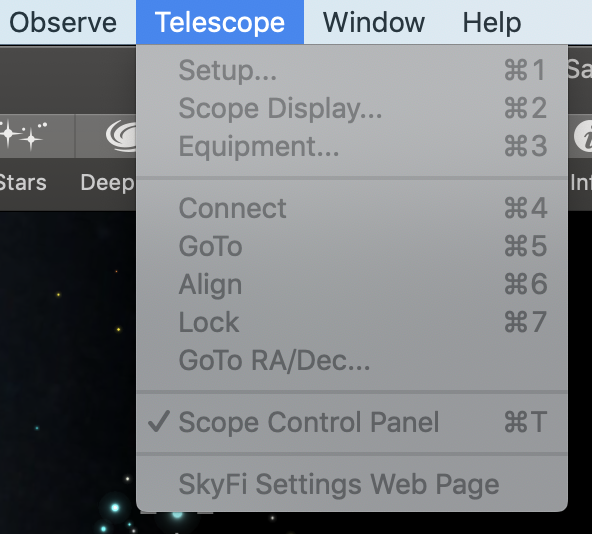
Hi Keiron - thanks for getting back - here is the menu - I imagine 'Connectioon Type' is in here somewhere it is under 'Setup..." in SF5
The panel is grey, indeed. Also, the Scope Control Panel is checked; i.e. the telescope control panel is out of the monitor somewhere, it looks like this:
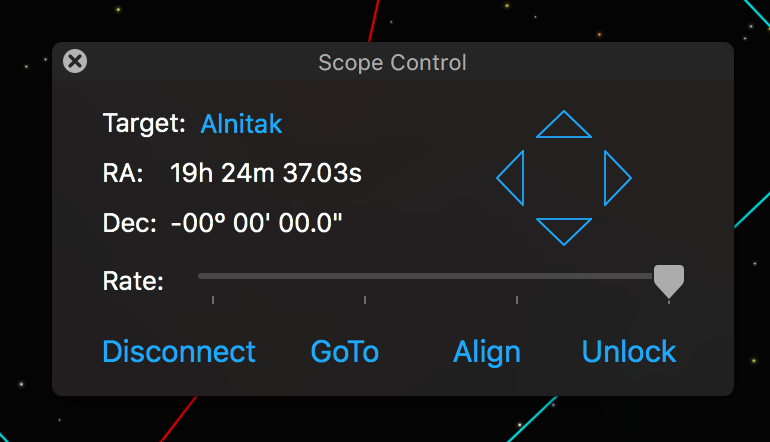
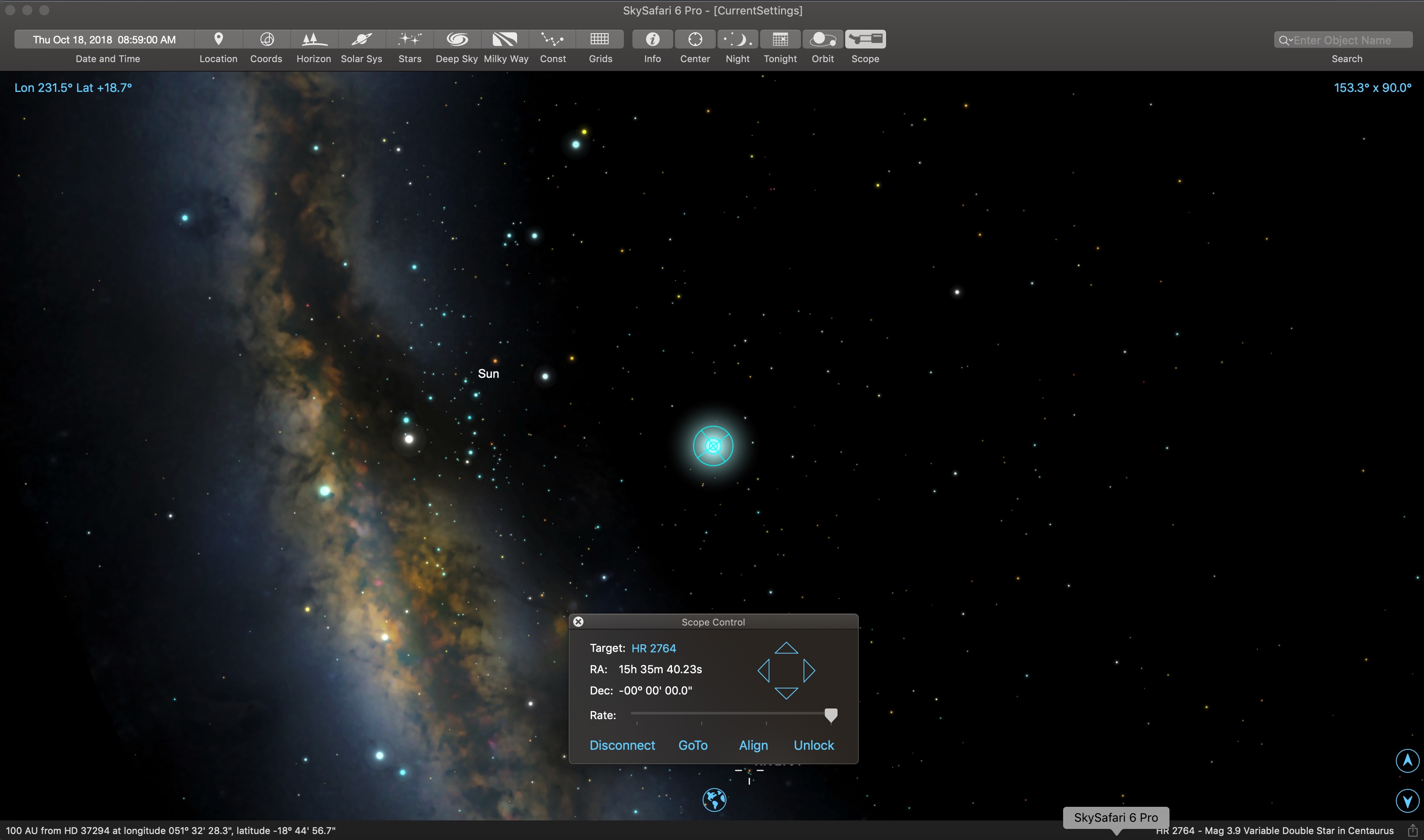
Can you see the scope control panel on your monitor, along with the rest of the SkySafari app window?
The scope control window is there.....on the complete window
Does this not resolve itself if you quit and restart the app?
No, I can clear this control and nothing changes. Many restarts (and computer reboots) dont help. the curious thing is that SS5 works fine - just starts up and the Telescope menu is there and alive. Have you tried on Mac OS10.14, but Ive no reason to believe that is the issue. Even when Im not connected to the wifi SS5 shows the telescope menu but SS6 does not.