Additional issues I am having:
Windows 10, Starry night Pro Plus version 8.0.1.1650
When I add Barnard dark nebula to an observing list, it will not sync with SkySafari. SkySafari shows it as unrecognized even though the object is very much part of SkySafari’s database. This takes place with all Barnard dark nebula. Additionally, logs I enter in Starry Night for Barnard dark nebula show as unrecognized objects in SkySafari.
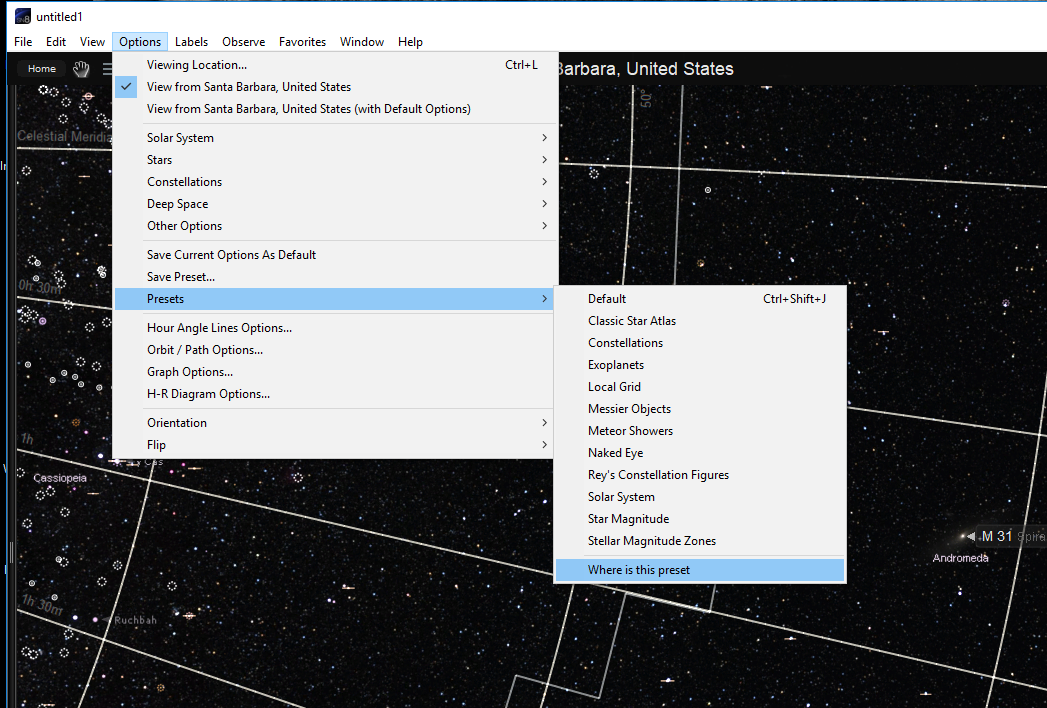
I am unable to save presents in C:\Program Files (x86)\Starry Night Pro Plus 8\Sky Data\View Options as I could in in Starry Night 7. There are no user defined presets. I can do a walk around by saving to a different location, closing Starry Night, move to C:\Program Files (x86)\Starry Night Pro Plus 8\Sky Data\View Options and reopen starry night.
All preloaded Favorites open with FOV enabled.
I am not able to manually move objects in observing list up or down in Observe – Observing List, selecting list and then edit. Objects are static. I cannot click and drag to reorder.
When interacting with Observing list on the right panel sort sorta works. For example, if I click to sort by Alt, it will move objects around and kinda sort by alt but not accurately so. If I sort again nothing happens. If I select a second column to sort like mag or rise nothing happens. The sort does not really work.
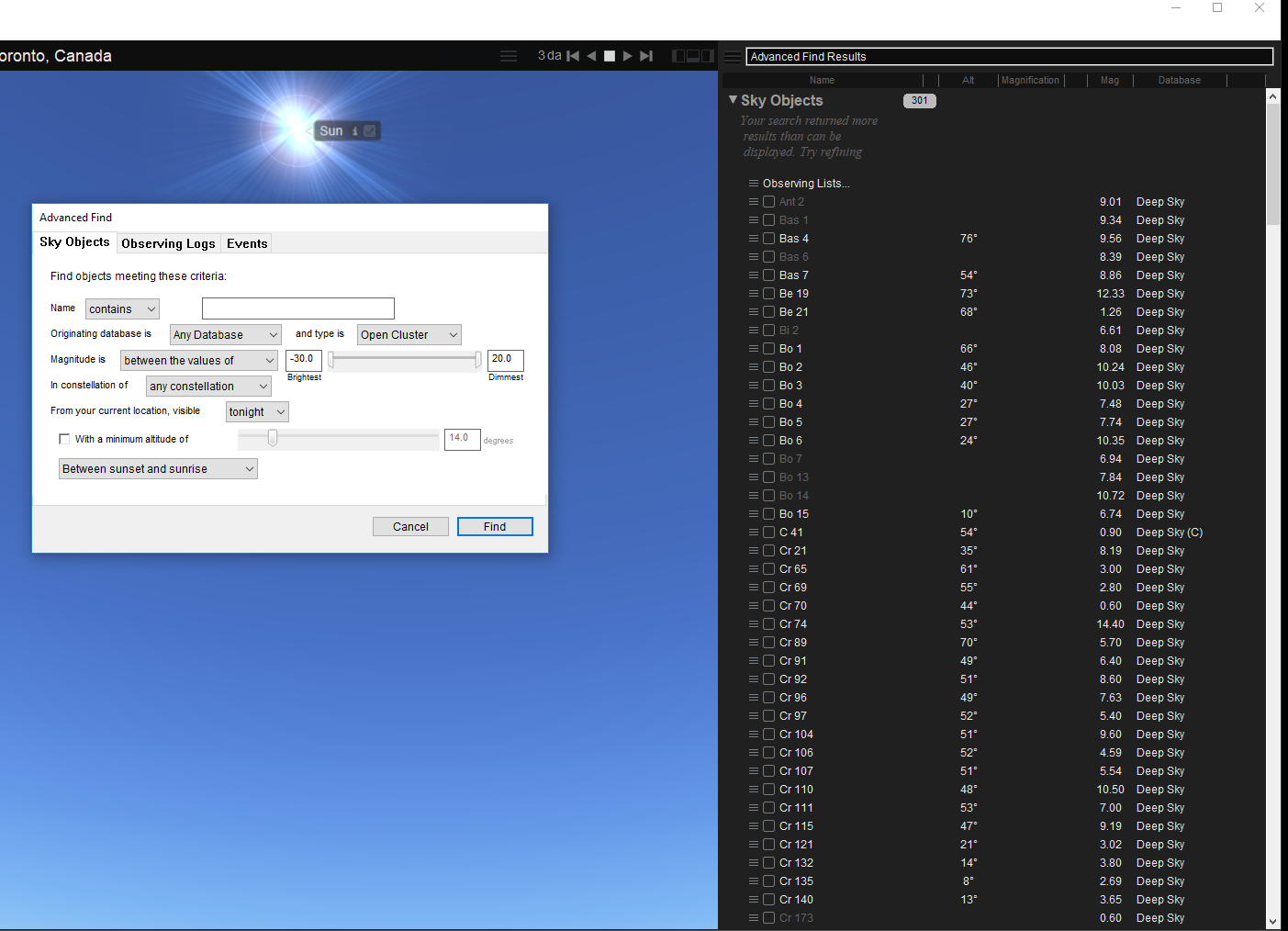
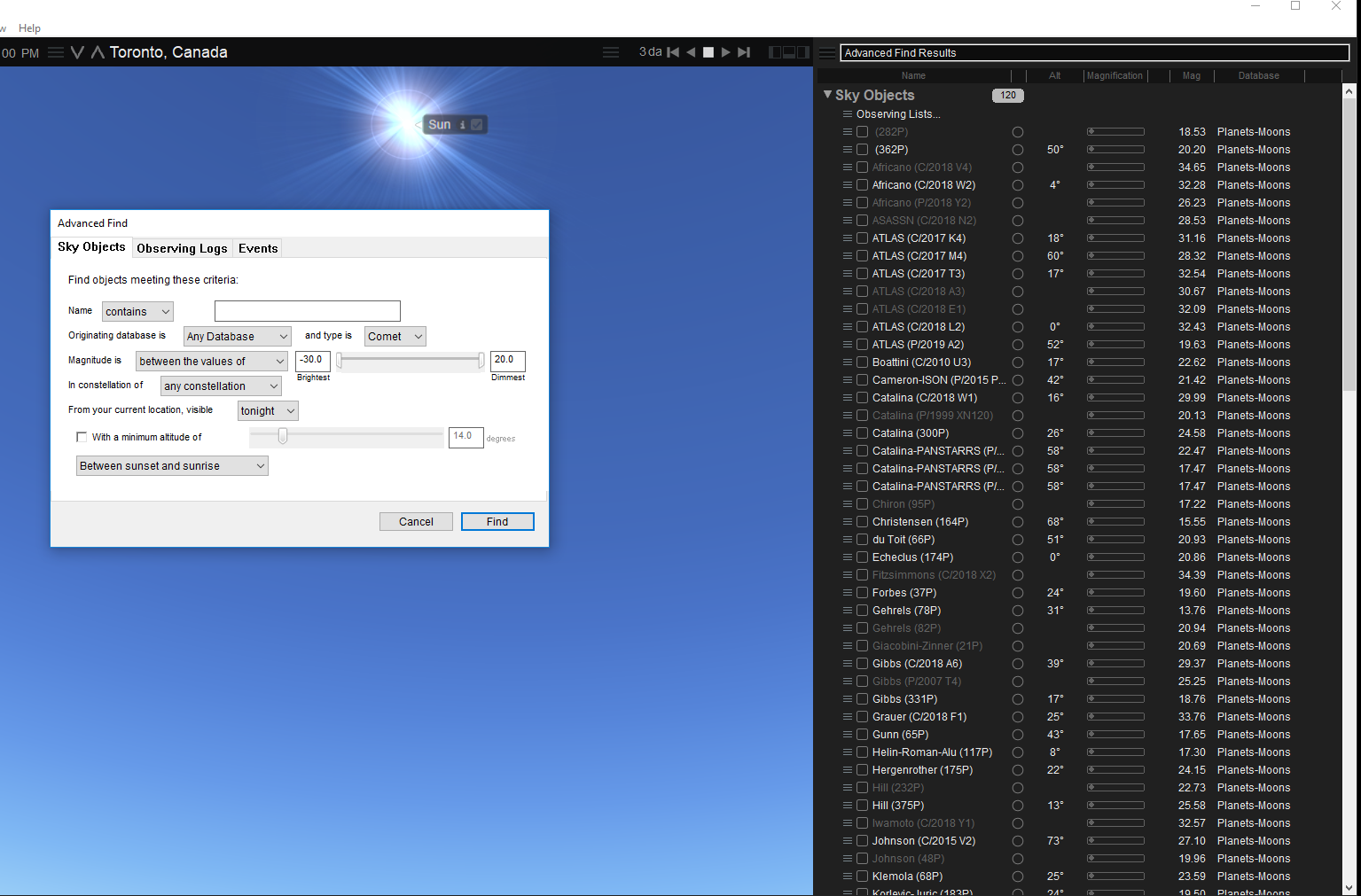
Advanced Find does not work at all when any database is selected. If any database is selected and type is Sun, comet, galaxy cluster, open cluster, any, all, and everything for type is selected, Starry Night returns no results. I cannot search for galaxy clusters at all.