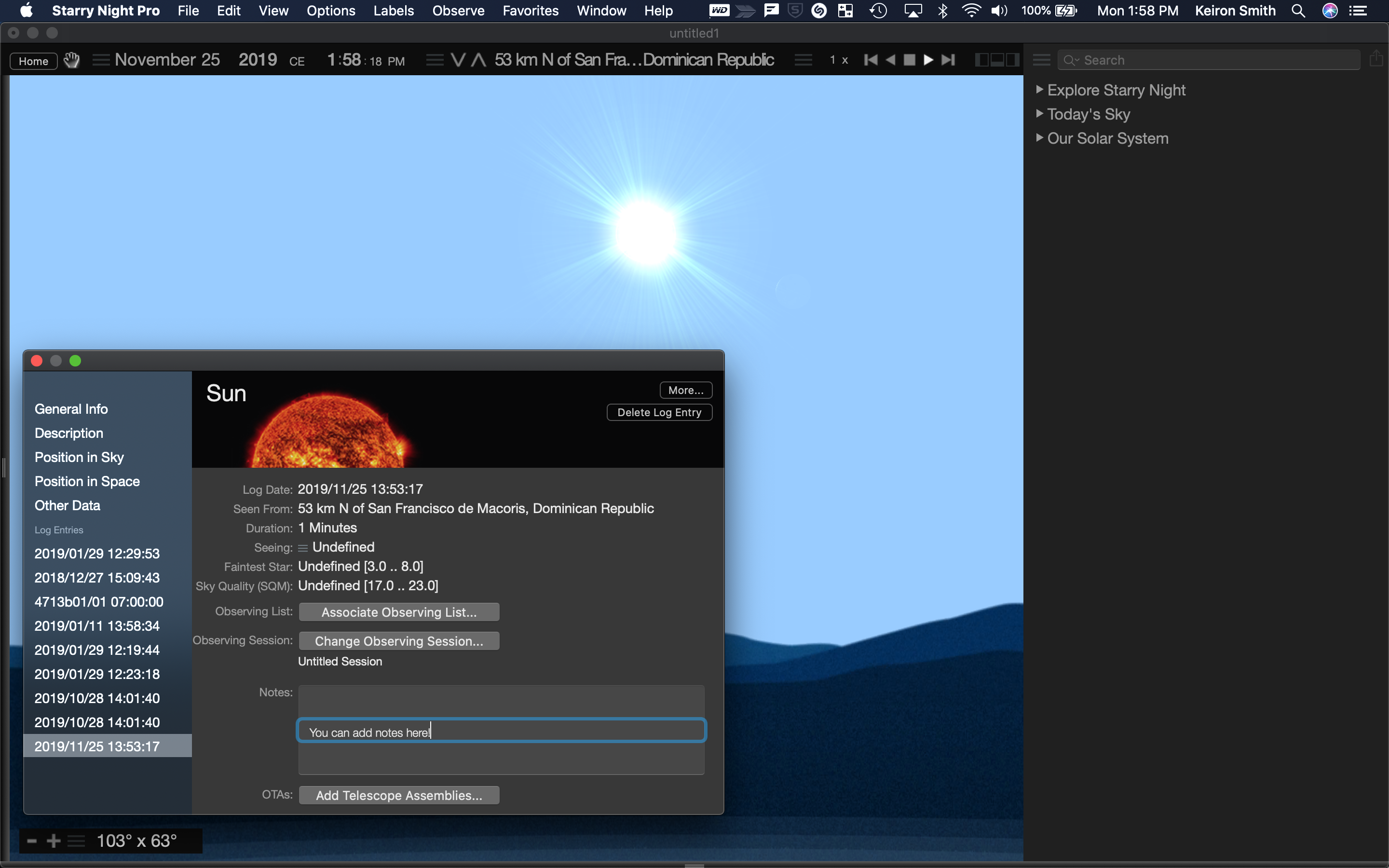
With all that great tools such as SkySafari and Starry Night 8 Pro, I still use Excelsheets for observation planning.
Reasons for that:
- Options to add my own short-descriptions for the objects (e.g. particular details to look for, object summary)
- Reference to books were I have heard about particular details (e.g. turn left at orion) or reference to a printed star chart
- Possibility to order objects by optimal observation time + in an order that enables me to observe region by region and in best case without mount flips
Is there an option to add individual Object Infos / Descriptions and export them with the observation list?
Am I able to sort the observation lists in Starry Night?