I have Sky Safari 4.4.7 Pro on my Samsung S9+. It was working fine, but my phone was replaced under warranty and all the apps were migrated. Now it constantly crashes when I click "settings". What can I do? Is this investment just lost now???
Date
Votes
10 comments
-

Chris Are you running Android 10? Were you previously running Android 9, since 10 just recently came out for Samsung? Also, have you tried reinstalling?
I would expect at some point SS4 Pro will no longer work, as that came out almost 6 years ago. 6 Pro would be a significant upgrade if it's in your budget.
-

Tony Gilbert I am still on Android 9. I would try re-installing but I cannot find a download link in the store. Upgrade really means spending the same money all over again as I've missed the upgrade discount (didn't even know a new version 5 had been released, let alone 6).
-
Chris Check the My App section of the Google play store. Agreed, it costs money to buy the new versions, but in a niche hobby like this, something has to pay full time developers to keep making an amazing product, right? Luckily, they go on sale for 50% off all the time, but SS Pro at $40 is an absolute steal when you think about its usefulness and the costs of amateur equipment for this hobby.
-
Tony Gilbert 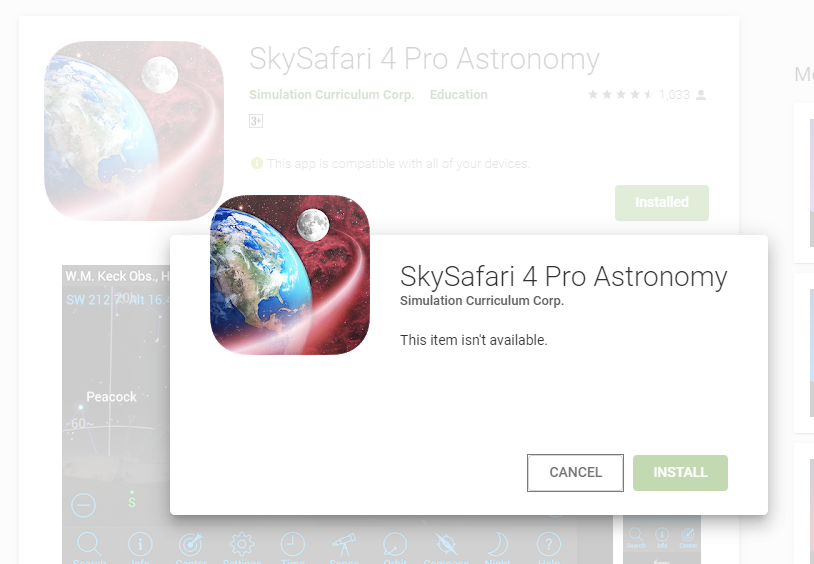
-
Chris And to get to that screen shot you're opening the play store, going to my apps and games, library, then selecting Sky Safari 4 Pro? Mine looks quite different from that. On the background image of that screen shot it appears to say 'Installed' in which case it makes sense it can't install again before being uninstalled.
-
Tony Gilbert I uninstalled it per your advice but it still says it's installed. Maybe it will catch up later?
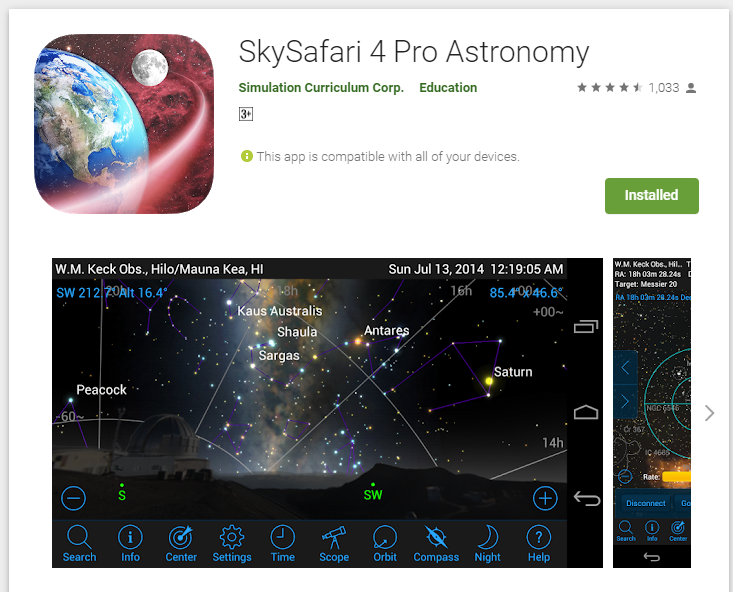
-
Chris I would try clearing the play store app cache. Click and hold on Play Store app, click info, click force stop, click clear cache. You might have to go to Storage first to clear cache depending on Android version. Then try reopening the store and see if it lets you install again.
-
Tony Gilbert It's uninstalled on the phone, so not sure how clearing the app cache would help. It's just not registering that it's uninstalled on the web version of Google Play Store where the reinstall link might be found.
-
Chris Sorry, I was trying to say to clear the Google play store app cache. Do you have Google play store installed? I've never used the web version.
-

Keiron Smith Tony,
On your Android device, open Google Play Store app, go to My Apps and Games, search for SkySafari 4.
Don't use a web browser.
Chris,
Thanks for your help!
Please sign in to leave a comment.