
In SNP8, this seems to have disappeared. The SNP7, you were able to set the mount type that goes along with the scope. In SNP8, that's gone. This was the old answer just year ago and had been using it for a long time:
But that's not an option now; it's certainly not on the scope screen for equipment. This is what that screen looks like now:
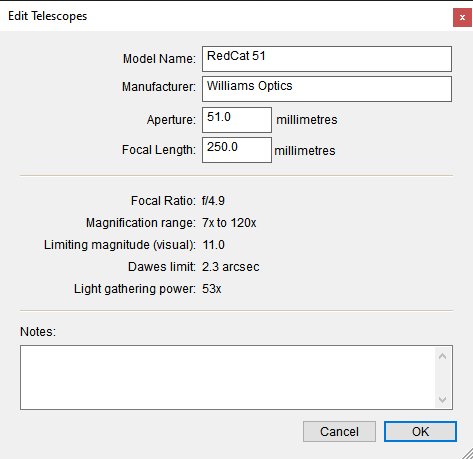
When I import my SNP7 equipment, it puts the old information in the notes, that it's an apochromat and the mount is equatorial.
I've already fallen back to using SNP7. I can't plan imaging sessions with a camera FOV that flops around tied to alt-az coordinates. Surely there's got to be a way to tell SNP8 to tie the FOV indicator to equatorial coordinates.
