Why When Creating A Custom FOV Do I Find An Error "Invalid Equipment Combination”? (Answer: Read On!)
When I tried to create a custom FOV e.g. 0.25°, it will end up with an entry of “Choose Equipment... - Invalid Equipment Combination”

Make sure you have a telescope checked (its the grey checkmark) and also an eyepiece (or camera) checked.
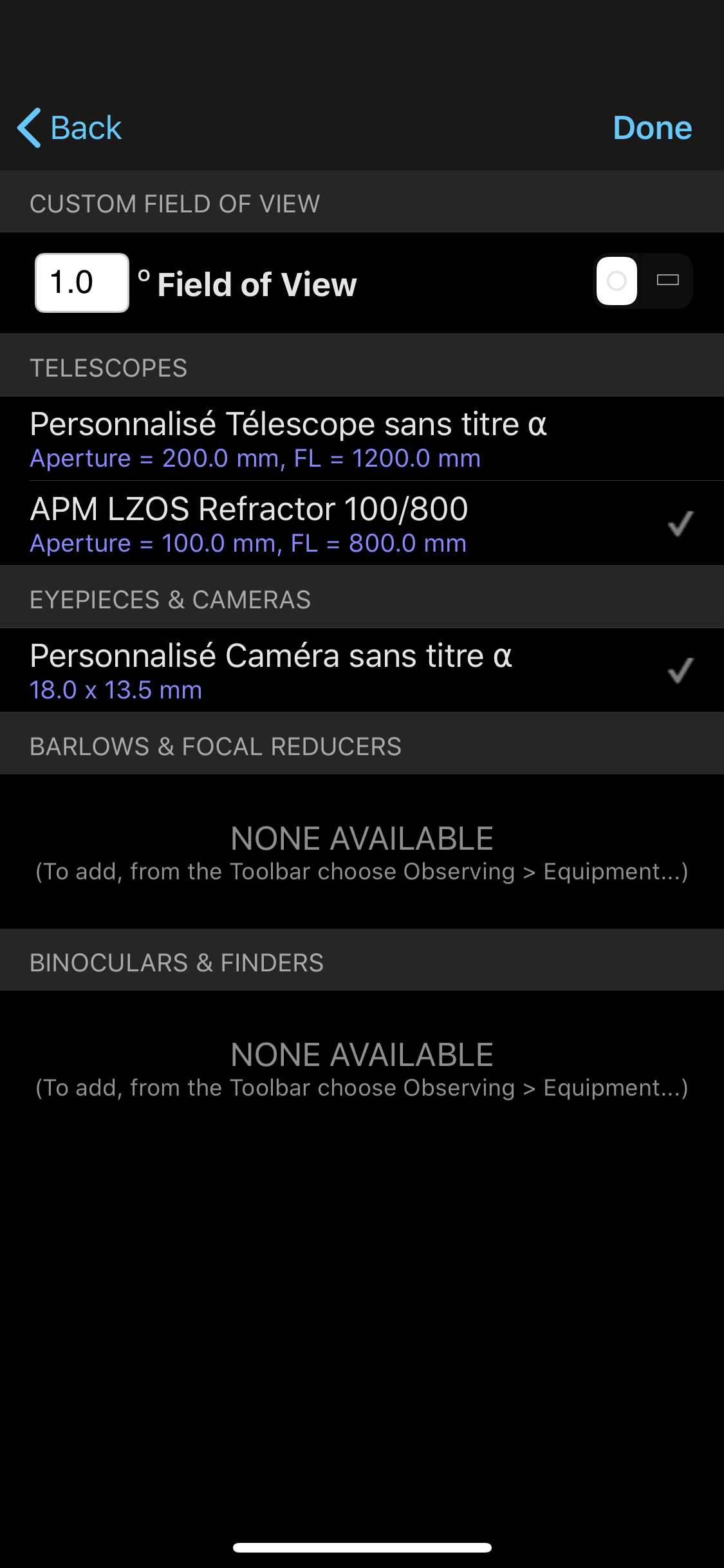

If I select any telescope and camera/eyepiece, it will create a FOV of the selected combination instead of my intended FOV.
During the multiple attempts, I somehow manage to create two custom FOV of 0.25° (0.2°) and 0.75° (0.8°). Not sure how.
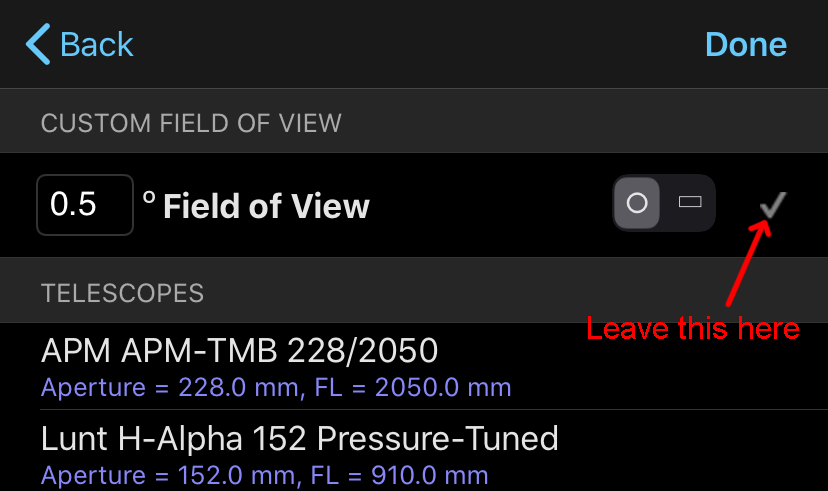
After a few more experiments, I find out how - you have to leave (don't tap) the grey checkmark at the end of the Custom Field of View field. You don't have to choose any equipment.
Hi Michael, glad its sorted. Thanks.