New post
0

[UI Issue]* Main Toolbar Icons Not Visible In Inverse Monochrome Mode

These are the issues so far I have found with SkySafari 8 Pro.

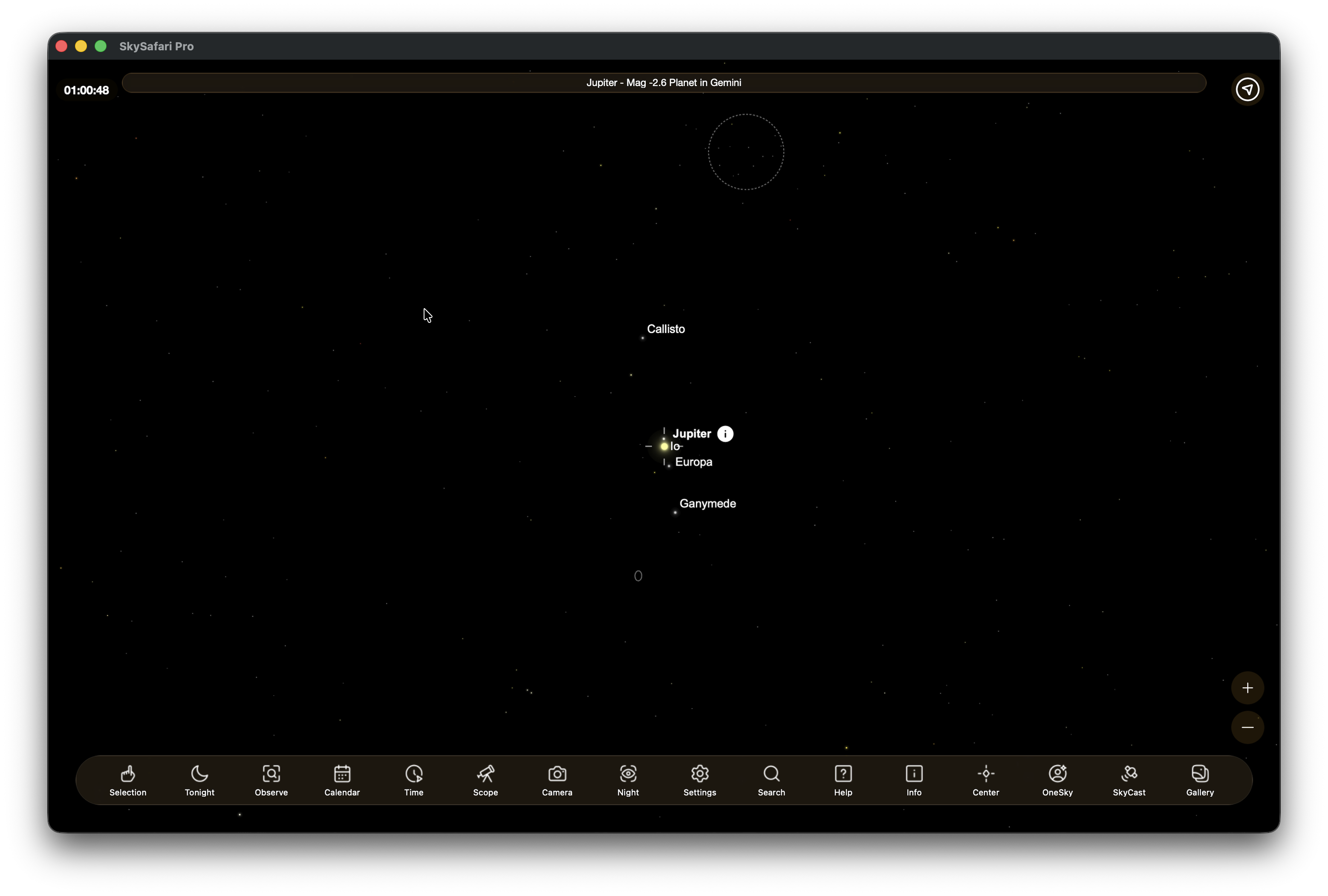
1. When running in monochrome or inverse monochrome mode, the buttons disappear in the bottom toolbar and information in the top toolbar disappears.

2. On MacOS 26.2, there is no 3-line Menu button in the bottom toolbar, even though it shows there should be one in the Configure Toolbar section in Settings. This is not a problem on the iPhone.

3. The bottom toolbar no longer has the Selection or Center buttons that allow rapid recall of the object you've locked in to observe. This is on both iOS and MacOS. Was this intentional or an oversight? This makes it a bit less user-friendly. 

2 comments

  • 0
    Avatar
    Keiron Smith

    DevOps reference:

    Main Toolbar Icons Not Visible In Inverse Monochrome Mode: https://starrynight.unfuddle.com/a#/projects/7965/tickets/by_number/4013

    The 3-line menu button should only be available if the screen is resized (i.e. on the iPhone) such that the icons become hidden.  On MacOS, the app is a fixed size, and all icons should be showing.  Are you missing any icons from the main toolbar on MacOS?

    The Selection and Center buttons are visible in my toolbar.  Please review the main tool bar (and Settings > Configure Toolbar) and clarify if I understand your issue correctly.

    Thanks!


  • 0
    Avatar
    Steve Cox

    Thanks Keiron, yes you're correct on that, I didn't catch what was going on with the "menu" button. Pretty much the only error left for me is item 1 above, where the toolbar buttons and coordinates on top all turn white against the white background of the toolbars, when in monochrome mode.

Please sign in to leave a comment.