New post
0

SkySafari 8 Pro - Plate solve images taken on ZWO Seestar S50

I'm having problems Plate solving images taken with my ZWO SeeStar S50.  I've tried using the build in Platesolve internally, and also the remote solve as I have the premium account.  I love the idea of being able to place the images on my start chart.  It's my new favourite feature.

I was wondering if there's a way to use metadata from somewhere external so that I can manually place on my sky chart.  

2 comments

  • 0
    Avatar
    Keiron Smith

    Colin, 

    Are you having issues with plate-solving in general; i.e. can you plate-solve via AstroBin?

    Have you tried resizing the images (smaller) taken with S50?  Then import and plat-solve?

    Please provide much more information about the issue - what works, what doesn't work, what would make it better.

    Include all the following info:

    1. App and version.  See Help > scroll to the bottom.
    2. OS version.
    3. Device.
    4. Exact path and procedure used for any end result that is failing.
    5. Images for review and testing.
    6. Etc.

    Thanks!

  • 0
    Avatar
    Colin Dawson

    I've got two telesccopes.  My Seestar S50 and a SpaceCat 51 with ZWO ASI533-MC Pro.   The images taken with the 533, platesolve with no issue.  I'll try uploading one of my Seestar images to Astrobin to see if that will help.

    Here's all the details.

    App: Sky Safari Pro 8 with Premium subscription.

    OS Version: IPadOS 26.2

    Device: 12.9 Ipad Pro Gen 3

    Procedure: 

    Image saved as jgp and uploaded to icloud photos.   Then imported to SkySafari Pro via  observe -> image galary -> import Photolibrary -> pick image, then press Solve.

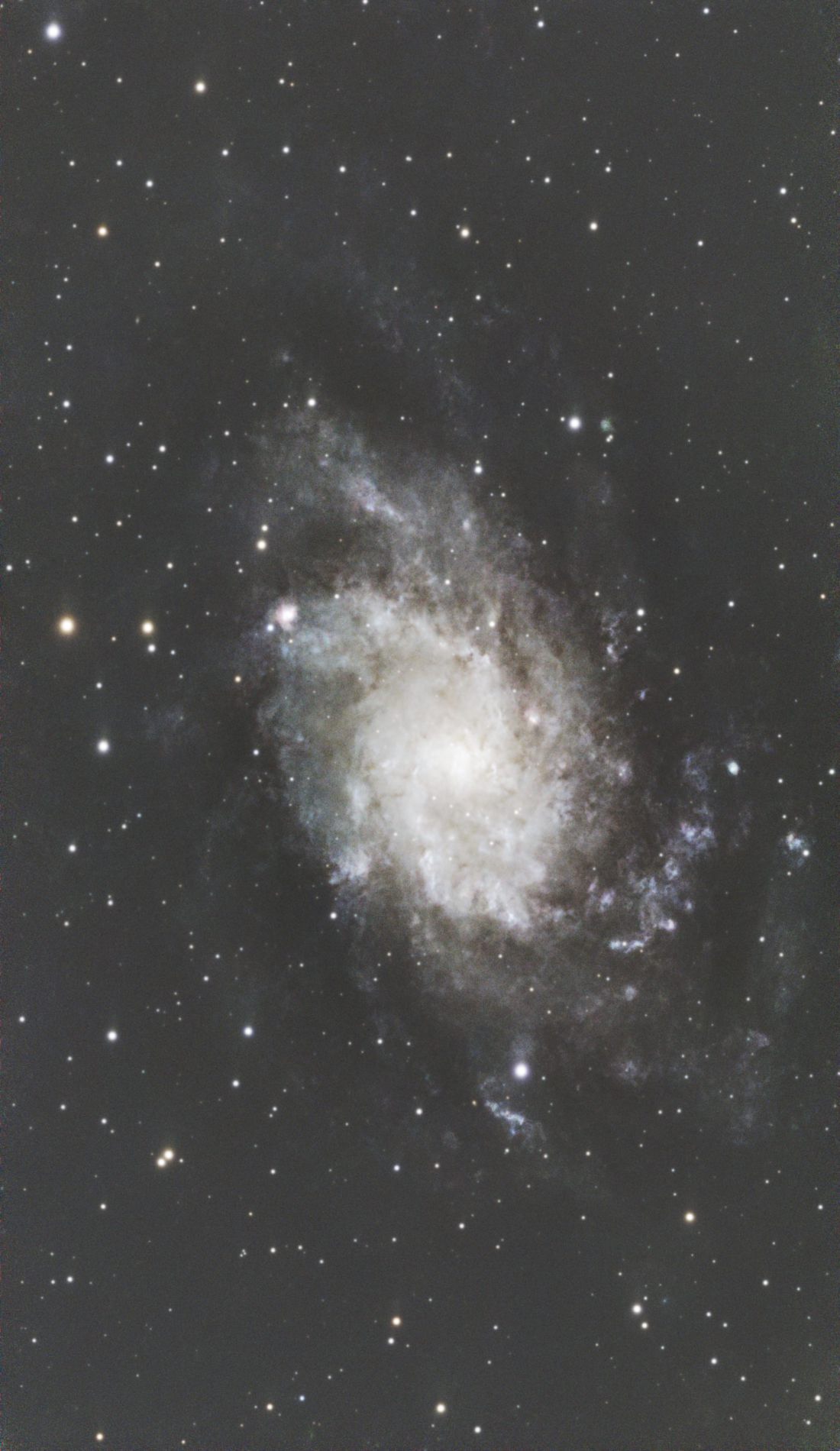
    Here's the jpg that I'm attempting to plate solve.

    etc: 

    I have PGC Galaxy Database, GAIA Star Database, Plate-Solve 1 images and Plate Solve 0.25-1 images installed, as well as attempted remote solve.

Please sign in to leave a comment.