I'm running SkySafari 8 Pro for Android (version 8.0.1.6). The built-in help documentation describes a "SmartEye and Camera Configuration view" for adding camera presets. Where is this view located within the settings or toolbar tree? I cannot seem to locate it. The camera tool screen only contains a "Connect" button, which does connect to my SmartEye. However, the camera settings screen only displays an "404 Not Found" error message instead of the setting for the SmartEye. I'm guessing that there is a corruption somewhere, but I cannot find a method to edit / delete / recreate the camera preset. Any ideas?
Date
Votes
9 comments
-

Brian Allston UPDATE:
I've located the camera configuration in the Observe menu tree and recreated the SmartEye preset. The camera settings still displays the 404 error message within SkySafari 8 Pro. The SmartEye settings menu appears correctly within my old installation of SkySafari 7 Pro for Android when selected from the Camera toolbar. Is it possible that the URL for the SmartEye settings page is incorrectly coded within SkySafari 8 Pro? Are administrator credentials required somewhere?
-

Keiron Smith Pedro Braganca
-

Ros Hartigan -
Keiron Smith Thanks for the report, Brian.
Developers will fix it asap.
-

Krisztian Kerepesy I have the same error so following :)
Maybe my other issue is connected with this one: after connecting the Smarteye (and my mount) to SkySafari 8 Pro, there isn't the usual 'Plate Solve' icon on the right side of the menu bar.(SkySafari 7 Pro shows it in the same situation as usual).Or this is a separate problem?
-
Brian Allston
Krisztian,I'm glad that I'm not alone with this issue. Please open an official support ticket with SimulationCurriculum. So far, there is no solution and the only suggestion was to have me verify that the wi-fi connection to the SmartEye wasn't lost.
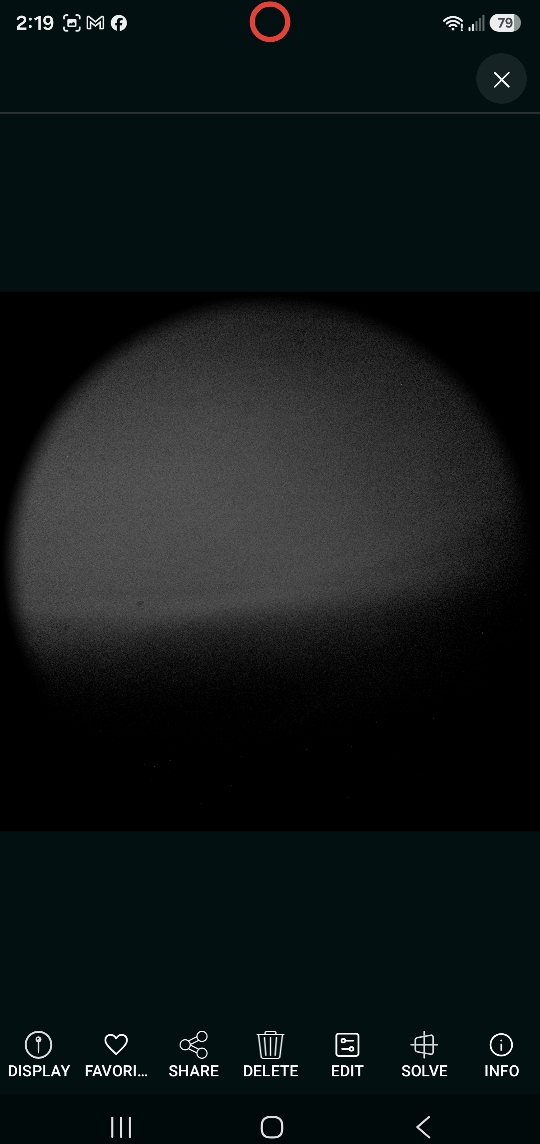
Also, plate solve is now under the image save menu. The plate solving actions appear to be different than SS7 Pro. I could not make the SS8 Pro plate solve "sync" the same way. I've reverted to using SS7 Pro until the SmartEye settings issue is resolved.
-

Nicolò I had the same issue — plate solving from the gallery just kept spinning with no results (and having to save a photo first feels like an unnecessary extra step anyway). On top of that, the settings page throws a 404 error. All of this on a Samsung S24 Ultra.
I've requested a refund and I'm sticking with SkySafari 7 Pro for now. Honestly, I wasn't expecting a downgrade when updating to a newer version. -
Brian Allston UPDATE
This issue has resolved itself for me (Android, Samsung) as of SS8 Pro release 8.0.3.4 and SmartEye firmware release 1.3.6. of you have experienced SmartEye related issues then consider the latest updates.Per the 8.0.3.4 description in the Google Play store:
Fixes:
- AstroBin imports to download the final image revision
- SmartEye settings launch behavior
- SmartEye date/time formatting issues.
- Night vision fixes
- Fixed drift warning issues.
- SmartEye control -
Keiron Smith Thanks, Brian!
Please sign in to leave a comment.