Hi
There is no "edit" when I am on "telescope presets" screen.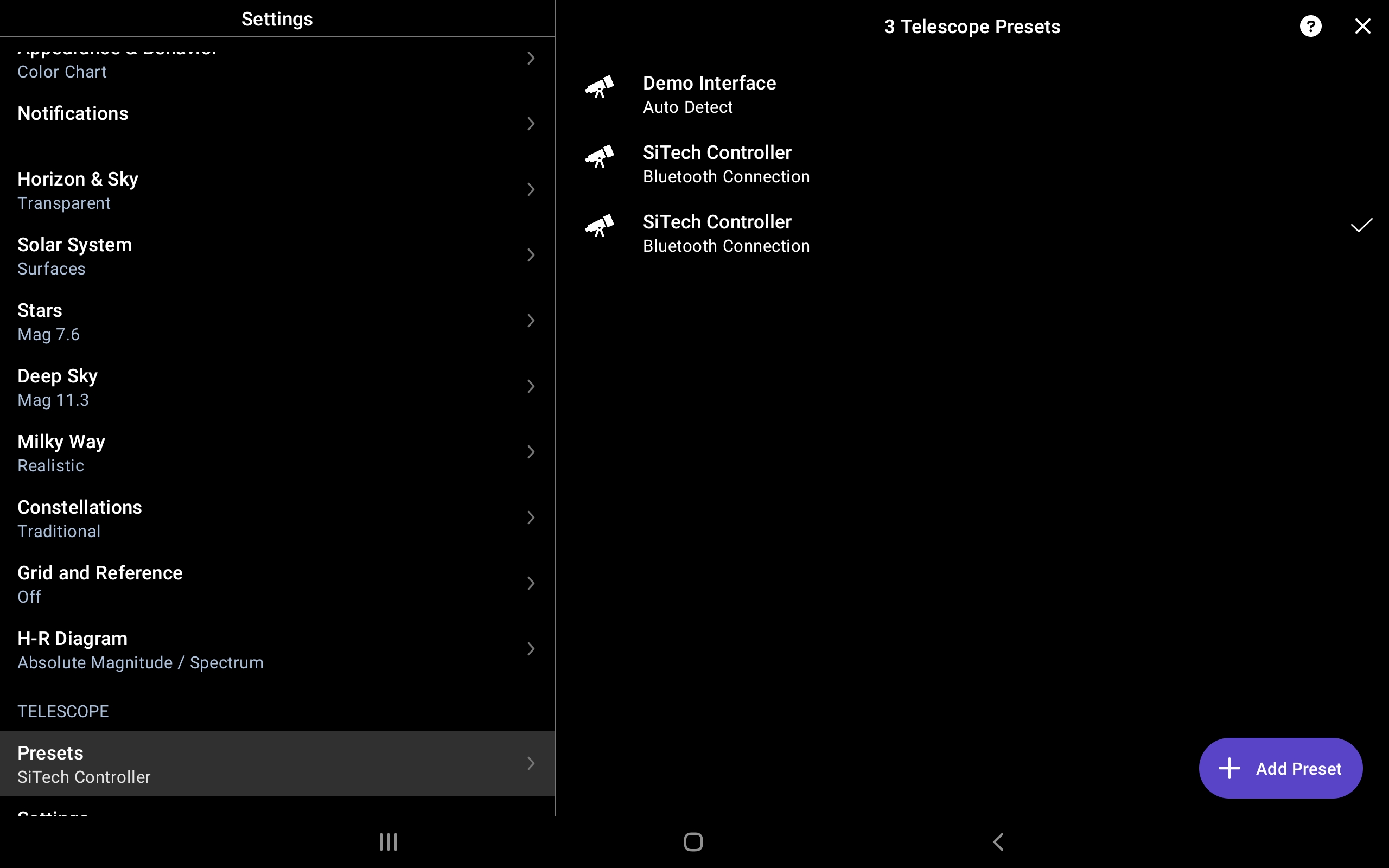
Hi
There is no "edit" when I am on "telescope presets" screen.

Do you get a pop-up menu when you select one? On "non-tablet" devices you get a menu asking "use, edit, or delete".

Thanks, Mike - that is how to delete the presets!
You're Welcome. I'm not familiar with the tablet layouts. Mine can't be upgraded to Android 10. If it could I'd have been testing on 4 devices! Lol

I do not get any pop ups.
i am using ss7 ver. 7.0.0.1 for android .
tablet Samsung s5e.
android ver. 11
Samuel shachaf,
Please delete and reinstall the app.
You should be using 7.0.2.0
Thanks!
Hi Mike and Keiron.
I finely solved it.
It should be written somewhere.
To delit or edit a preset, one should tap the chosen "preset".
The following screen appears :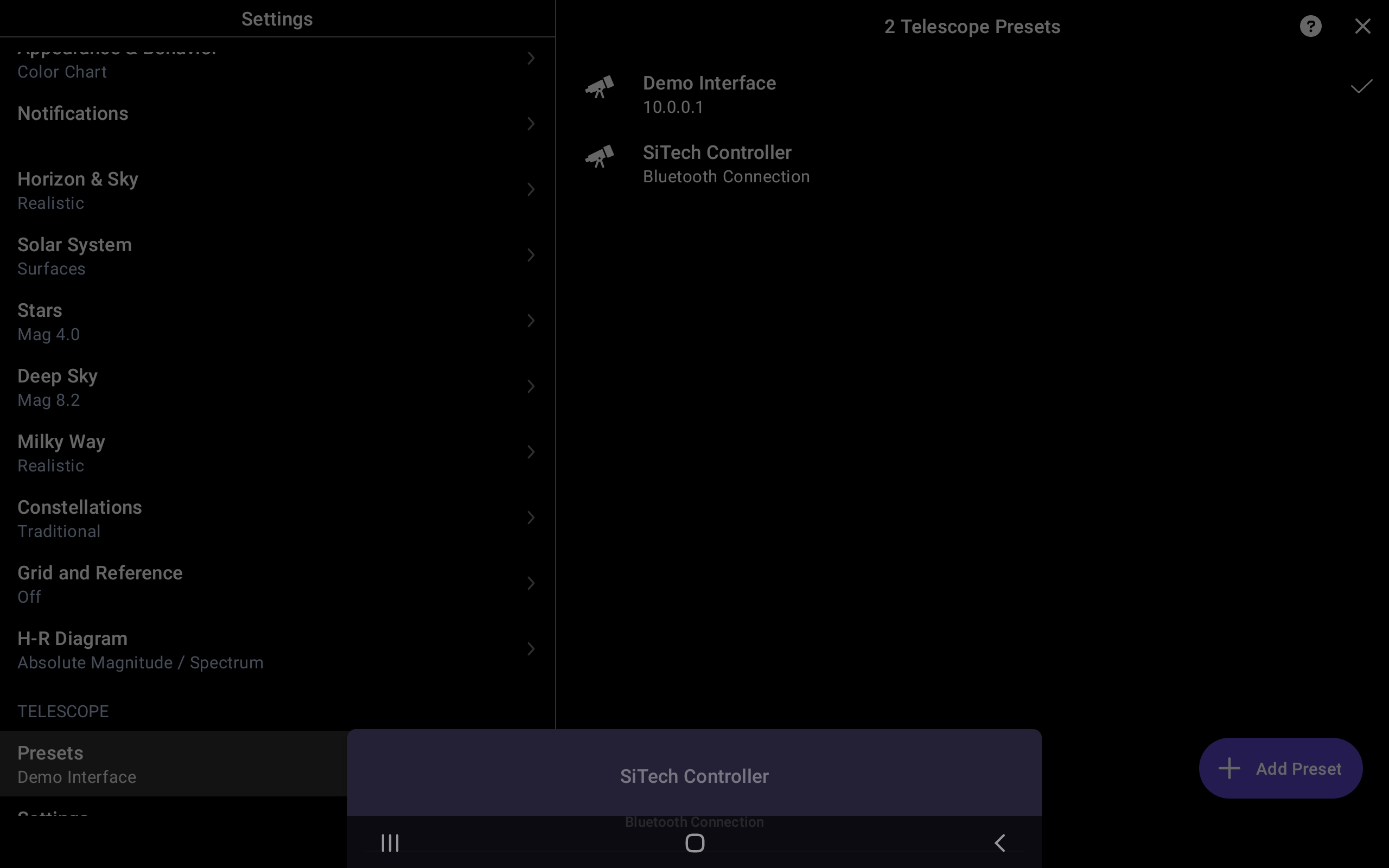
Now one should touch and grab up the the name of the chosen telescope(Sitech controller in this case).
The following screen appears :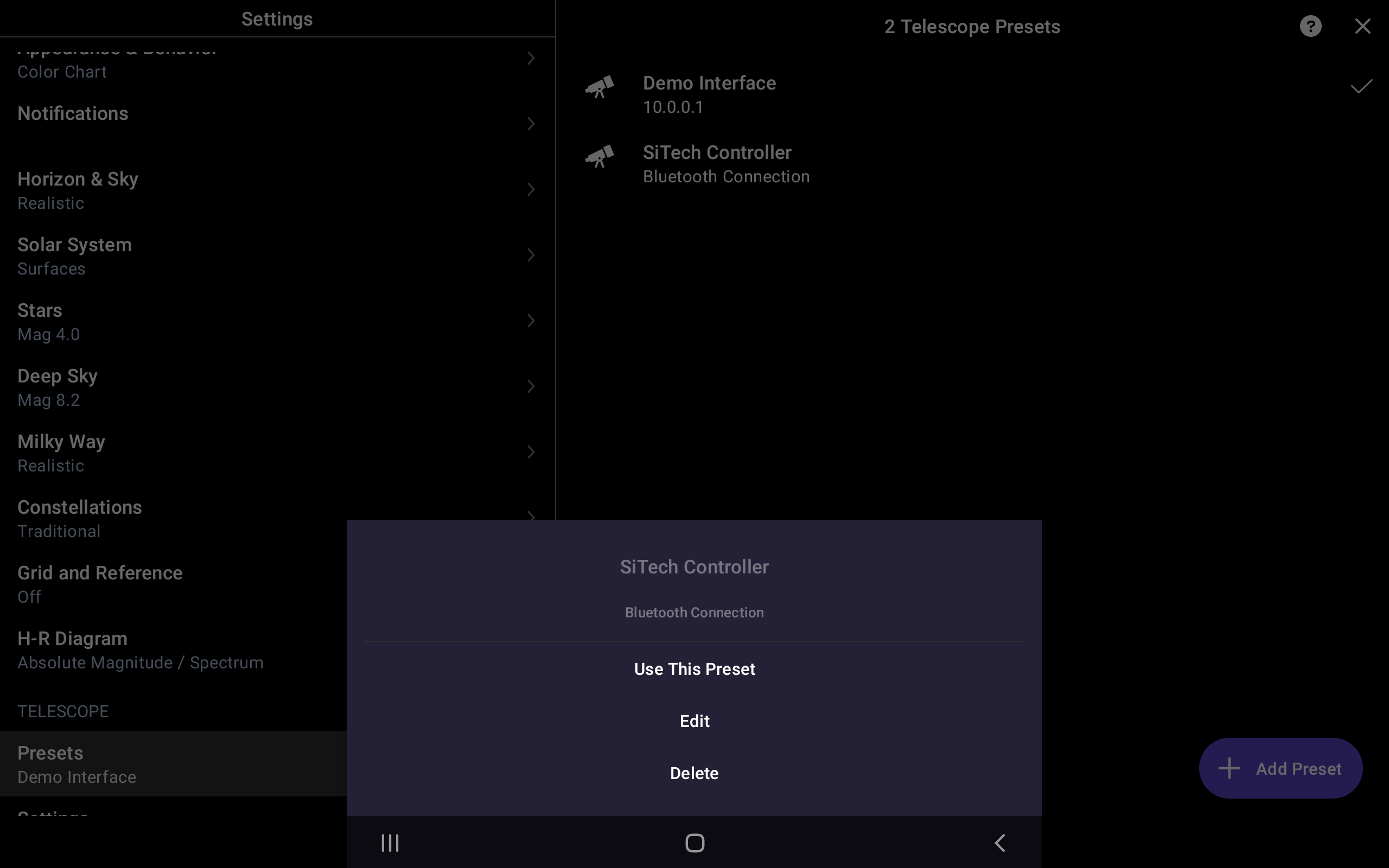
The same action should be taken for "create fov",but this time one should tap on "create fov".
I could not find these instructions under "help".
Any way,thank you Keiron and Mike.