New post
0

How To Connect SkySafari 7 Pro To An iOptron GEM28 Mount? (Answer: See The Pinned Community Post ### User Guide ### - Read On!)


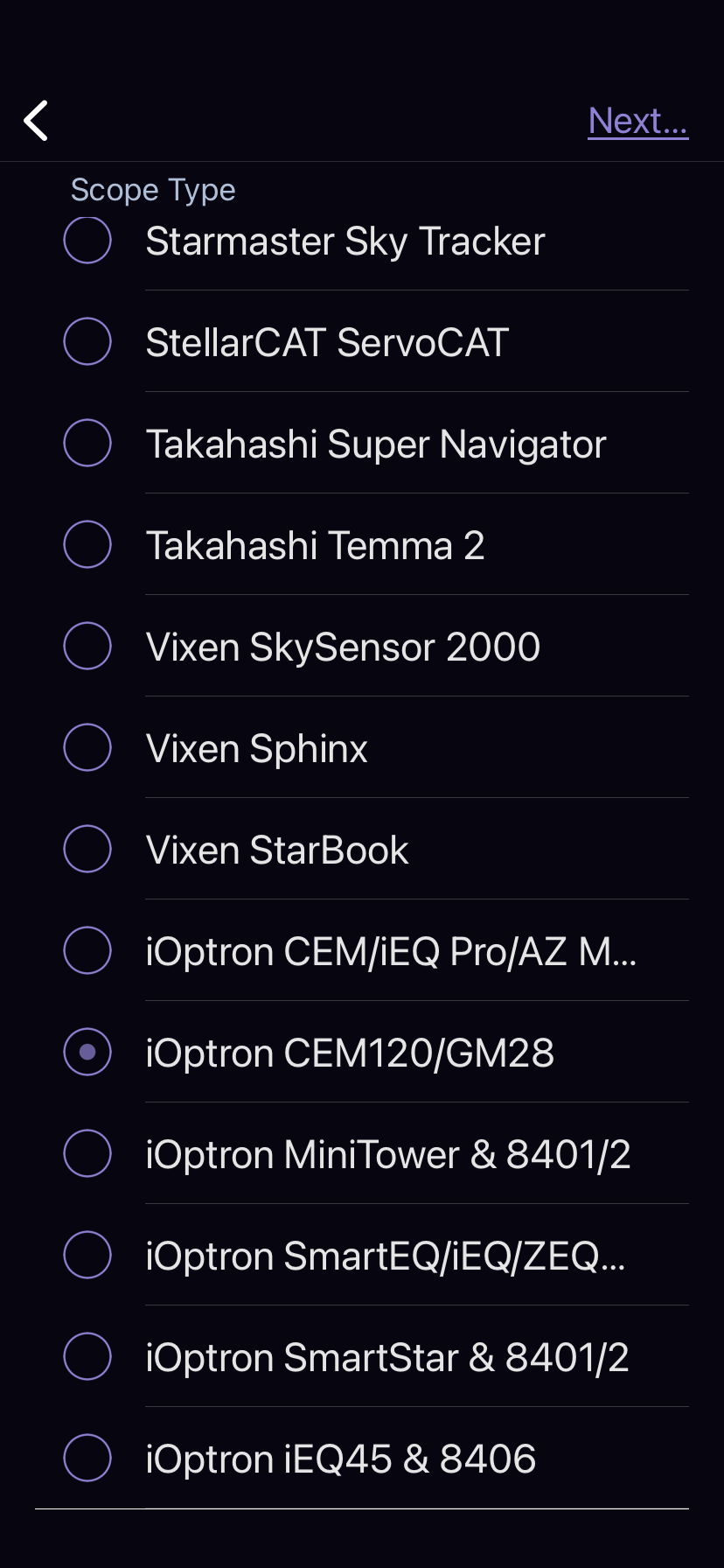
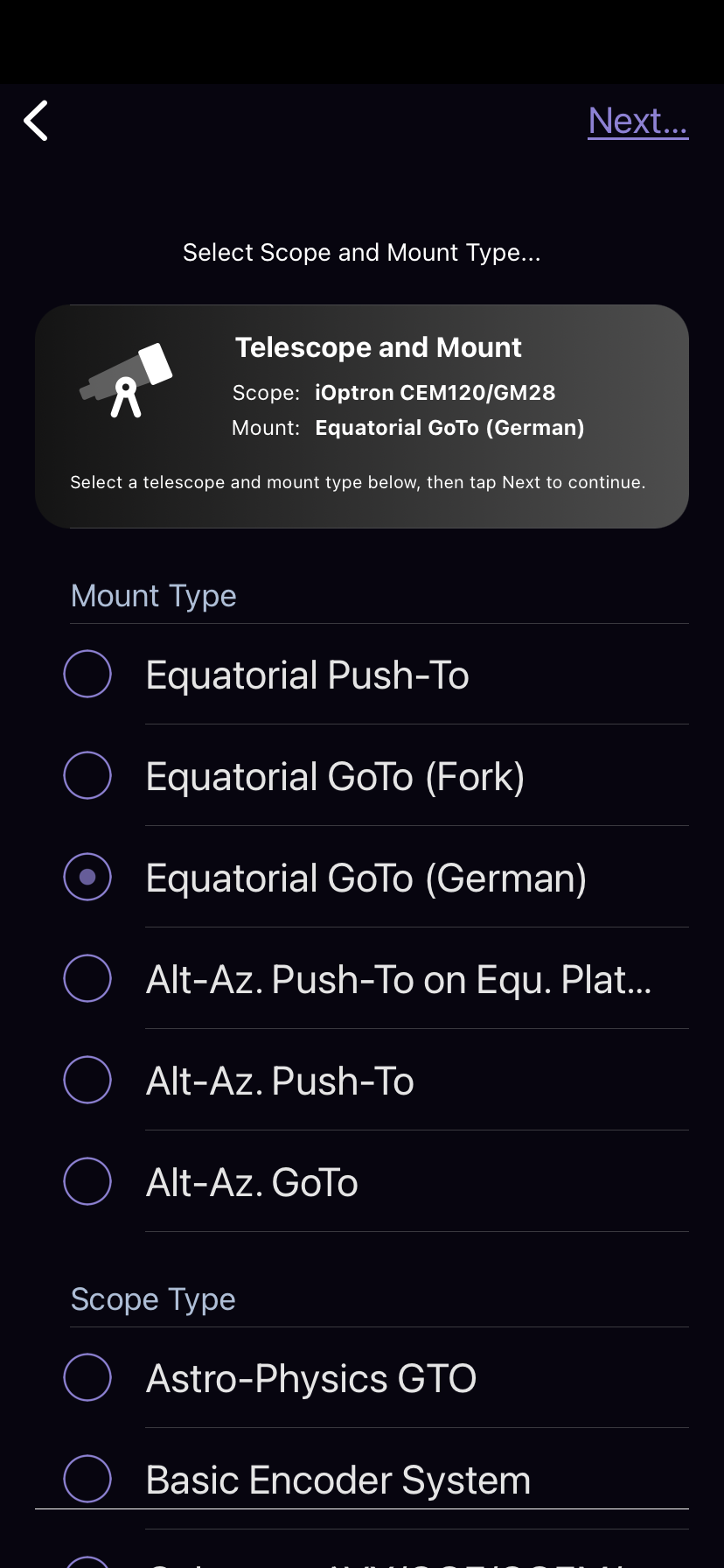
SkySafari 7 Pro iOS will not connect to iOptron GEM28 mount.  Devices (iPad Air 3 or iPhone 11) connect to GEM28 Wi-Fi without a problem.  Running iOS 15.6.1.  All settings as depicted in screen shots.

Receive the following message.  "Connection Failure.  SkySafari 7 Pro can't make a wireless network connection to the scope.  Make sure you've joined its Wi-Fi network, entered its IP address correctly and given SkySafari 7 Pro permission to access your local network."

Tried connecting SkySafari manually to GEM28 IP 10.10.100.254, Port 08899 and still did not work.

3 comments

  • 1
    Avatar
    Keiron Smith

    Robert, 

    Please review the successful iOptron configuration as discussed here:

    [### User Guide ###] How To Connect SS7 + iOptron AZ Mount Pro On Android OS

    Thanks!

  • 0
    Avatar
    Robert Lennox

    Thank you Keiron.  I took a while to get around to this but was able to get it to work.  I am using iOS with SS 7 Pro and a GEM28, so the steps I followed were not exactly as shown in the discussion, but bottom line it is working now!

  • 0
    Avatar
    Keiron Smith

    Excellent, Robert!  Enjoy!

Please sign in to leave a comment.