55 comments
-
Carson Hanrahan Thanks Kieron, will report back on all the above. It is interesting in that the problem appears, disappears, and reappears. No wedge or polar align here. Had same issue with iOS 17.x and 18.x on both iPad and iPhone, both using wifi direct connection. I’ll document all the above and send over.
-
Keiron Smith Keith,
When you touch hand controller’. Don’t use the hand controller.
Please put every detail in your substantial troubleshooting report.
Device. Scope or phone?
Every detail, every device, every hardware add-on, everything plugged in, etc.
Thanks!
-
keith stepp Sky Portal 3.5.0.13:
Ios 17.7 iphone11
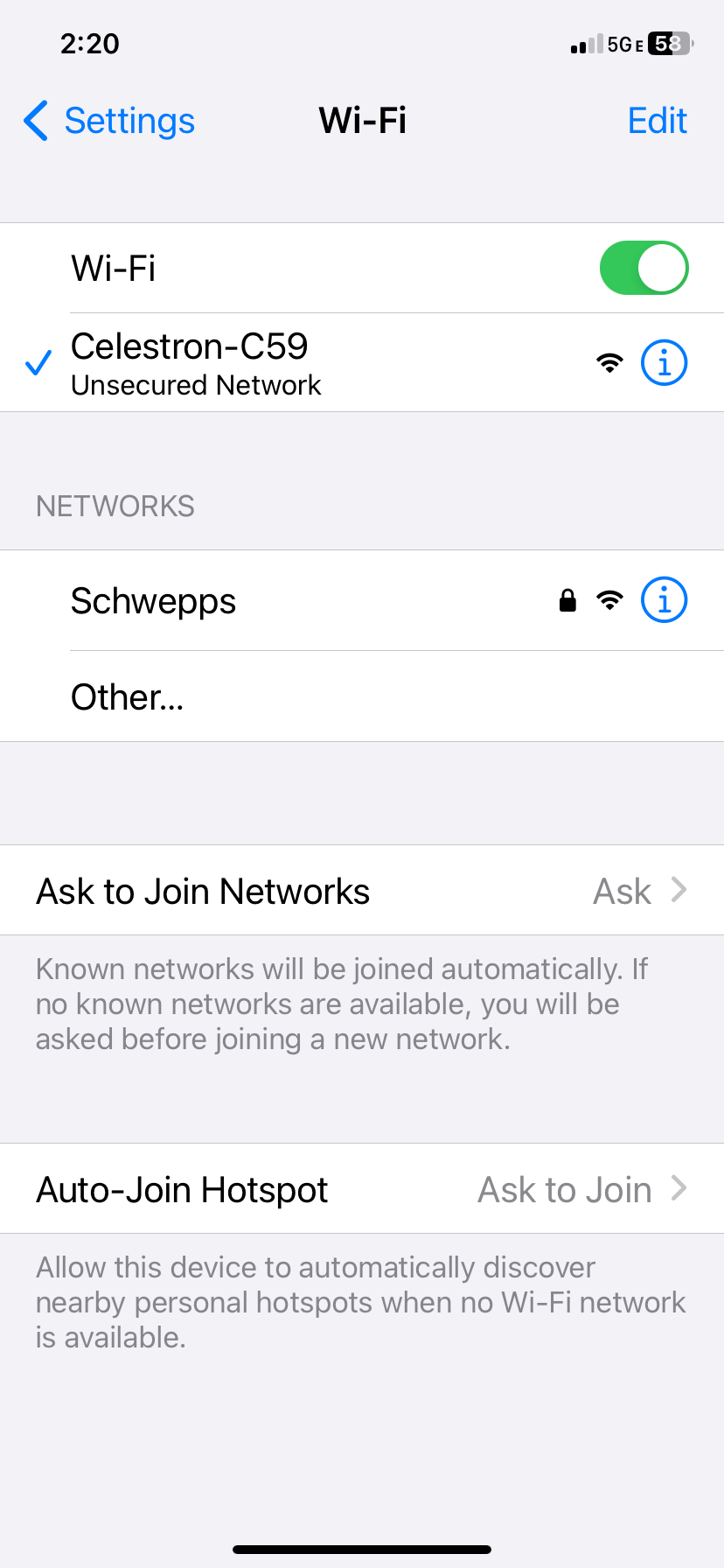
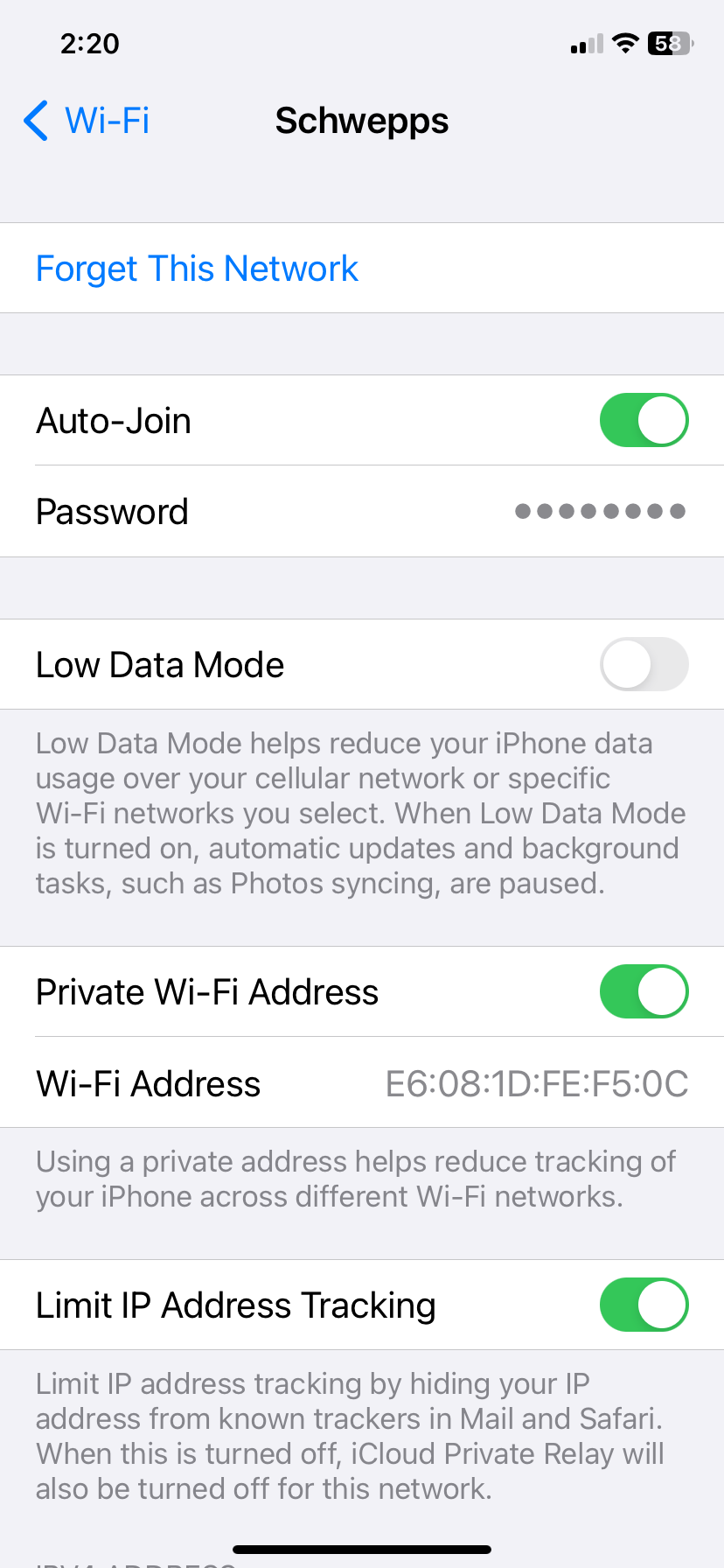
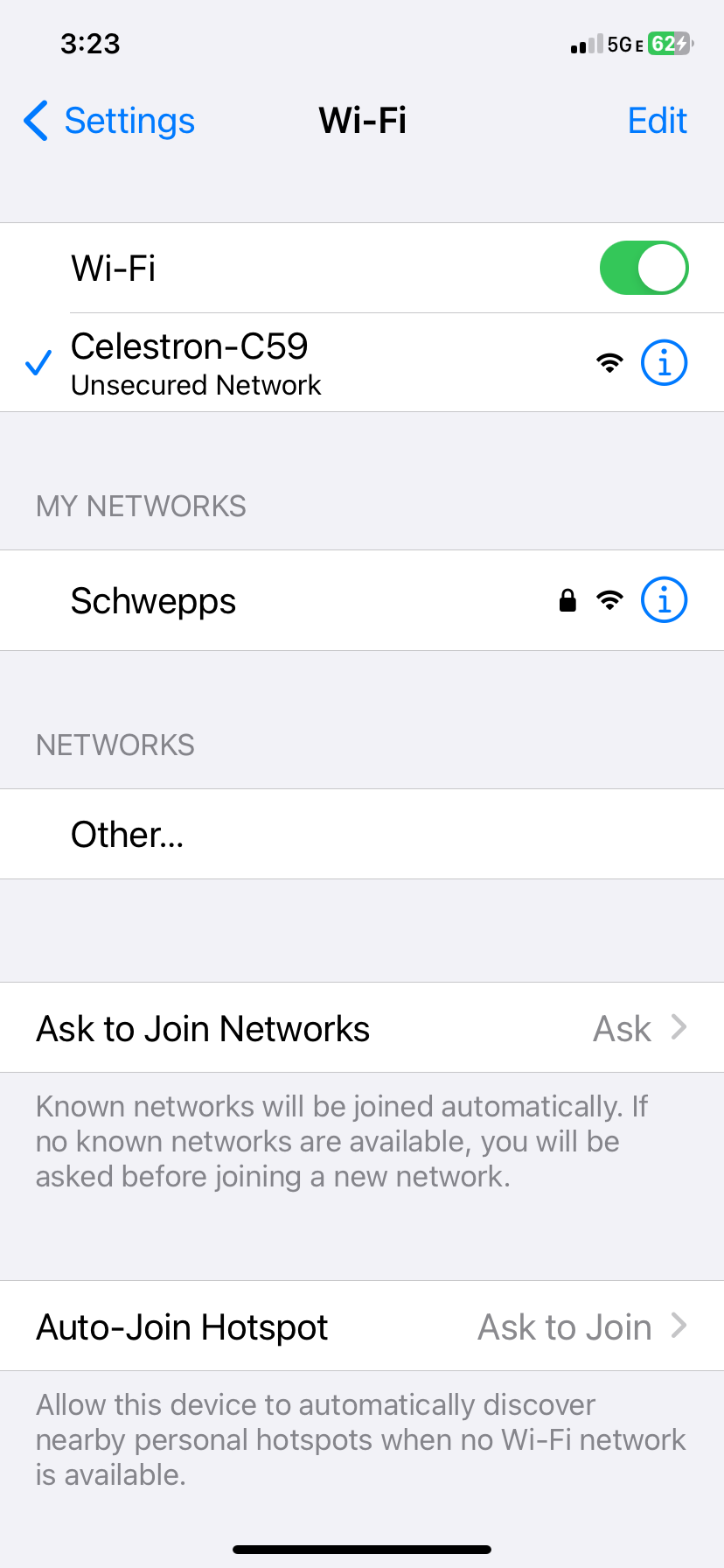
i 'forget home network' before connecting to Celestron Wi-fi, otherwise it will compete for control
Camera is only accessory connected.
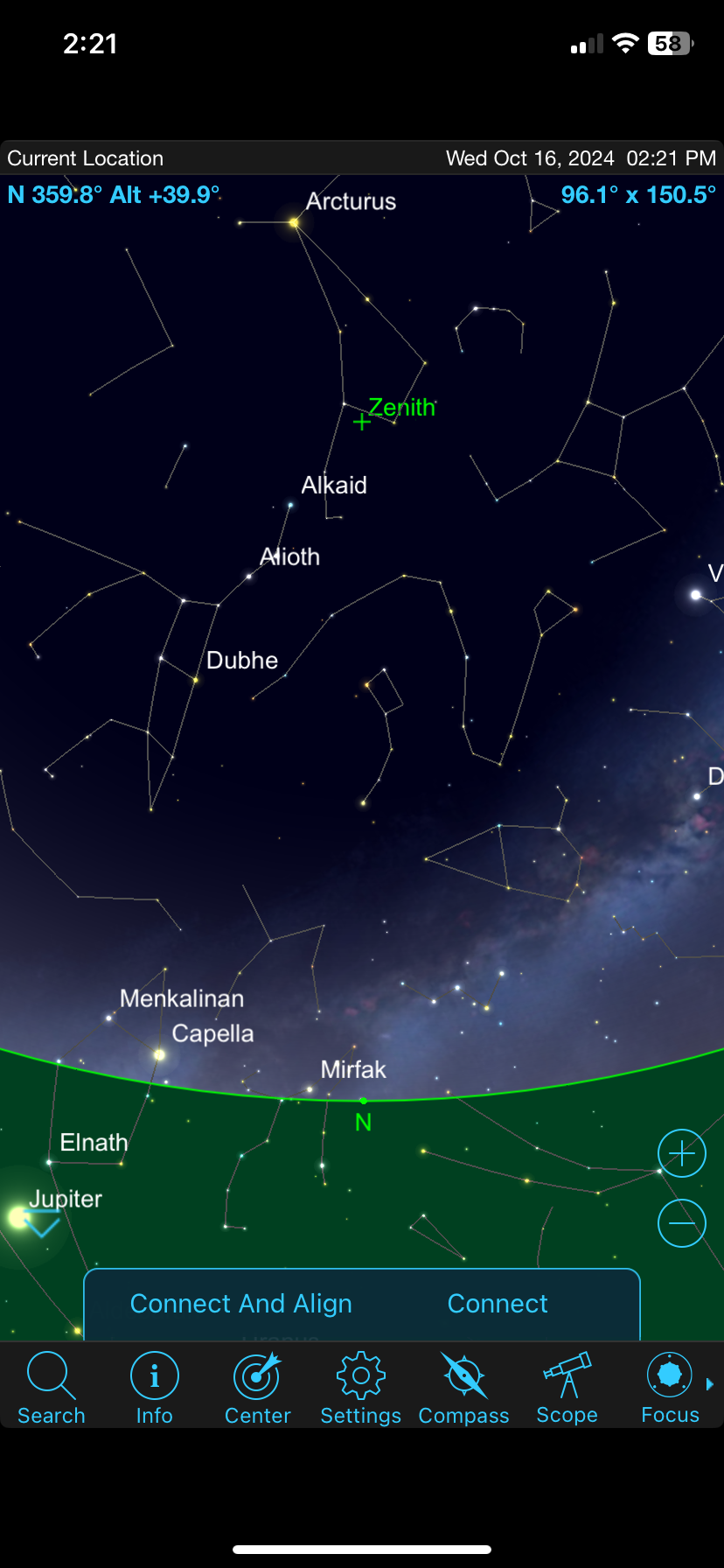
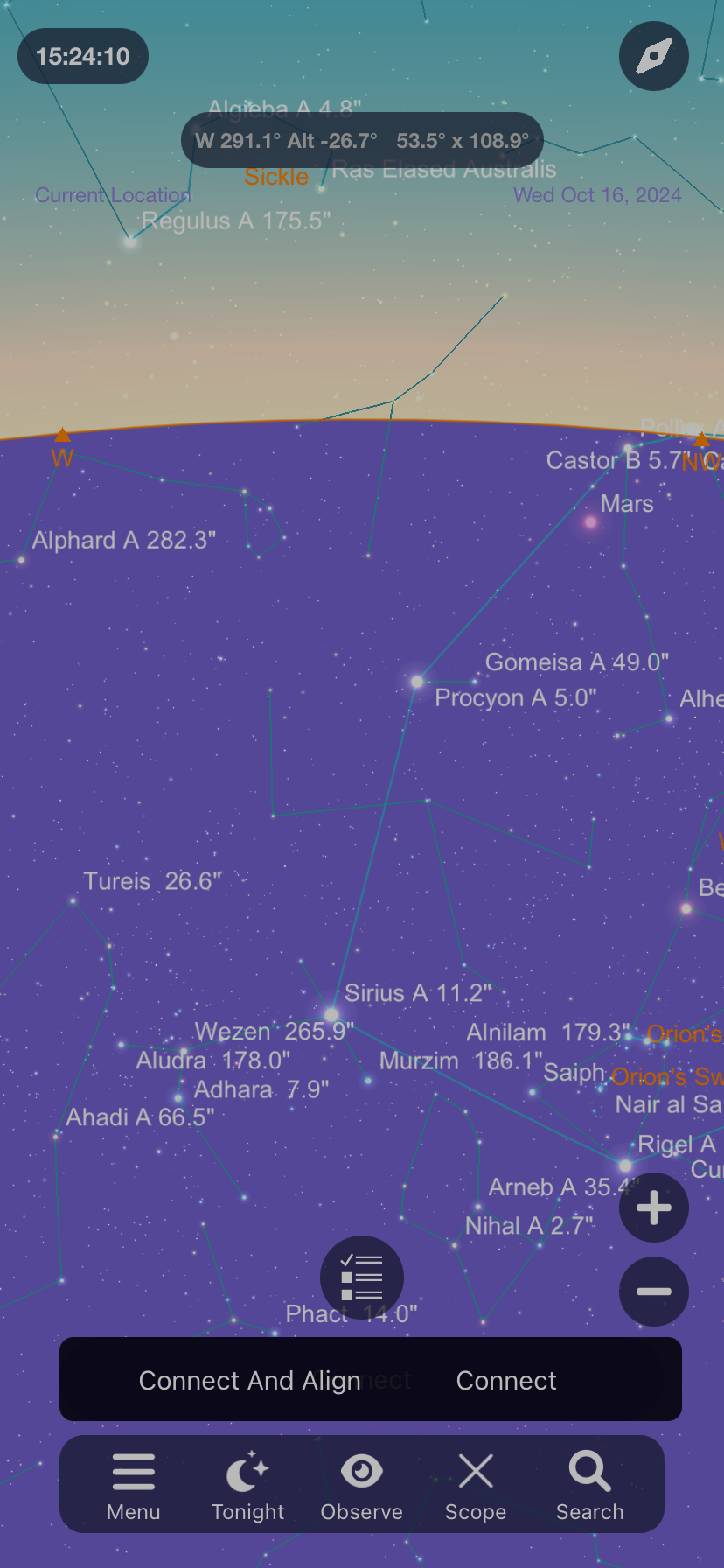
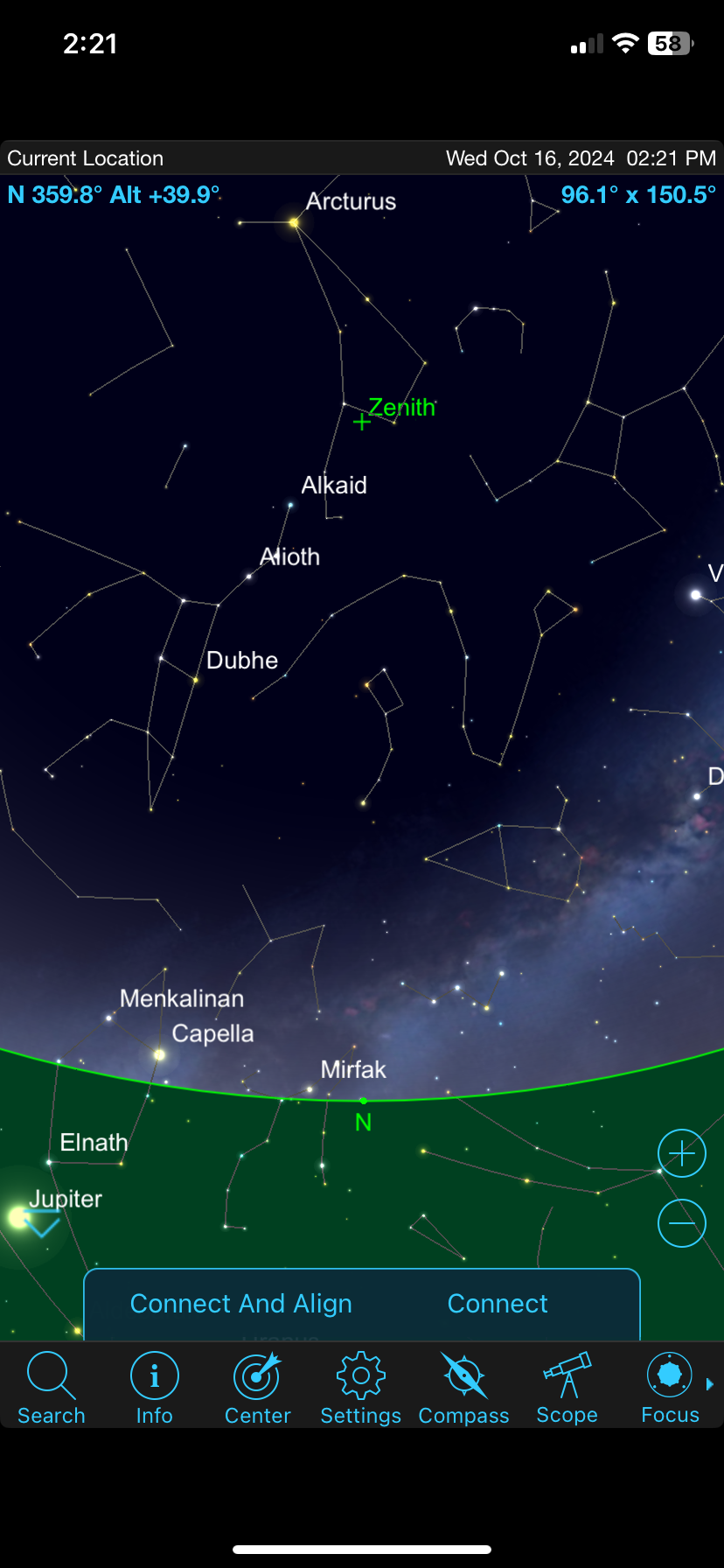
Enter 'Connect and Align' button.


-
Keiron Smith Keith,
The report must include all the steps including alignment, right up to the error message.
Thanks!
-
keith stepp Sky Safari 7 Pro 7.5.0 (1117)


-
keith stepp Those are the steps!!
1) I plug in camera only to AUX1 . (no hand controller)
2) OTA is horizontal
3) Turn on Mount
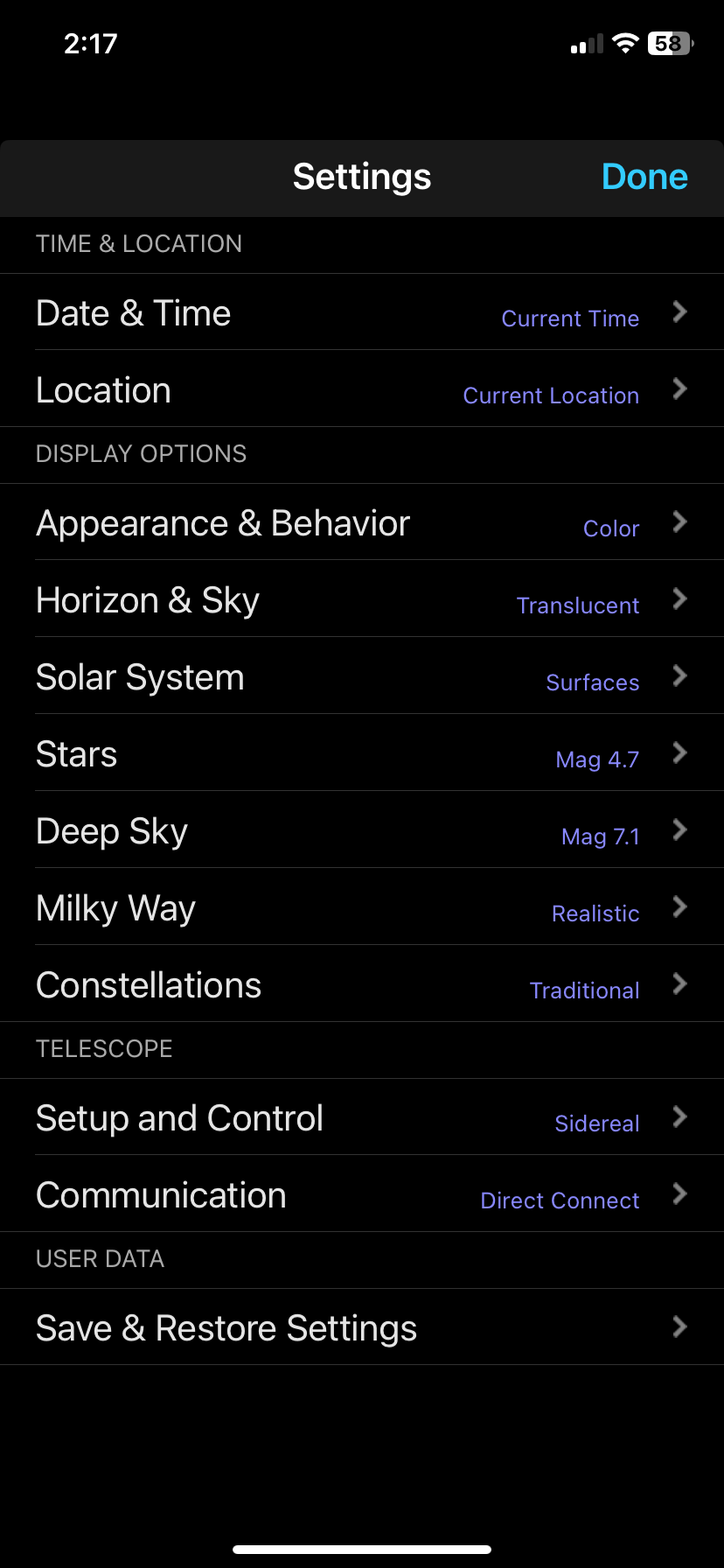
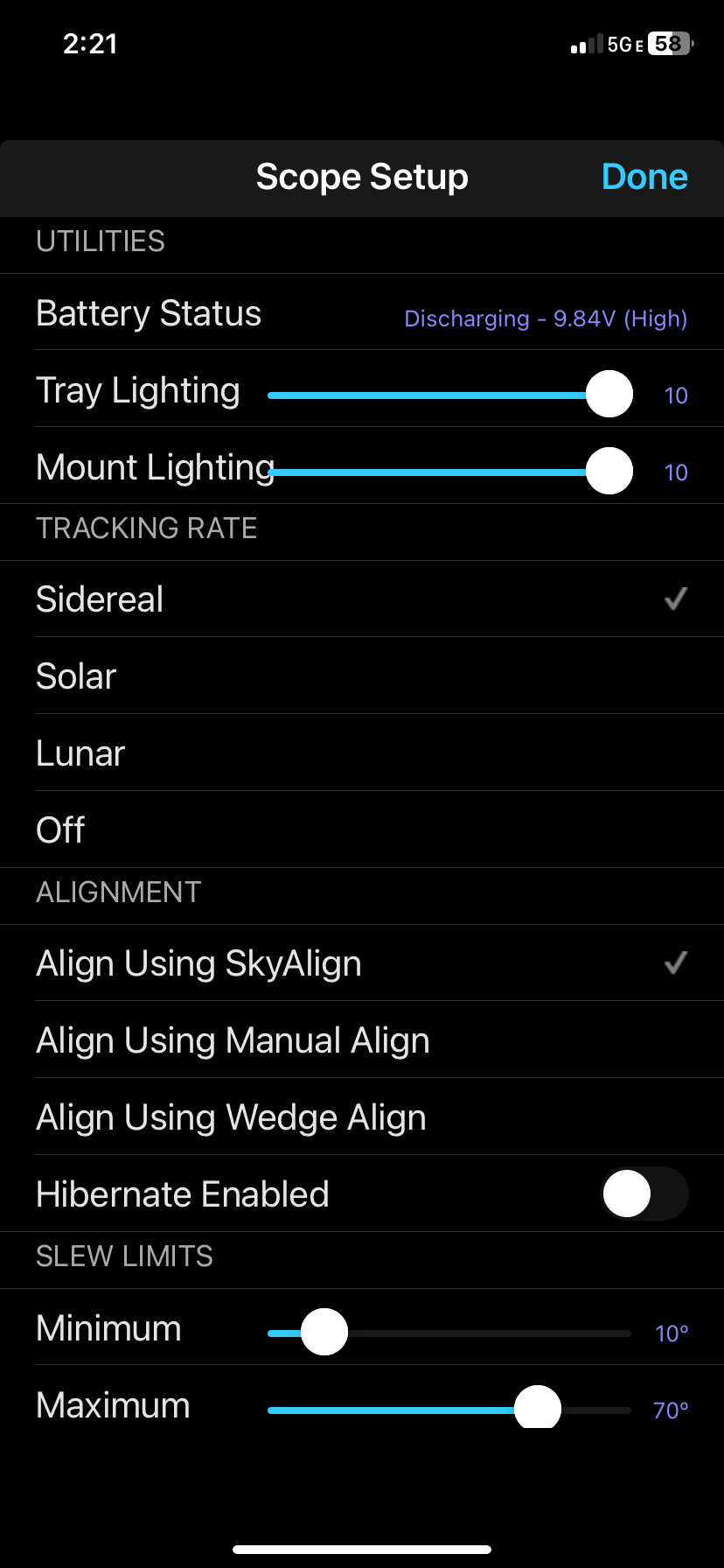
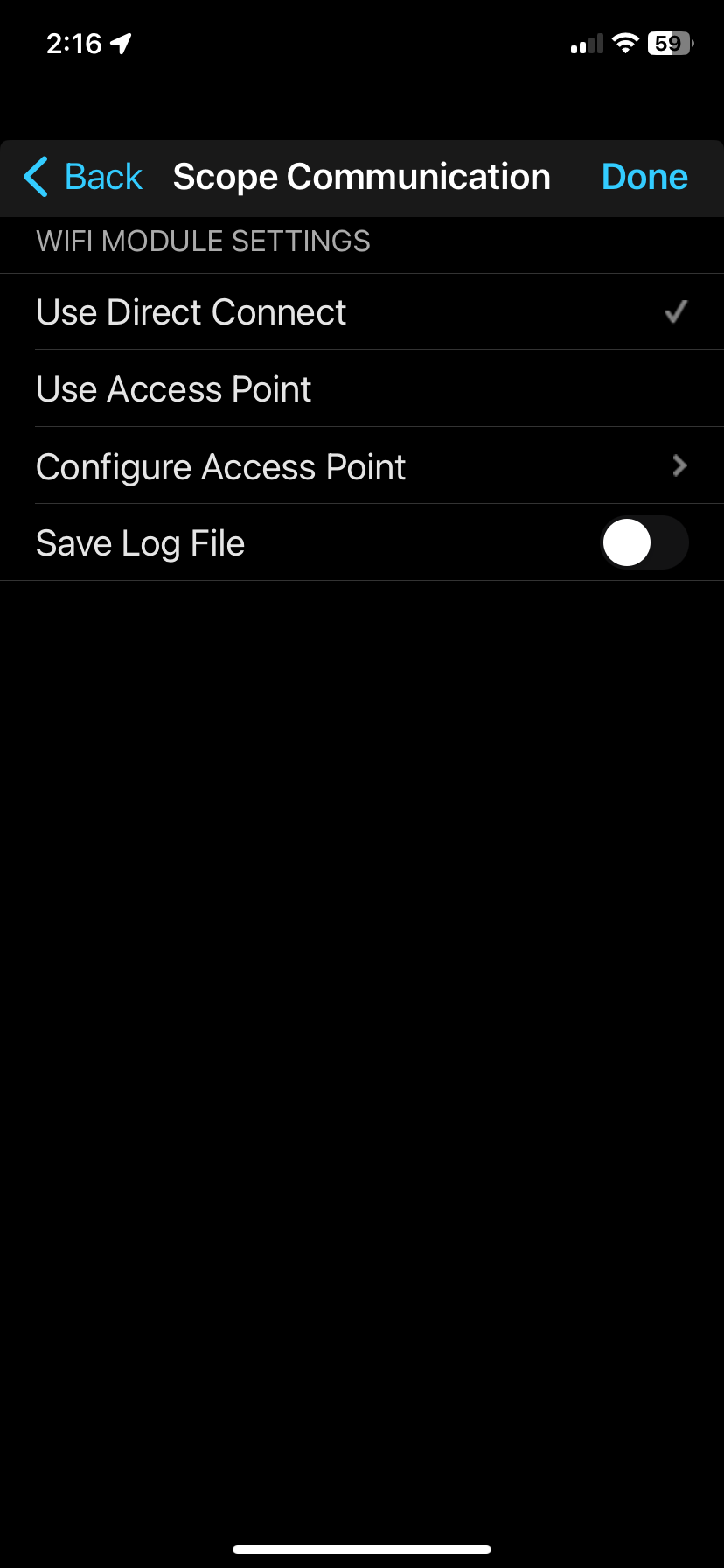
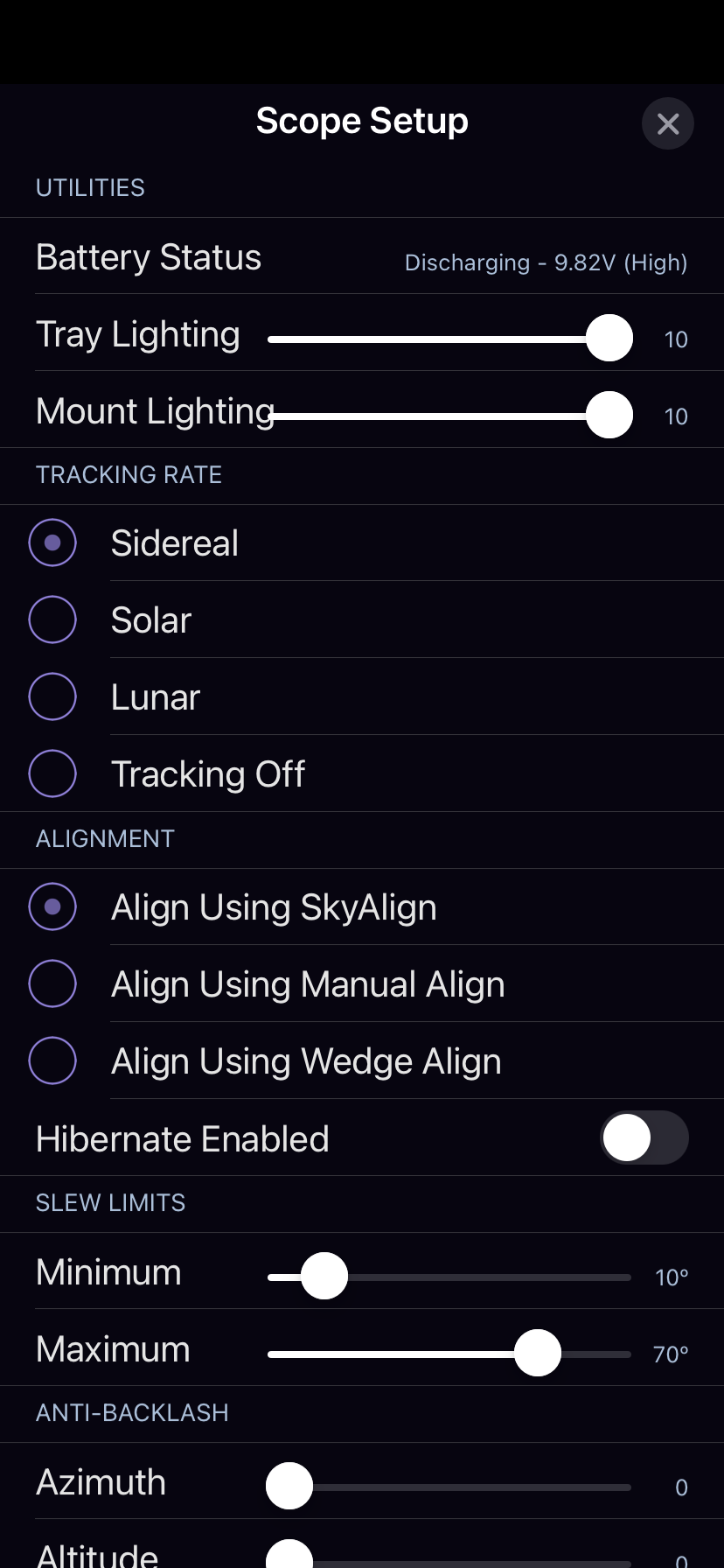
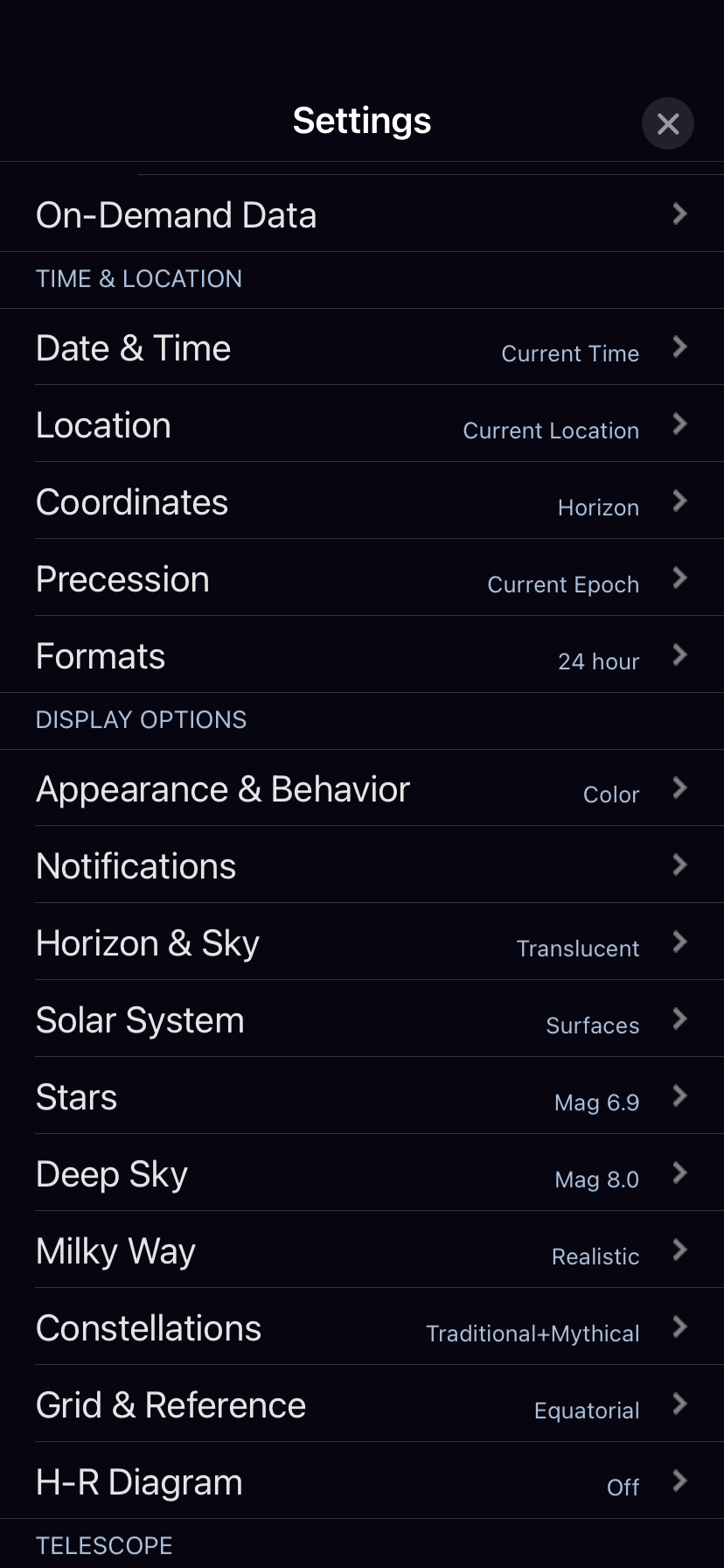
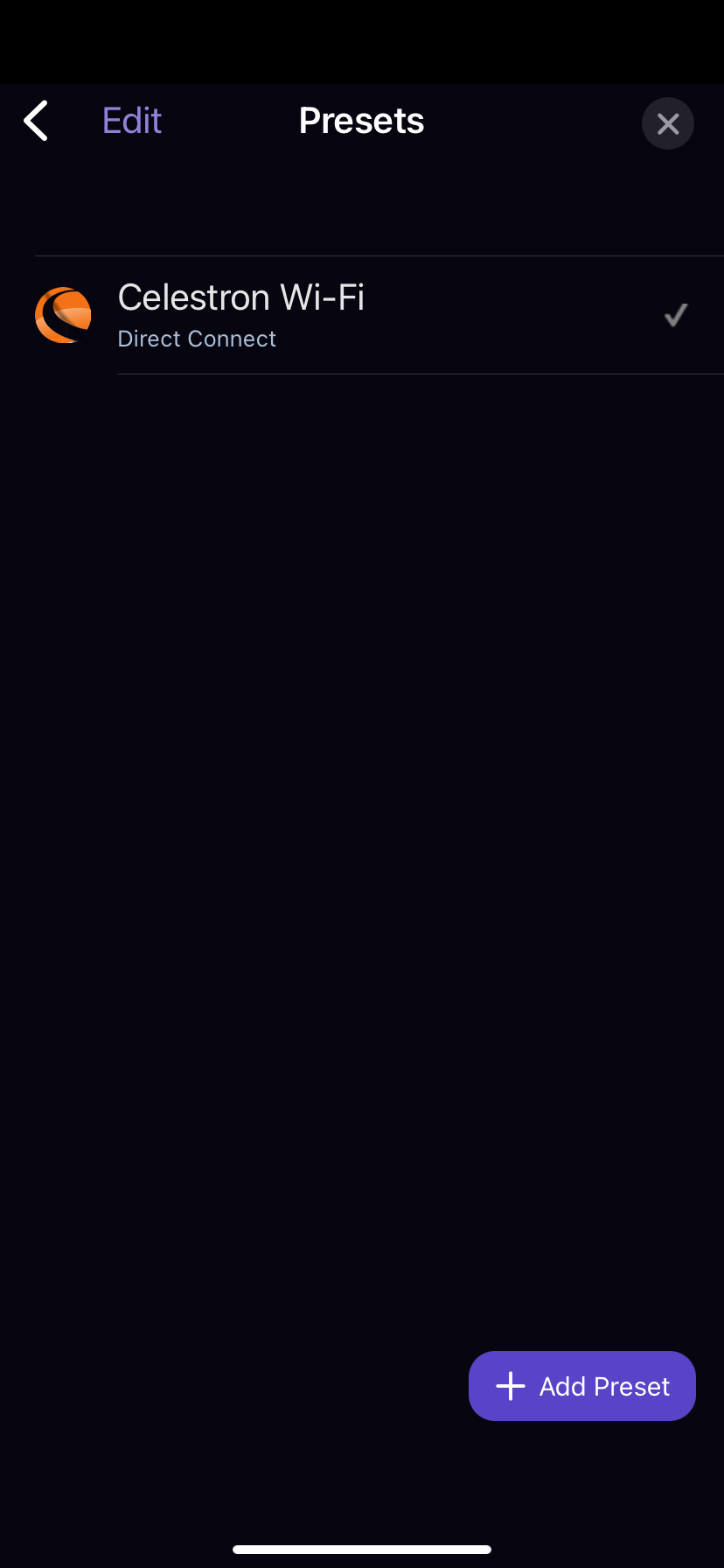
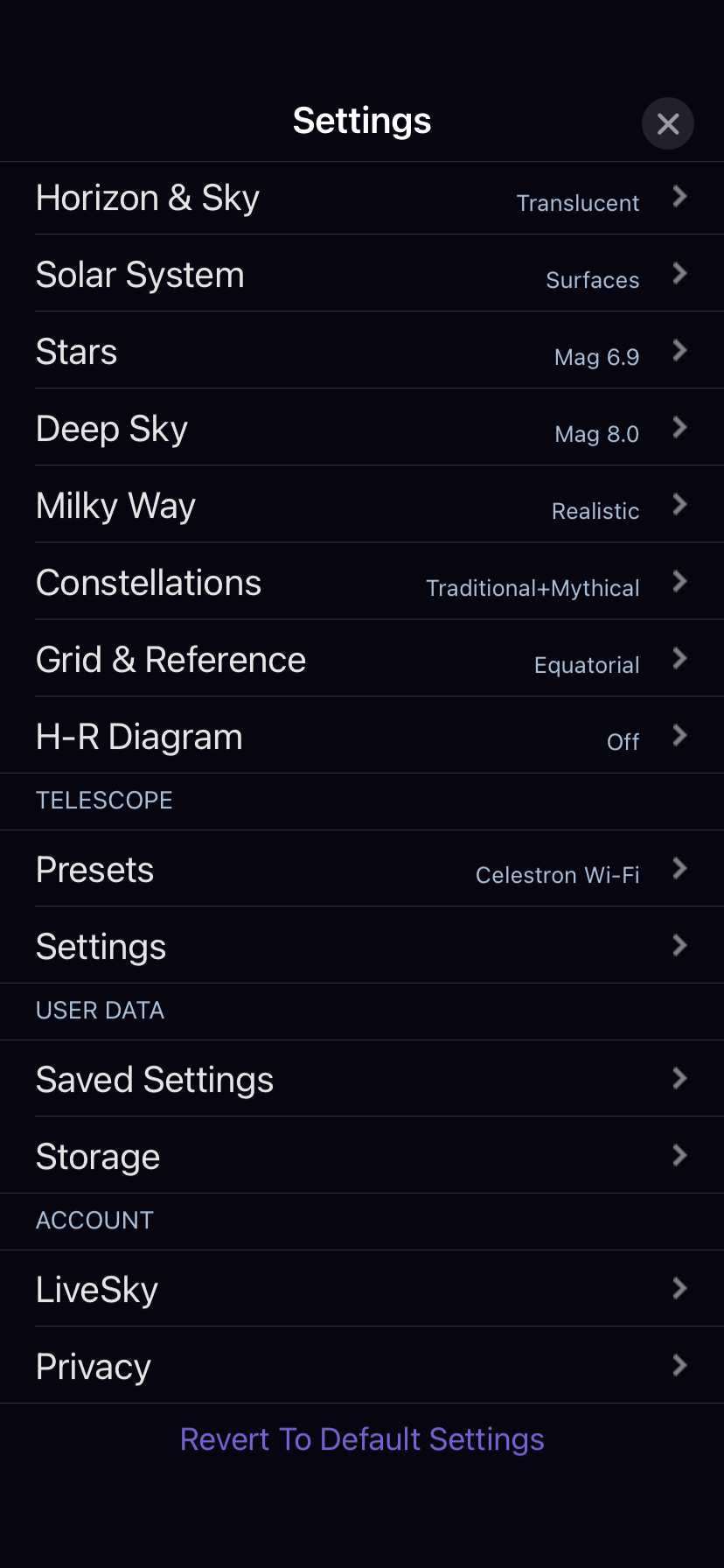
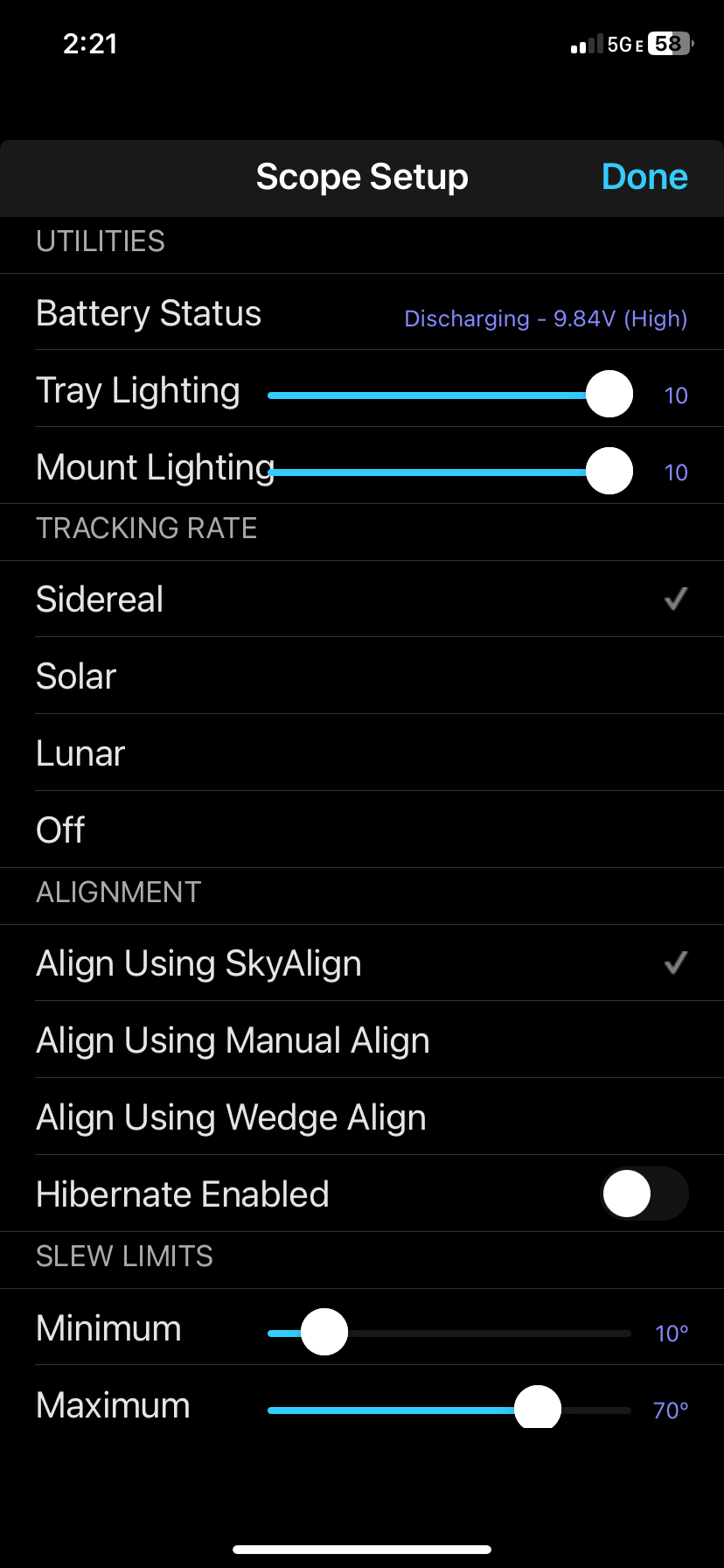
4) Settings as per screenshots
5) I ONLY ENTER 'CONNECT AND ALIGN'!
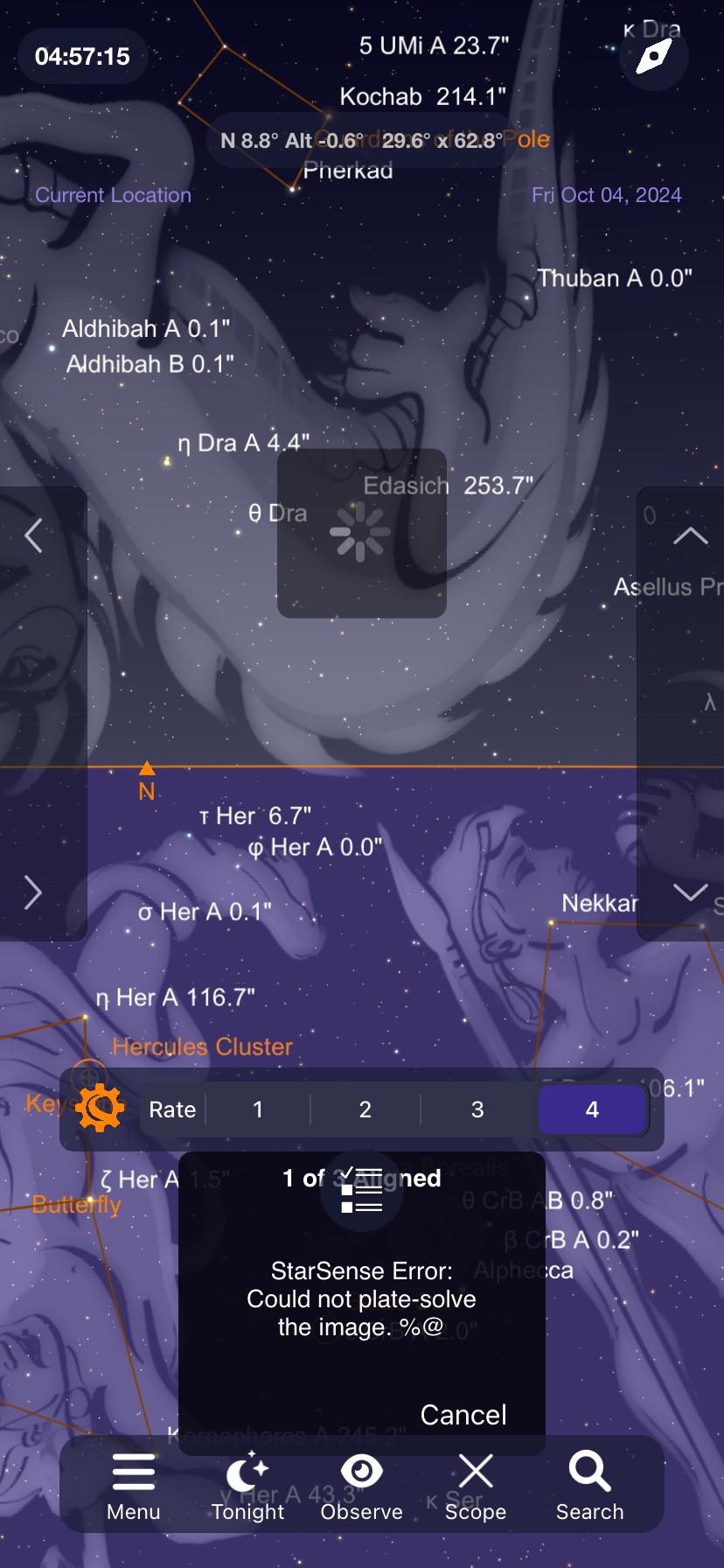
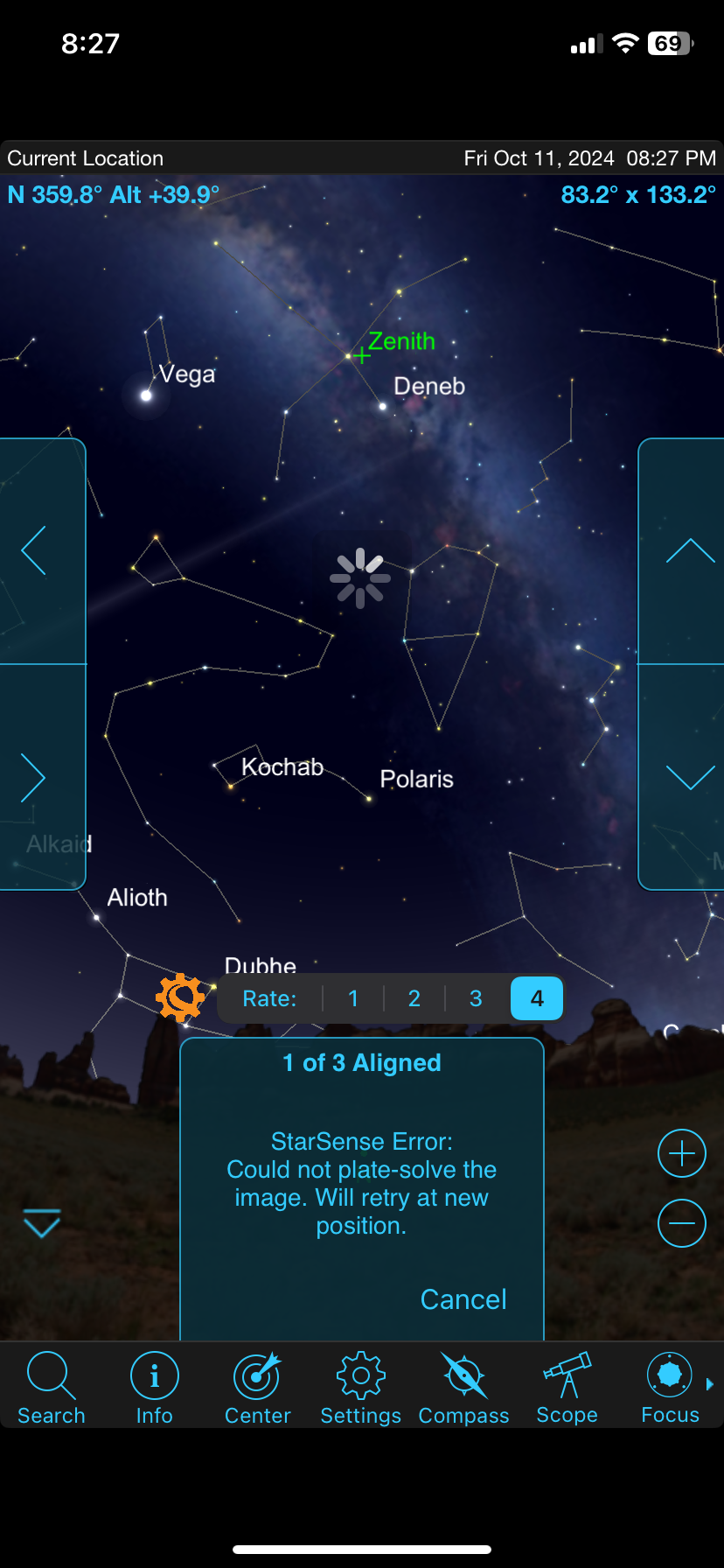
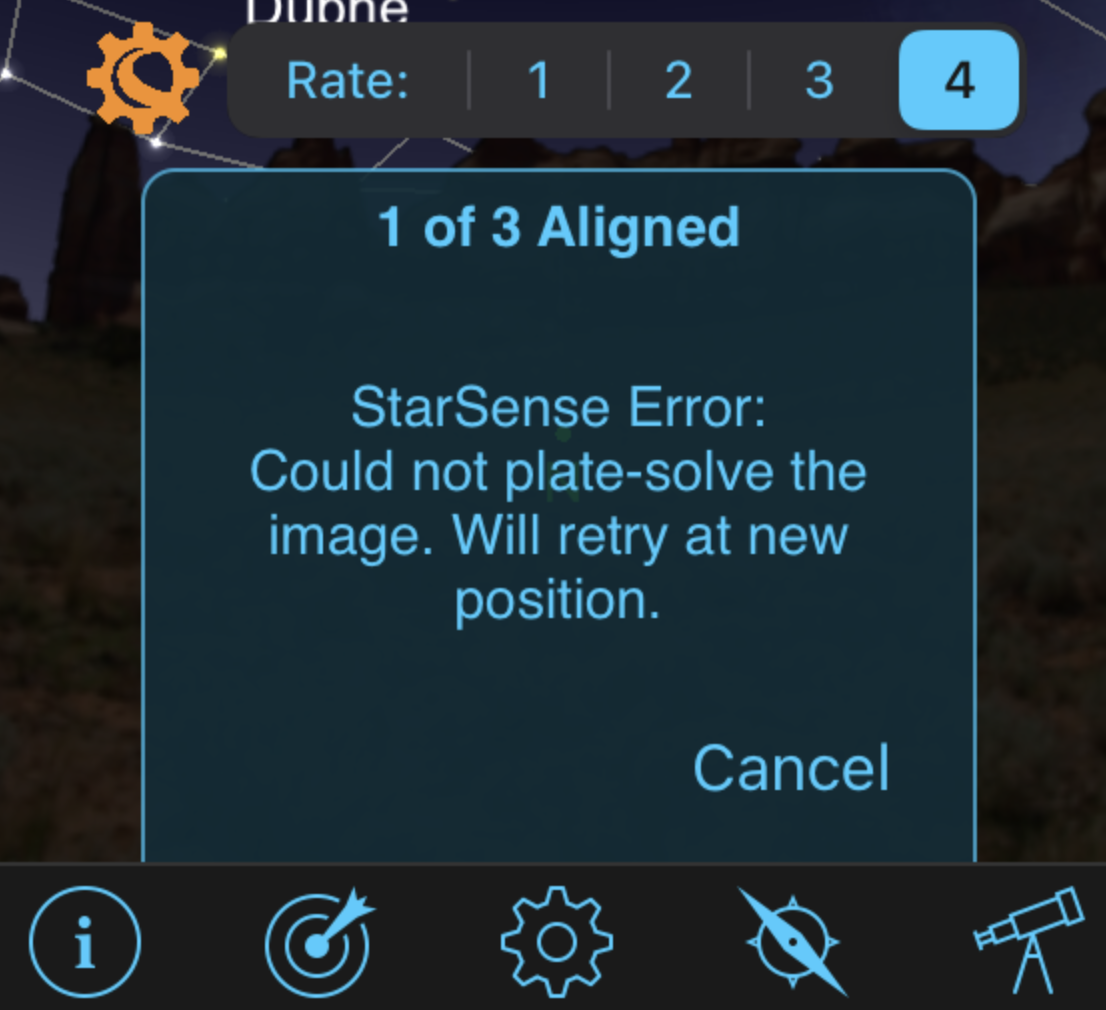
It then only completes only 1 of 3 alignments as described earlier, then errors (as per original post)
-
keith stepp Sky Safari Pro error:

-
keith stepp SkyPortal error:

-
Keiron Smith Keith,
At this point, StarSense should pivot to try and plate-solve a new section of the sky. What happens at this point exactly when you are using it?

-
keith stepp It does retry, but reverts to 0 of 3 alignments, then performs first alignment again successfully,(solved plate!). then displays same error as above. Code in a loop.
-
keith stepp ...same error always after 1st alignment
-
Keiron Smith Keith,
Please make a screen recording of the alignment process, showing where it fails, and how it loops back to the beginning of the alignment again.
Record a few minutes of this looping to restart the alignment. This could be a telling clue into what is going on.
Share the recording via a link using DropBox, iCloud or Google Drive, etc.
Developers need to see, to assess the issue, as a video.
Thanks!
-
keith stepp And why can't I simply email it?
-
keith stepp Someone else would need to record Video would be in darkness so quality would not be good. don't have dropbox would need to know link to share
-
keith stepp Really nothing to record record anyway. Just restarts again only few seconds.
-
Keiron Smith You can use the iOS screen recording function. It will record the display as you use the app.
Email direct to ksmith at simcur.com
-
keith stepp FYI there is 5 MB size limit for sending videos using Mail Drop. The recording you are asking me to perform will be much large than that.
-
keith stepp Keiron, FYI, same errors using Android. Meeting with another astronomy club member this Saturday night, who also has same scope as I do Will swap out star align cameras to see if that is the issue
-
Keiron Smith Keith,
Please also update this thread with your results of the camera switch experiment.
Thanks!
-
Alister Ling Solved "not enough stars" "plate solve error" etc. when working with SkyPortal/SkySafari. [ One of the use-cases anyway ]
The key is to have the hand-controller plugged in (just never used). I had (a friend's C8 setup) autoaligned with the hand-controller, finding things (yay!) then moved to SkyPortal app via Wifi dongle to show how much nicer it is, but it pointed 40 degrees away. Cycled power, waited for the initialization to say ready, then went to Sky Portal and did "connect and align" and after its 3 points, bam it works as expected, including adding align points. Don't switch between app and HC.
On a previous night, when the hand-controller was not plugged in, but using a Celestron WiFi dongle, the SkyPortal software connected and moved the scope but it was error after error. I was this close to giving up.
-
Carson Hanrahan @Alister Ling That's a common misunderstanding. The alignment model is stored on the device that creates it. If you use the hand controller (HC) to align, thereafter the model is in the HC's memory and only the HC can be used for go-to functions. Similarly, if SkySafari or SkyPortal is used to perform the alignment, the model is stored in memory in SkySafari or SkyPortal and only it can be used for go-to functions. The scope can still be slewed using either, regardless of the which performed the alignment, but go-to can only be used from the alignment device.
That's why SkyPortal didn't work for go-to when you aligned using the HC but worked when you aligned using SkyPortal. It has nothing to do with the HC being plugged in.
-
Alister Ling Carson Hanrahan thanks for that clarification. There should be a reminder/pop-up for that. With Synscan/SkySafari it is a must align with Synscan app first, but the HC can be in a closet. Back to Celestron StarSense HC and SkyPortal.... my original problem was that with no HC at all, SkyPortal would try but could not get the system to align, giving error after error. Historically I *have* aligned CPC1100 with no HC and SkySafari, so assumed I could do this with newer tech...nope. Having read many posts about updating (and downgrading!) firmware and versions on all parts, I wondered how this mess could have arisen, then I simply pictured myself in the test room - the HC is plugged in, but testers are using their phones and it works, they didn't think to disconnect the handset and try. So for those out there pulling their hair out... try: step 1) HC plugged in but unused. Step 2) Sky Portal/SS "Connect and Align". and don't touch the HC.
-
Carson Hanrahan Alister Ling That's a good point, but not sure how either SkySafari or the HC could detect the other device being used to perform an alignment. I think the lack of HC and plate solving errors are coincidence rather than causation. I've had errors running "headless," i.e., without the HC, aligning via SkySafari 7 Pro and SkyPortal; and with the HC plugged in. Doesn't seem to matter. I traced the issue to misformed messages on the Celestron AUX bus coming from the StarSense AutoAlign camera. Neither SkySafari, SkyPortal, or the HC know how to handle those messages. See here for details: https://support.simulationcurriculum.com/hc/en-us/community/posts/26887370784151/comments/27798081369495.
-
keith stepp Carson/Alister in my case it was faulty SSAA camera which Celestron replaced and is still under warranty. I think I had inadvertently pointed it at direct sunlight one afternoon as I hadn’t replaced the protective cap.
-
Alister Ling Carson, great detective work on the AUX bus (!), I had read that thread before posting and was anticipating a failed alignment... but it worked. At least I know to return here to report on upcoming outings. Best wishes observing, folks!