New post
0

[Bug]* Rotate FOVs Fail & Save Location With Name Fail & Location Distance Fail

I upgraded from SN7 Pro to SN8 Pro Plus and encountered the following problems :

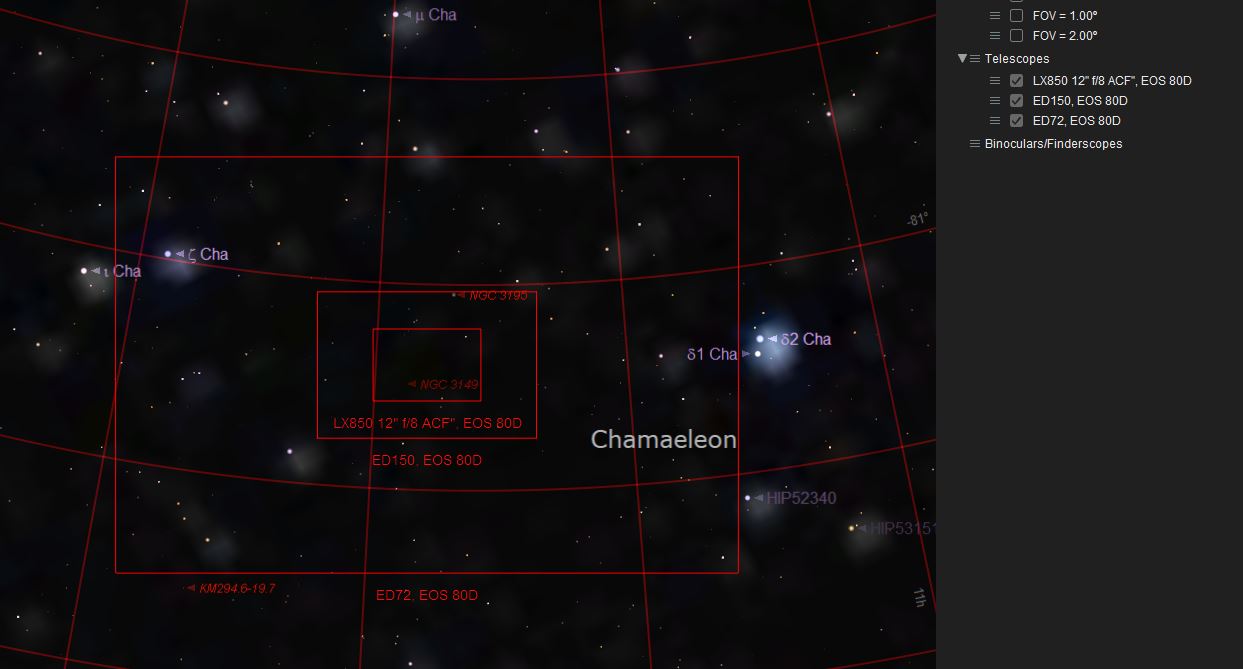
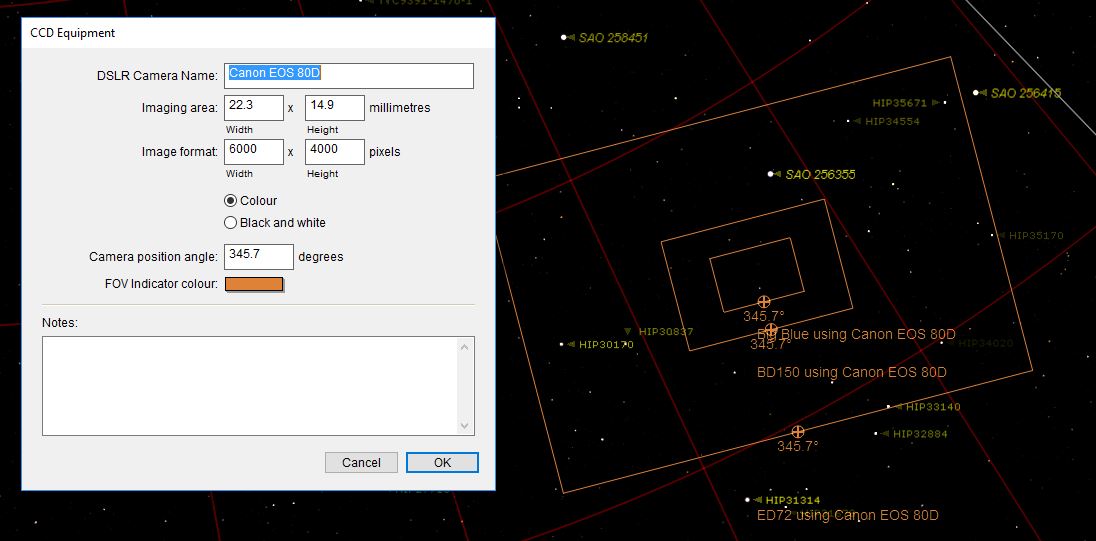
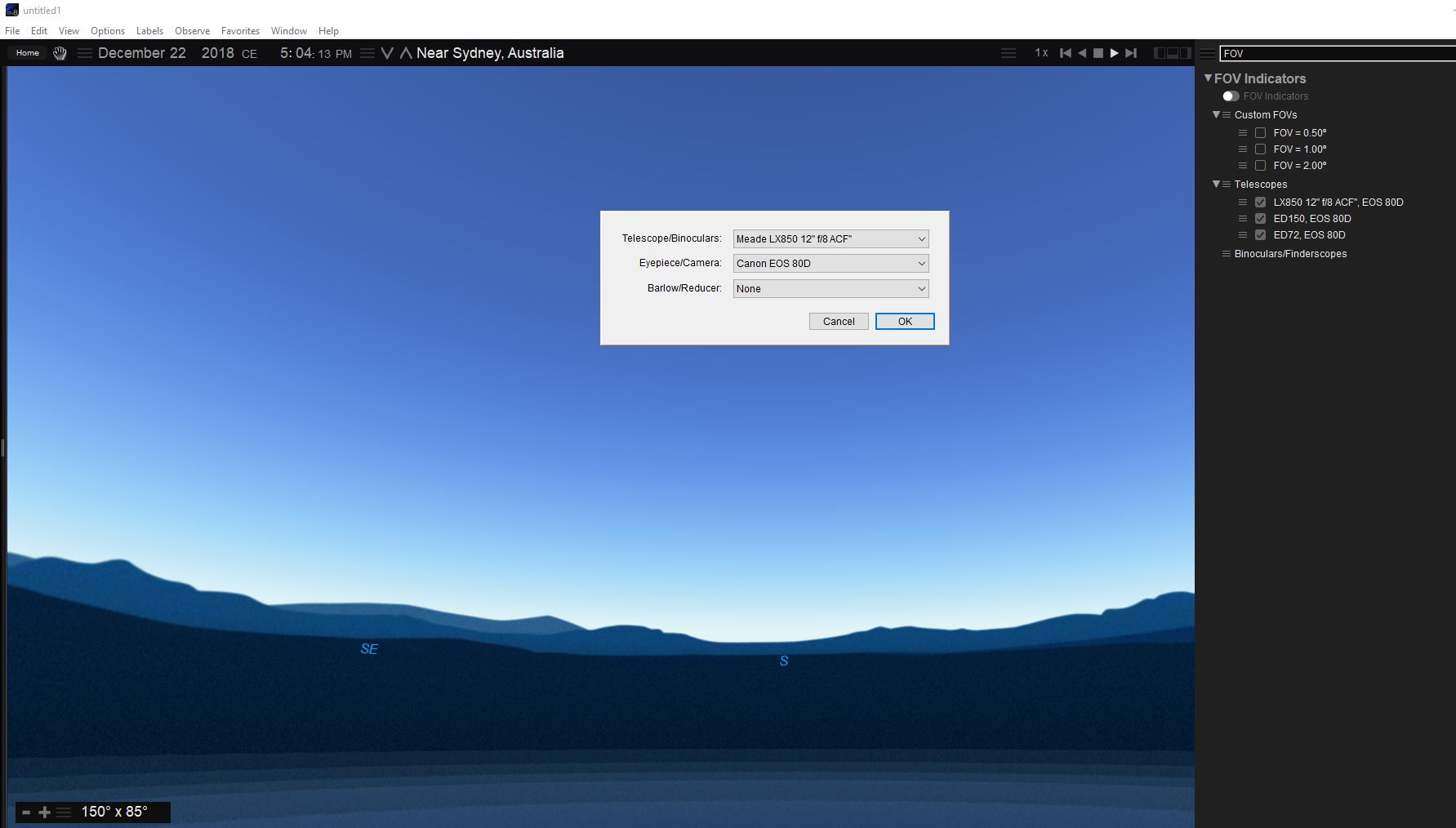
1) Equipment input as described by the post from Jedowns - I note a fix is on the way, however, I am unable to edit FOVs correctly. All I am presented with is shown in the attached screenshot. Also the small bullseye marker on the FOV frame in SN7 is not visible, so you can't rotate the frame around an object.

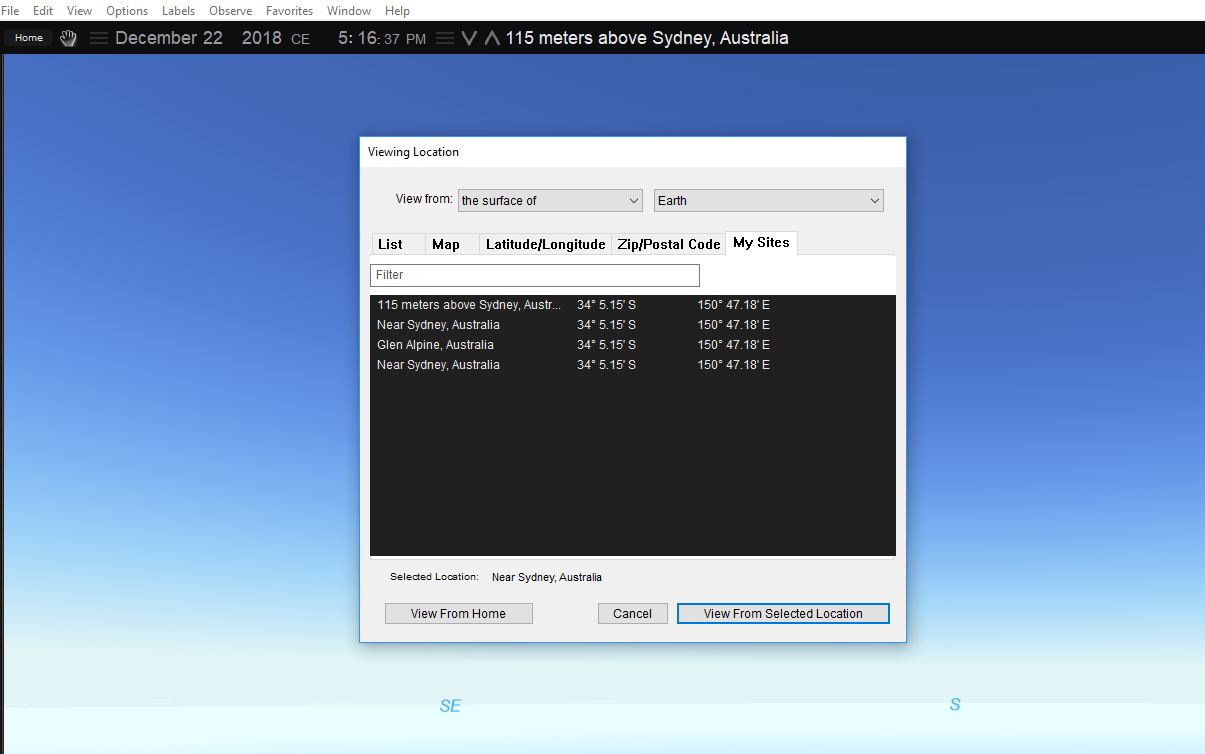
2) Setting a custom location - when initially entering custom Lat/Long there is no way to name that location. Eventually a "Save as viewing location" box appeared. When I select my actual Location, SN8 displays it as 115m above Sydney. There is no way to edit or delete a location in the list.

SN8 Pro Plus build 1633. Windows 10 64 bit (up to date)

Thanks,

Greg


3 comments

  • Avatar
    Keiron Smith Official comment

    DevOps reference:

    https://starrynight.unfuddle.com/a#/projects/7957/tickets/by_number/9744 (Why Are Site Listed In The Toolbar As "X Meters Up"?)

    https://starrynight.unfuddle.com/a#/projects/7957/tickets/by_number/9708 (Rotate FOVs Fail)


  • 0
    Avatar
    Keiron Smith

    Hi Greg, 

    The Meade LX850 has a fixed preset FOV.  What do you want to edit about it?

    Can you identify in SN7 which FOV indicator creates the small bullseye marker?

    Go to Observe > Sites > Edit, Delete or create New

    Rotation FOV and location name/distance issues are scheduled to be fixed in the next update.

    Thanks!

  • 0
    Avatar
    Kgbradford1

    Hi Keiron,

    It sounds like some of this stuff is going to be addressed in the February update.

    Re the LX850 FOV - attached shows what I get in SN7. Compare to the first two screenshots in my original post. With the cursor in adaptive mode you can left click and hold on the small bullseye on each FOV frame to rotate it.

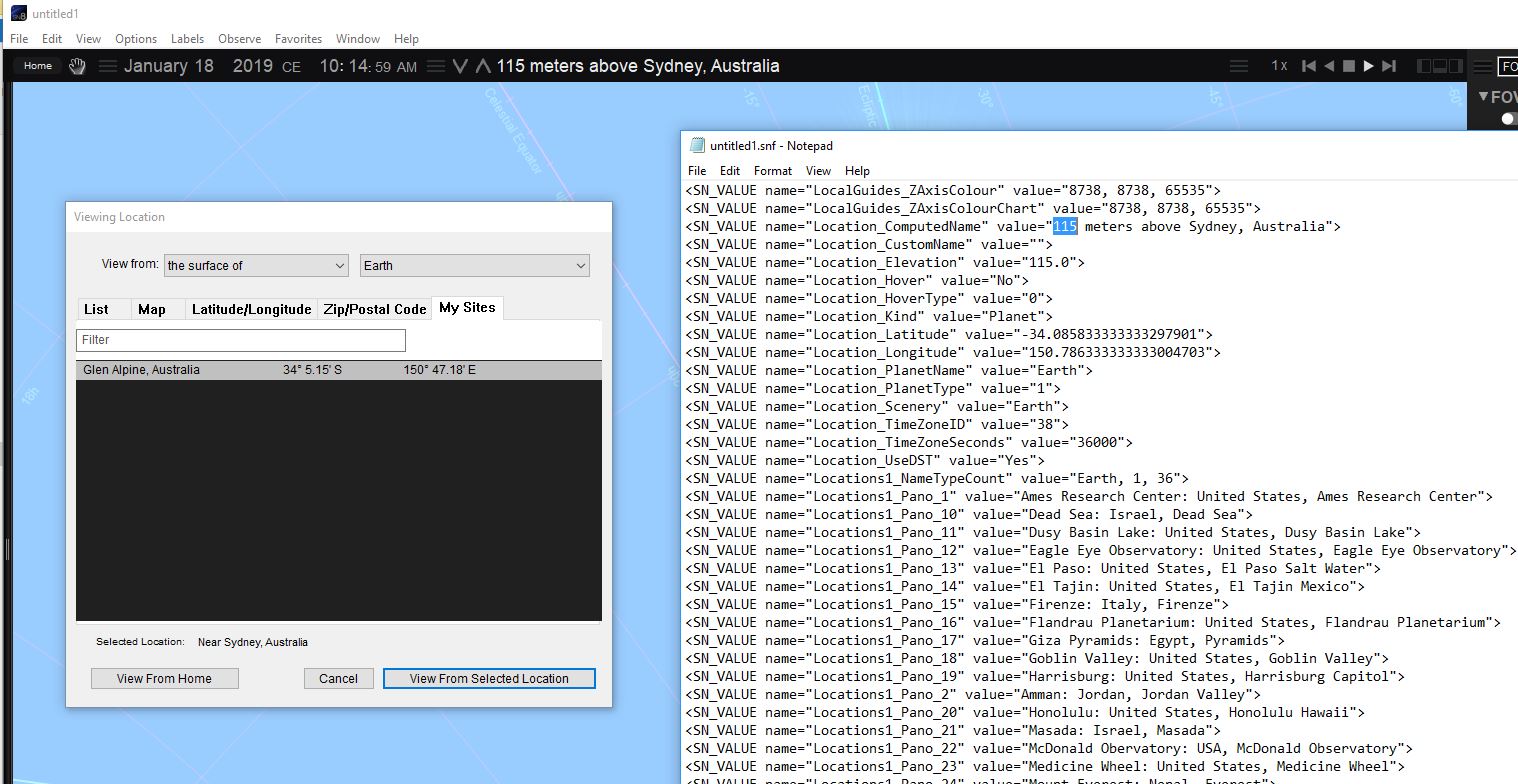
    I used Observe Site to edit the custom location list (compare screenshot above to attached), the location bar still shows 115m above Sydney etc instead of Glen Alpine.

    I deleted the untitled.snf that I saved my defaults in, but the 115m above Sydney still appears. Is there any where else location data is stored ?

    Thanks,


    Greg


Please sign in to leave a comment.