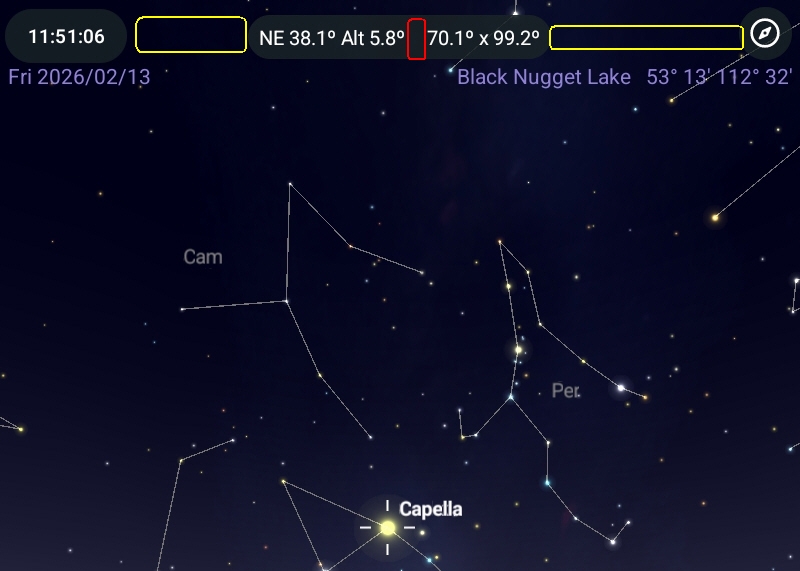
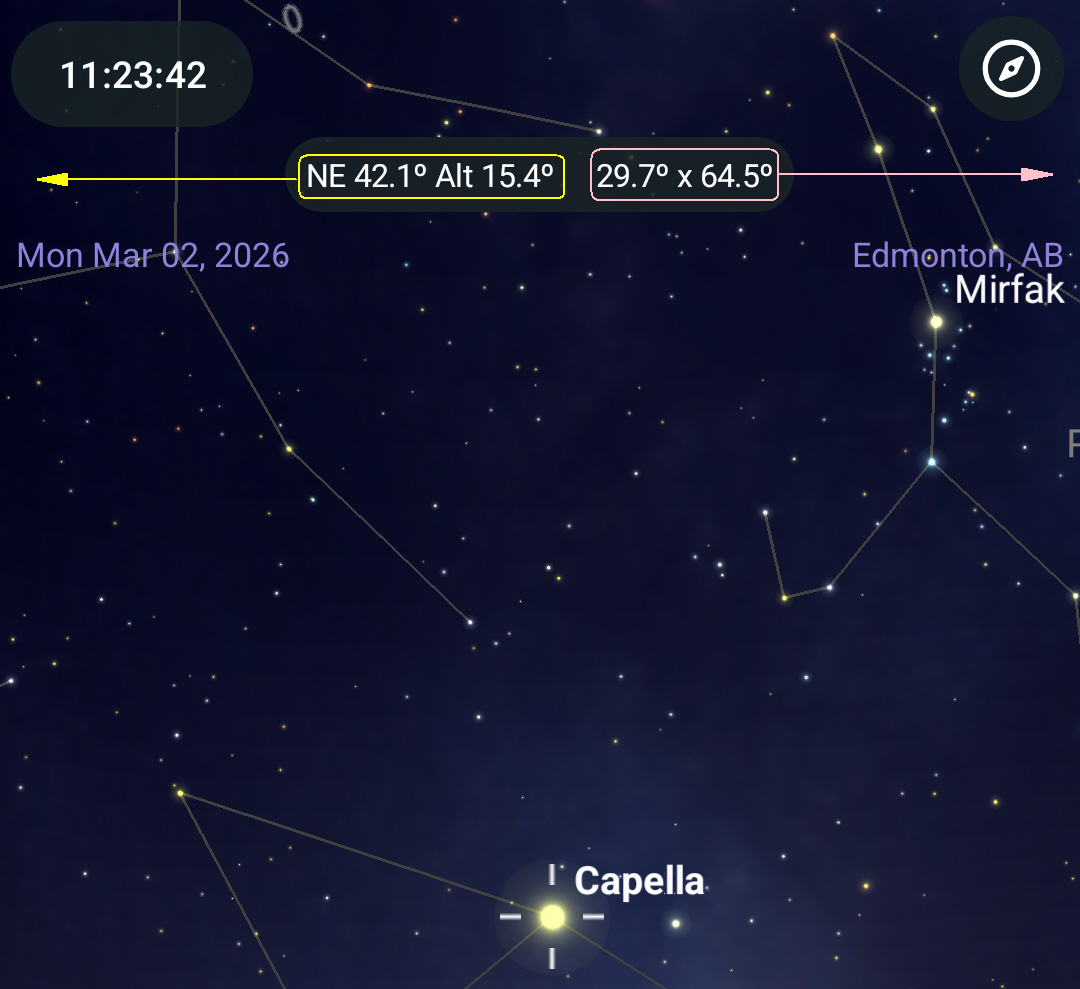
In the latest SkySafari Pro v7.6.4.1 for Android, the chart coordinates & FoV size have been moved to the Status Bar. An undesirable effect of this is that tapping the Status Bar to briefly display the object name, mag, etc. is trickier. One must tap between the coordinates and the FoV to display the info (the red area in the screenshot below). Tapping left of the coordinates or right of the FoV does not do it (the yellow areas in the screenshot below). This is worse than before and with gloved hands makes it trickier to display the info - if I don't tap just right, the coordinates popup or the FoV popup control appears. There is more space left of the coordinates or right of the FoV than between the two, so perhaps those areas could also be made to display the brief object info.